


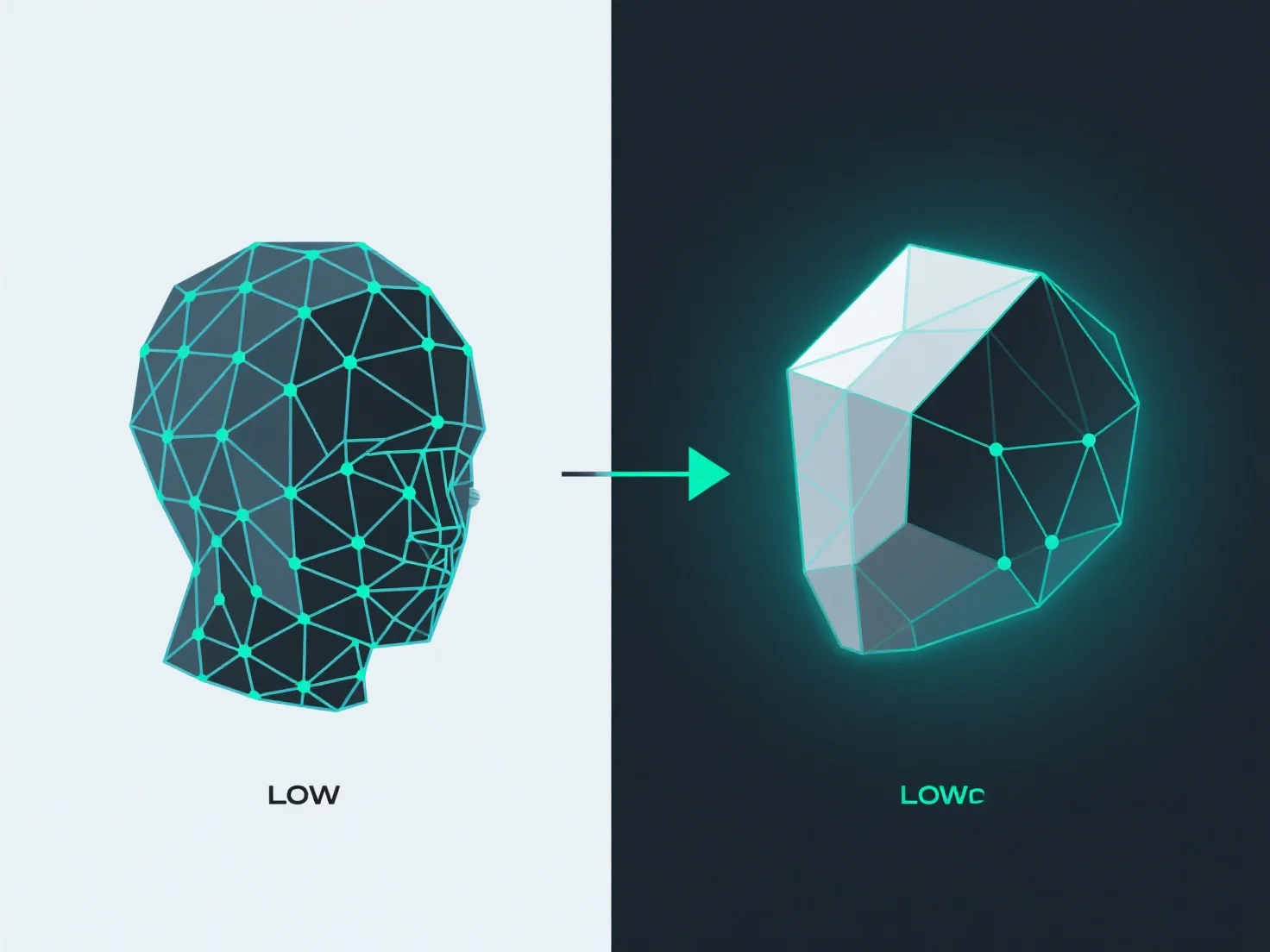
Para converter um modelo de alta poligonalidade num de baixa poligonalidade, mantendo os detalhes, a chave é combinar geometria simplificada (retopologia) com a transferência de detalhes através do baking de texturas.
A Retopologia cria uma malha de polígonos inferior com um fluxo de arestas limpo e otimizado, reduzindo a contagem de vértices/faces enquanto preserva a forma central do modelo. Ferramentas como o Retopoflow do Blender ou o Quad Draw do Maya simplificam isto, permitindo aos utilizadores reconstruir malhas manualmente ou de forma semi-automática, garantindo uma topologia eficiente.
A cozedura transfere detalhes de superfície de alta poligonalidade.
Juntos, a retopologia e o baking equilibram a redução de polígonos com a retenção de detalhes: a malha de baixo polígono permanece eficiente, enquanto as texturas baking mantêm a ilusão de alta detalhe.