


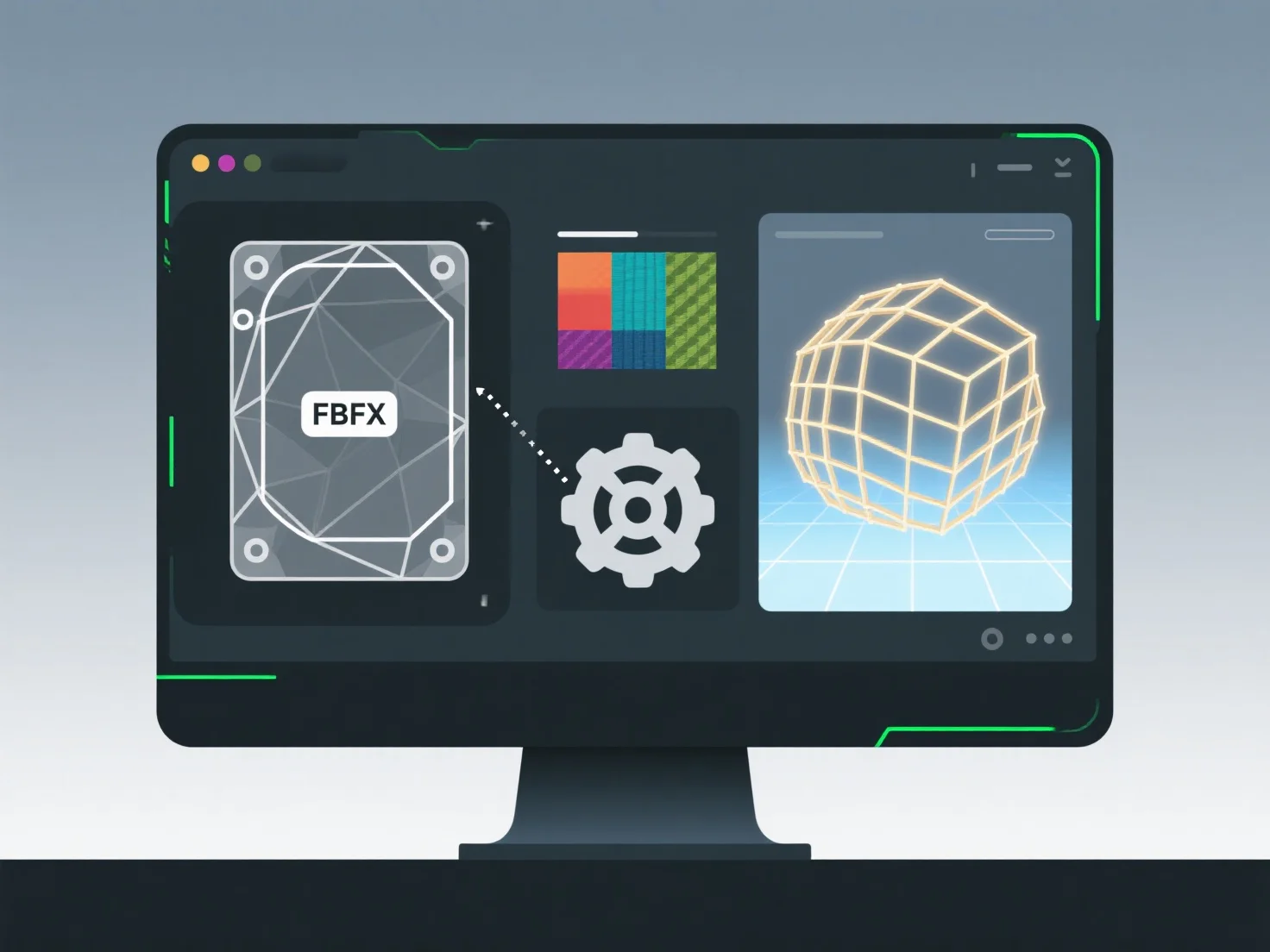
Os motores de jogo, como o Unity, lidam com a importação de ativos 3D através de um pipeline estruturado que converte os ficheiros de origem em formatos otimizados para o motor, para utilização em tempo real.
Os principais passos incluem: - Analisar ficheiros de origem: Apoiar formatos como FBX, OBJ ou glTF, extraindo geometria, materiais e animações. - Conversão de geometria: Transformar modelos 3D em malhas, otimizar polígonos e calcular normais/tangentes para renderização. - Tradução de materiais: Converter materiais de origem para shaders compatíveis com o motor, mapeando propriedades como texturas e respostas de iluminação. - Processamento de animação: Cozer fotogramas-chave, ligar a rigs e garantir compatibilidade com o sistema de animação da Unity.
Este pipeline garante que os ativos se integrem com a renderização, a física e a animação; resolve problemas de importação, verificando a integridade do ficheiro ou ajustando as definições.