


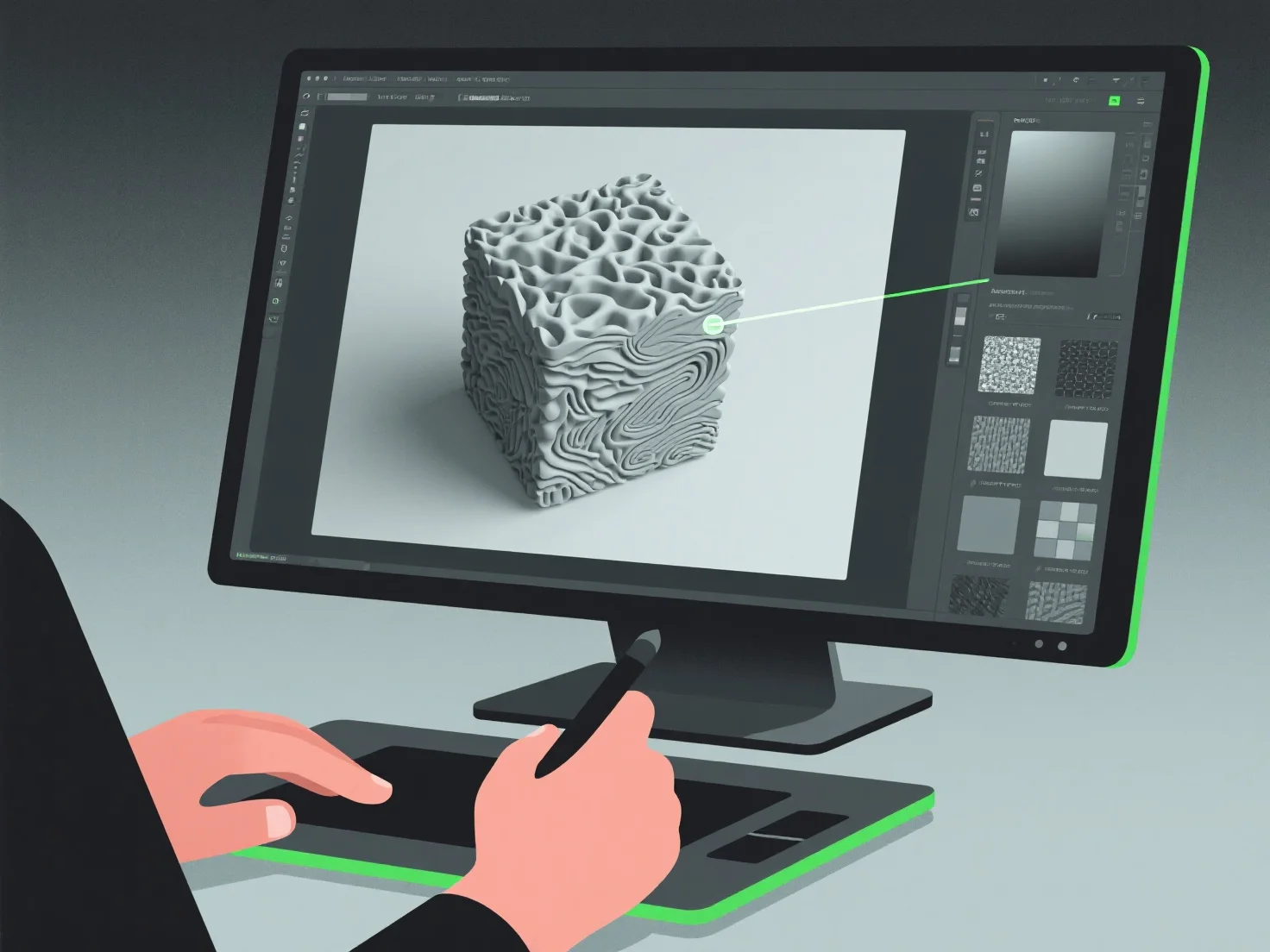
Os modeladores 3D criam texturas realistas integrando pintura digital, mapeamento de texturas e simulação de materiais, com foco na replicação de detalhes da superfície, como cor, rugosidade e refletividade, para imitar materiais do mundo real.
Eles usam frequentemente fluxos de trabalho de Renderização Baseada em Física (PBR), que simulam interações luz-material para aumentar o realismo. Referenciam fotos ou digitalizações do mundo real para capturar texturas específicas, como grãos de madeira, arranhões de metal ou tecidos. Aplicam estas através do mapeamento UV, um processo que "envolve" imagens de textura 2D em superfícies 3D para um alinhamento preciso dos detalhes.
Por eficiência, os iniciantes podem começar com bibliotecas de texturas e, em seguida, refinar ajustando parâmetros como albedo (cor base) ou mapas normais (profundidade da superfície) para desenvolver habilidades fundamentais na criação de texturas realistas.