


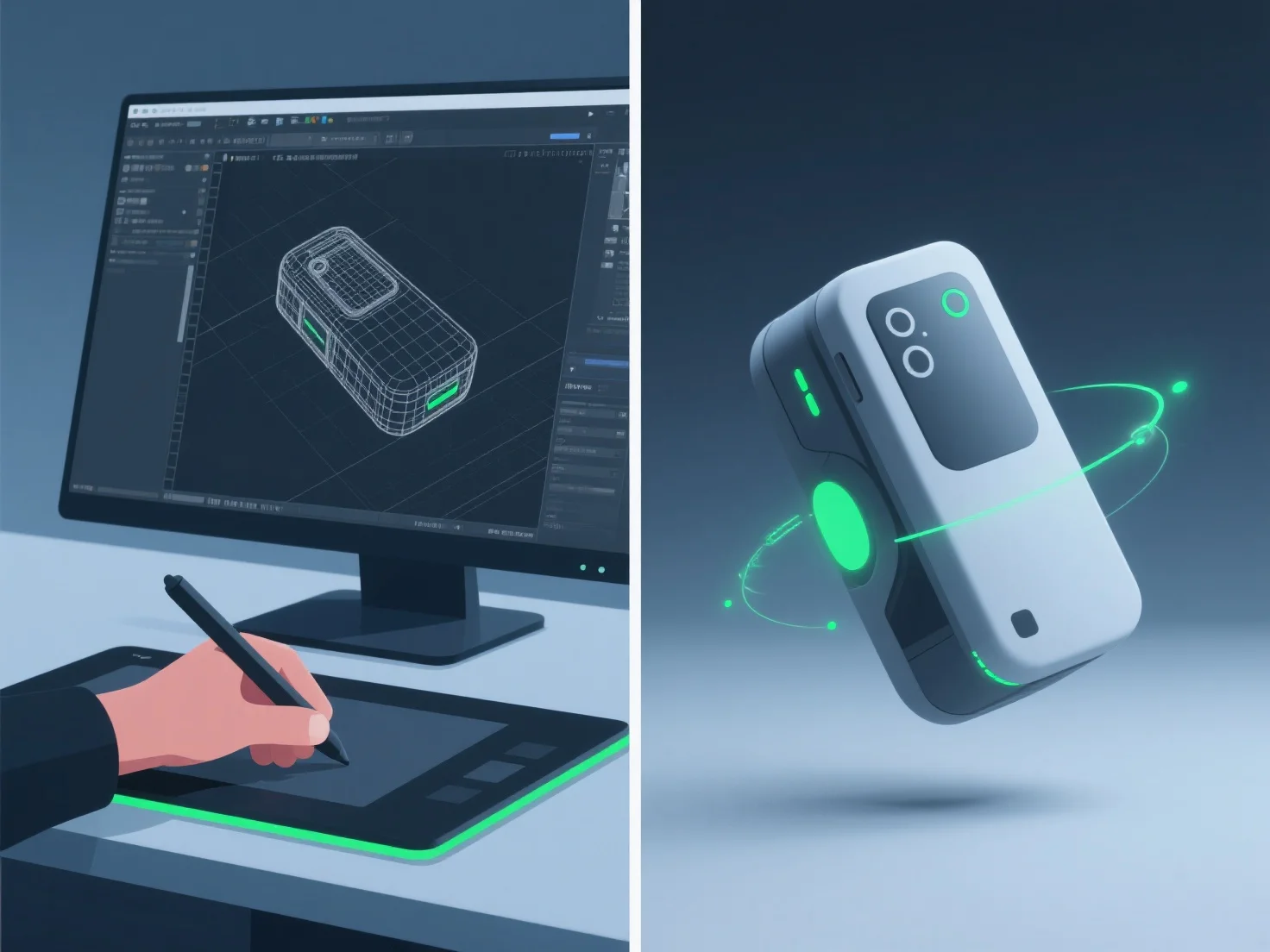
Os modeladores 3D criam animações realistas de demonstração de produtos, integrando modelagem 3D detalhada, rigging preciso, animação de quadros-chave e simulação de materiais/texturas, garantindo a forma precisa do produto, o seu movimento e os detalhes da superfície.
- **Modelagem 3D**: Construir réplicas digitais detalhadas, capturando dimensões e características exatas para espelhar o produto real. - **Rigging**: Adicionar estruturas esqueléticas para permitir movimentos naturais, como dobradiças de tampa ou pressionar botões, imitando a mecânica do mundo real. - **Animação de Keyframe**: Definir poses chave para definir sequências de movimento, alinhando o tempo com a forma como o produto funciona na realidade (por exemplo, abertura suave da tampa). - **Simulação de Material/Textura**: Aplicar propriedades de superfície realistas, como refletividade de metal ou acabamento fosco de plástico, para melhorar a autenticidade visual.
Esta combinação garante que as animações reflitam a utilização real do produto, tornando as demonstrações tanto realistas como envolventes.