


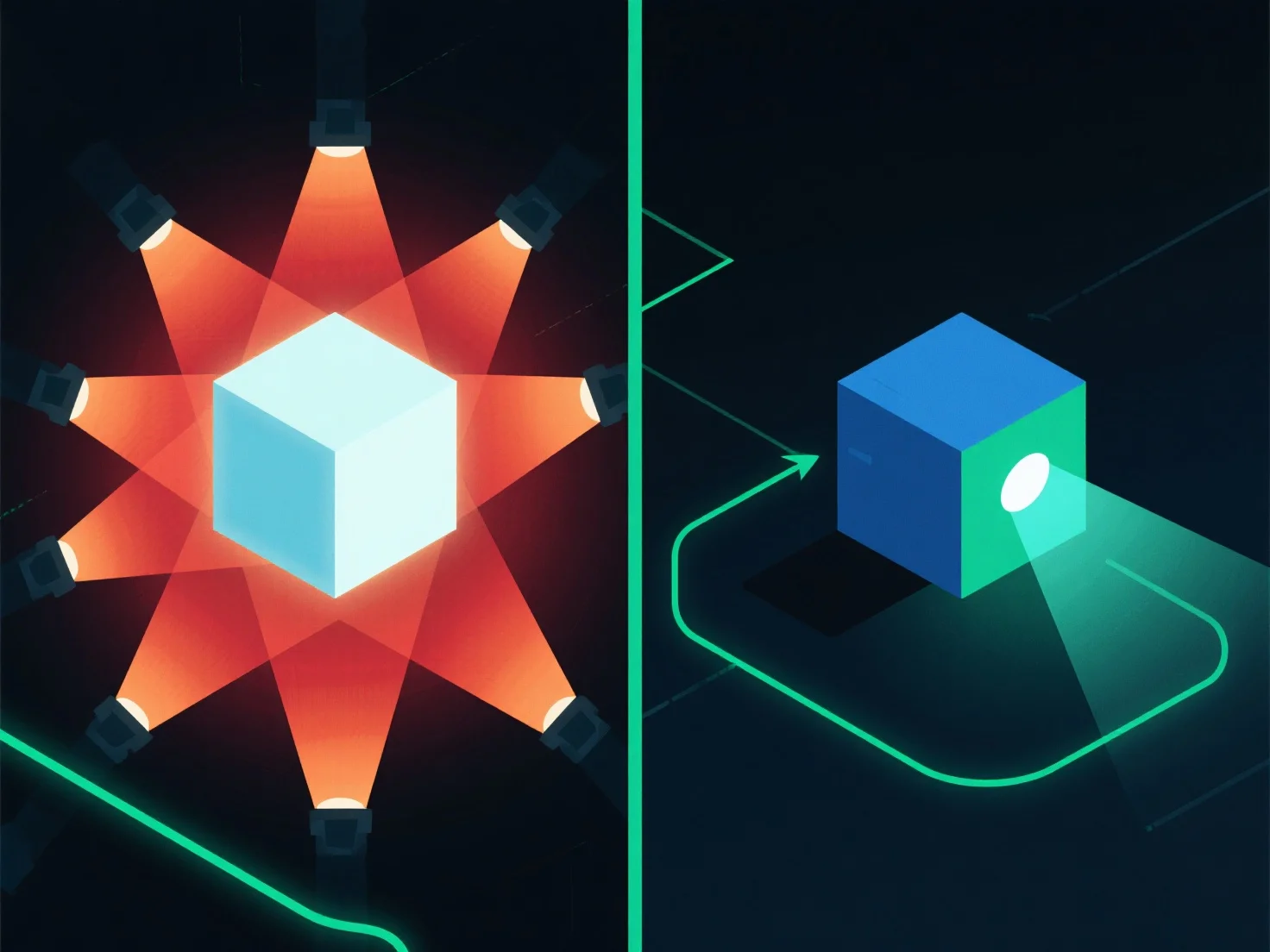
Para otimizar a iluminação para um melhor desempenho de renderização, concentre-se em reduzir a complexidade da fonte de luz e em utilizar técnicas eficientes. Isto diminui a carga computacional, simplificando a forma como o motor de renderização processa as interações de luz.
- **Reduzir a contagem de luz**: Audite a cena para remover fontes de luz redundantes ou não essenciais, pois cada luz adicional aumenta as demandas de processamento. - **Simplificar os tipos de luz**: Substitua as luzes de área que consomem muitos recursos por opções mais simples, como luzes pontuais ou direcionais, que exigem menos computação. - **Usar iluminação pré-calculada**: Pré-calcular os efeitos de iluminação estáticos.
Ao combinar estes passos, pode equilibrar a qualidade visual com um desempenho de renderização mais suave.