


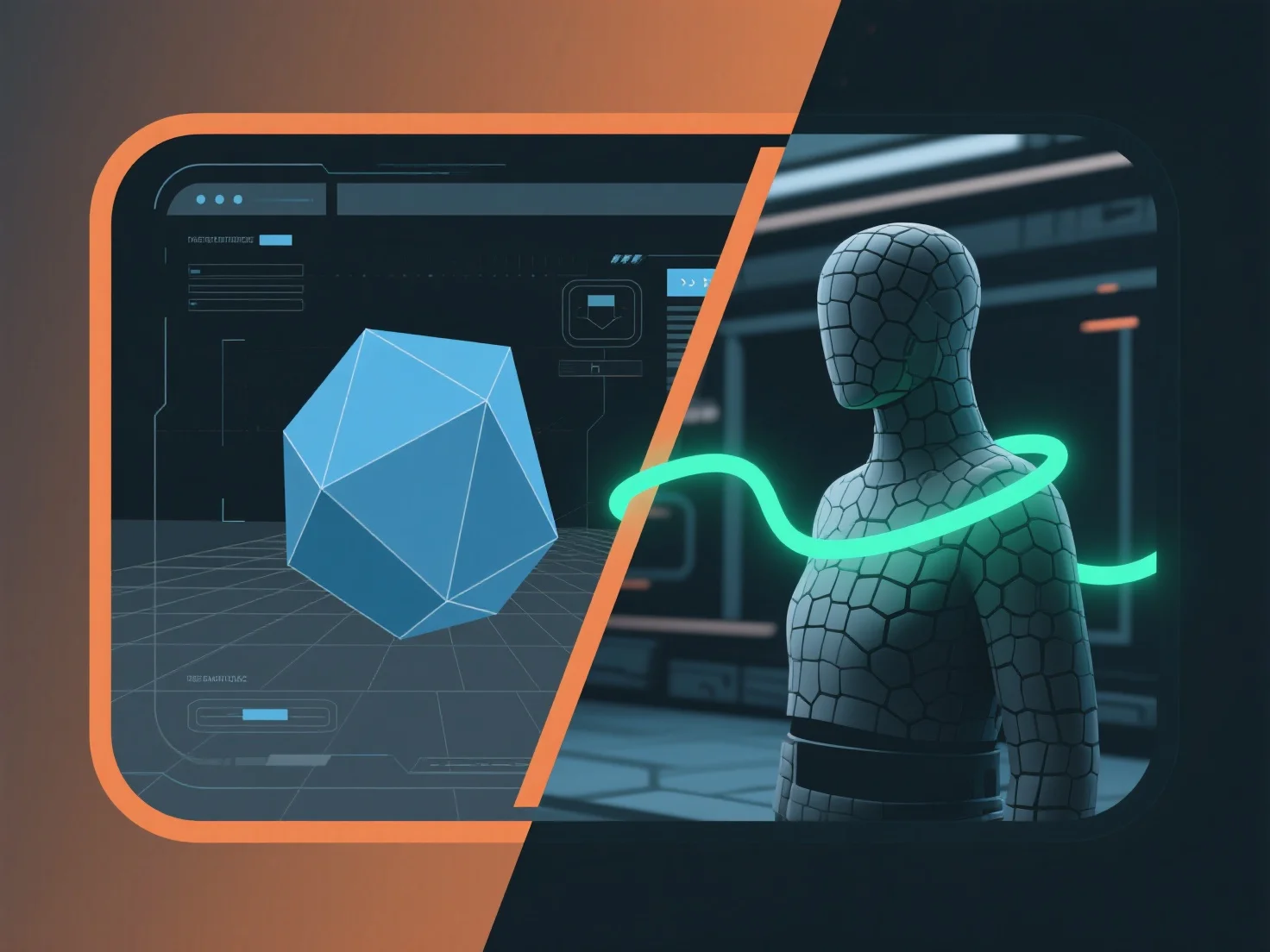
Integrar uma ferramenta de modelagem 3D com um motor de jogo para aplicações em tempo real envolve estabelecer um pipeline de ativos compatível para transferir modelos, texturas e animações sem problemas, garantindo a otimização da renderização em tempo real.
- **Exportação de Ativos**: Exporte ativos 3D da ferramenta de modelagem usando formatos suportados pelo motor de jogo (por exemplo, FBX, GLB) para reter dados críticos como mapas UV, animações e referências de materiais. - **Importação e Compatibilidade**: Utilize plugins específicos do motor (por exemplo, os plugins Unity/Unreal do Blender) ou funções de importação integradas para carregar ativos, verificando a consistência de sombras e materiais para evitar erros de renderização. - **Otimização em Tempo Real**: Reduza a contagem de polígonos, compacte texturas e ative pré-visualizações em tempo real durante o desenvolvimento para garantir que os ativos cumpram os requisitos de desempenho do motor.
Este pipeline simplificado garante que os ativos funcionem eficientemente em tempo real, equilibrando a qualidade visual com o desempenho do motor para aplicações como jogos ou simulações interativas.