


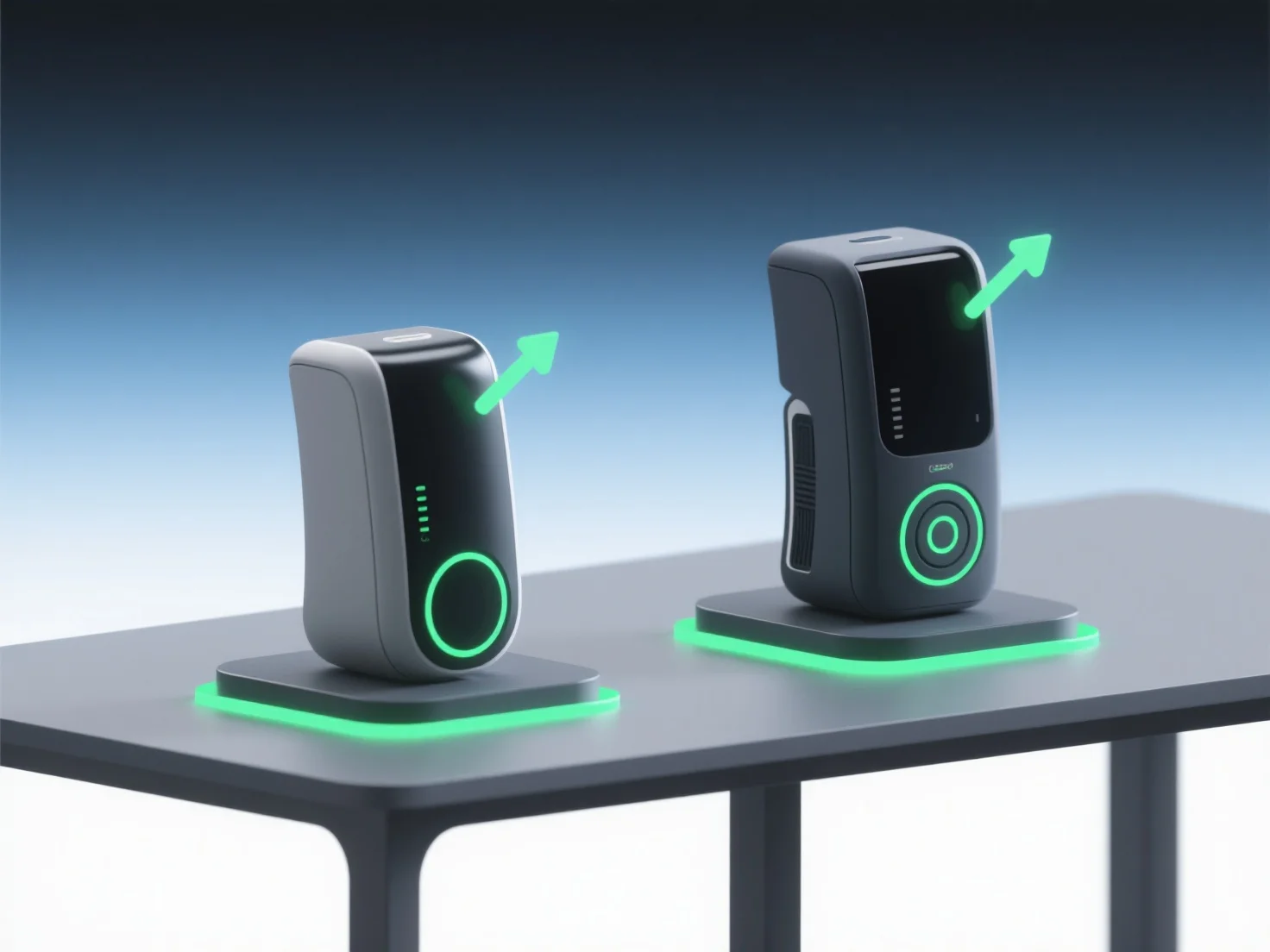
Os modelos 3D permitem uma comparação eficaz de conceitos de design em apresentações de pitch, destacando visual e interativamente as diferenças na estrutura, escala e funcionalidade, tornando mais fácil para as partes interessadas compreender as principais distinções.
- **Clareza visual**: Eles substituem desenhos 2D abstratos ou descrições verbais, permitindo que as partes interessadas vejam relações espaciais, texturas de materiais e detalhes estéticos de uma forma realista e intuitiva. - **Comparação dinâmica**: Use renderizações 3D lado a lado ou animações para contrastar iterações. Por exemplo, mostrando variações de fachada ou diferenças ergonómicas, ajudando o público a identificar rapidamente nuances. - **Envolvimento interativo**: Modelos 3D interativos permitem que os espectadores ampliem, rodem ou alterem as funcionalidades, promovendo uma compreensão mais profunda e um alinhamento com os conceitos preferidos.
Ao combinar realismo visual, contraste dinâmico e interatividade, os modelos 3D simplificam a avaliação do conceito, garantindo que o público se conecte e selecione o melhor design de forma eficiente.