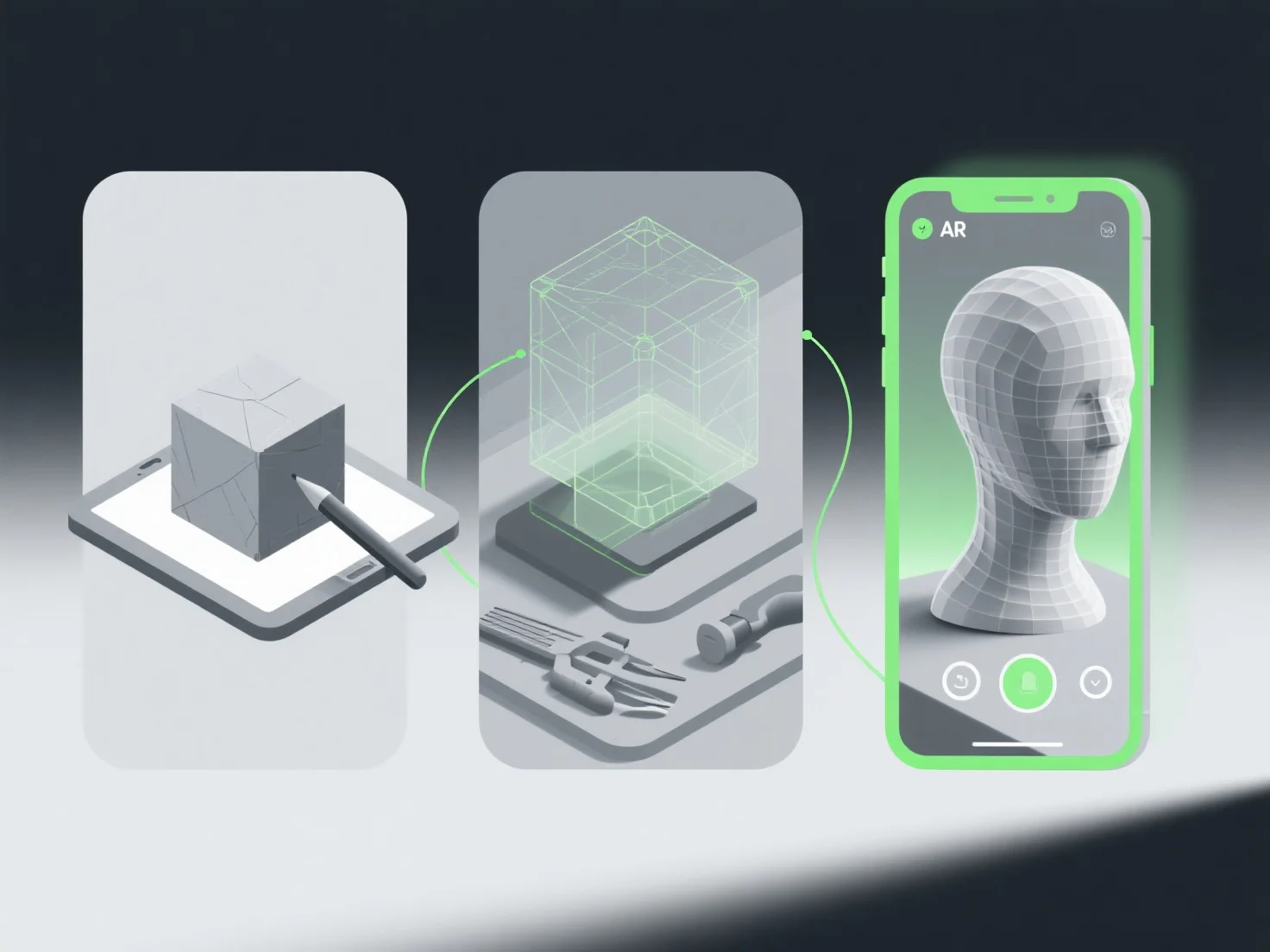
The optimal workflow for creating 3D models for augmented reality (AR) experiences involves defining requirements, efficient modeling, real-time optimization, AR-specific integration, and rigorous testing to ensure compatibility and performance.
First, define AR use cases and technical constraints: Clarify the target platform (e.g., mobile, AR glasses), device specs, and user needs to guide model scope.
Next, create low-poly models: Use tools like Blender or Maya to build lightweight geometry, avoiding excessive polygons that slow rendering.
Then optimize textures and materials: Apply compressed, high-efficiency textures (e.g., PBR) and reduce resolution to balance quality with AR runtime performance.
Integrate AR tracking elements: Add markers or feature points (e.g., planes, objects) for seamless real-world alignment.
Finally, test on target devices: Validate on actual AR hardware to check for lag, glitches, or compatibility, iterating to refine the model.
This workflow ensures AR models are lightweight, visually consistent, and perform smoothly, enhancing user immersion and reducing technical hurdles.
