Home/Hitem3D FAQ/What is the difference between .obj and .fbx file formats?

What is the difference between .obj and .fbx file formats?

.obj is text-based for static geometry, while .fbx is binary for animations, rigging, and complex data transfer.

What is the difference between .obj and .fbx file formats?

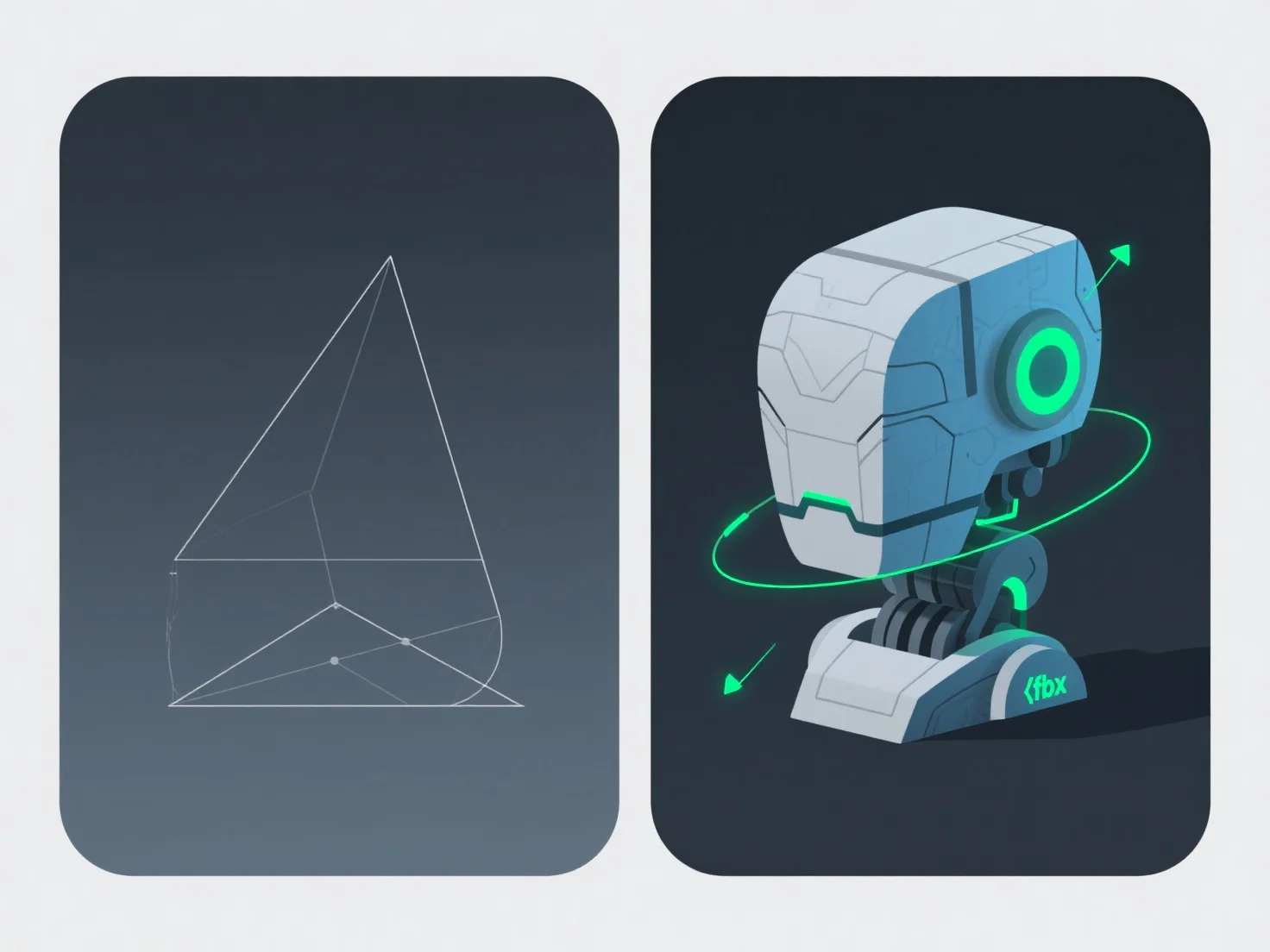
The key difference between .obj and .fbx file formats lies in data support and use cases: .obj is text-based for basic static geometry, while .fbx is binary, enabling animation, rigging, and complex data transfer.

.obj files store static 3D shapes and basic materials (via .mtl files), simple but limited to static data. .fbx files, being binary, handle animations, rigs, and cross-software asset relationships, offering richer functionality.

Typical applications: - Static Models/3D Printing: .obj is ideal for simple sharing or 3D printing due to broad software compatibility. - Animation/Game Dev: .fbx is preferred for projects needing to preserve animations, rigs, or complex data in tools like Unity, Blender, or Unreal Engine.

Choose .obj for static models; use .fbx for animations or complex data transfer.

PreviousNext
제품
웹 스튜디오
API 플랫폼
기능
이미지를 3D로
멀티뷰를 3D로
릴리프
세그멘테이션
모델
일반 모델
인물 모델
리소스
블로그
FAQ
API 문서
회사 소개
가격