Home/Hitem3D FAQ/What are "textures" in 3D files and how are they applied?

What are "textures" in 3D files and how are they applied?

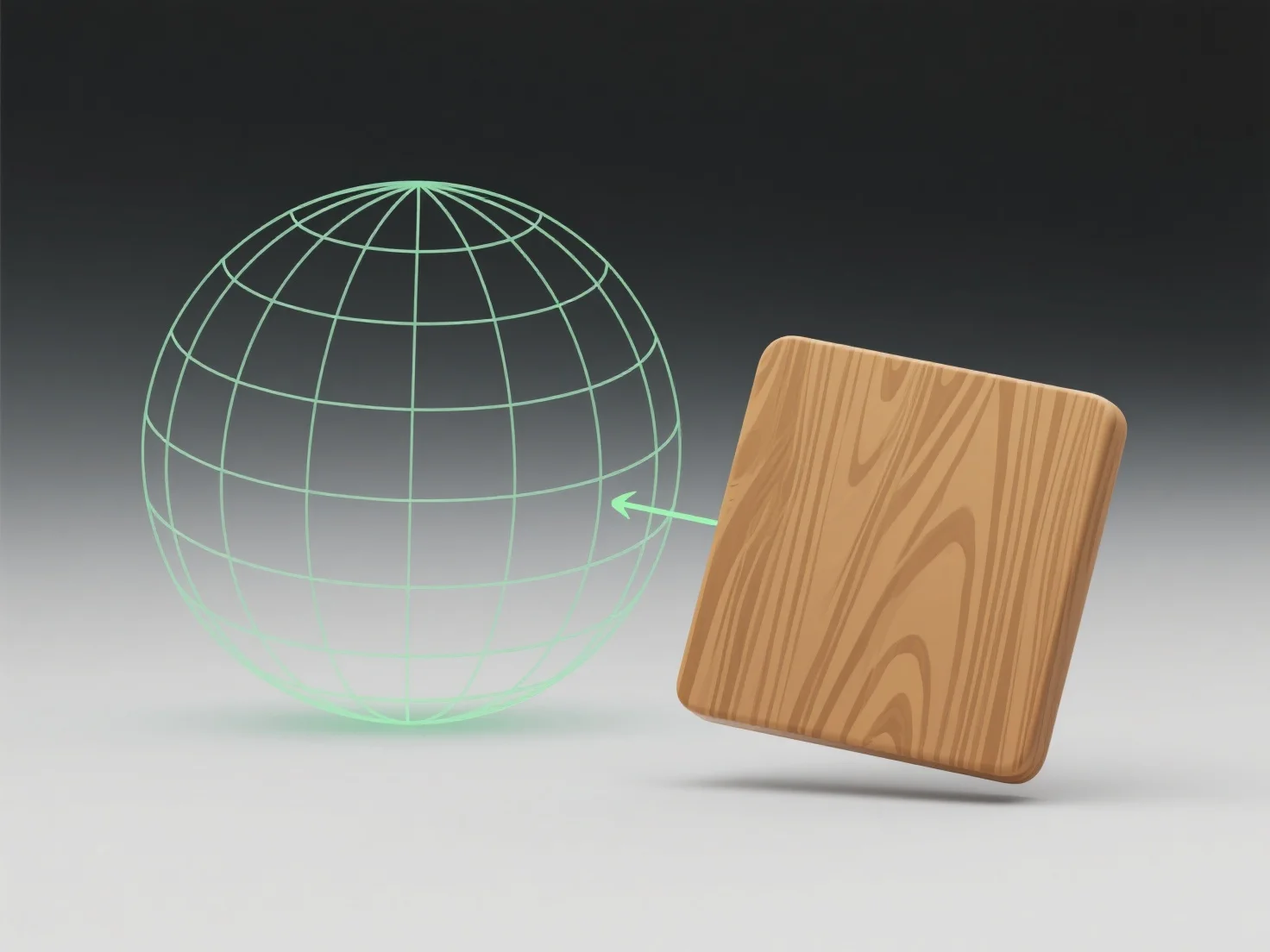
3D textures are 2D images/data maps defining surface details (color, roughness) applied via mapping to enhance realism, with types like diffuse/normal/specular maps.

What are "textures" in 3D files and how are they applied?

Textures in 3D files are 2D images or data maps that define surface details (e.g., color, pattern, roughness) and are applied by mapping these images onto the 3D model’s surface coordinates, enhancing realism by simulating materials like wood or metal.

Common texture types include: - Diffuse maps: Define base color (e.g., a brick wall’s red hue). - Normal maps: Simulate surface bumps/depth without adding geometry. - Specular maps: Control shininess (e.g., a metal’s reflective glow).

To apply, artists create textures using tools like Photoshop or Substance Painter, then assign them to the model’s surfaces in 3D software (Blender, Maya) to integrate visual details.

For beginners, start with simple diffuse textures (e.g., grass images) to learn how surface details affect a model’s appearance.

PreviousNext
제품
웹 스튜디오
API 플랫폼
기능
이미지를 3D로
멀티뷰를 3D로
릴리프
세그멘테이션
모델
일반 모델
인물 모델
리소스
블로그
FAQ
API 문서
회사 소개
가격