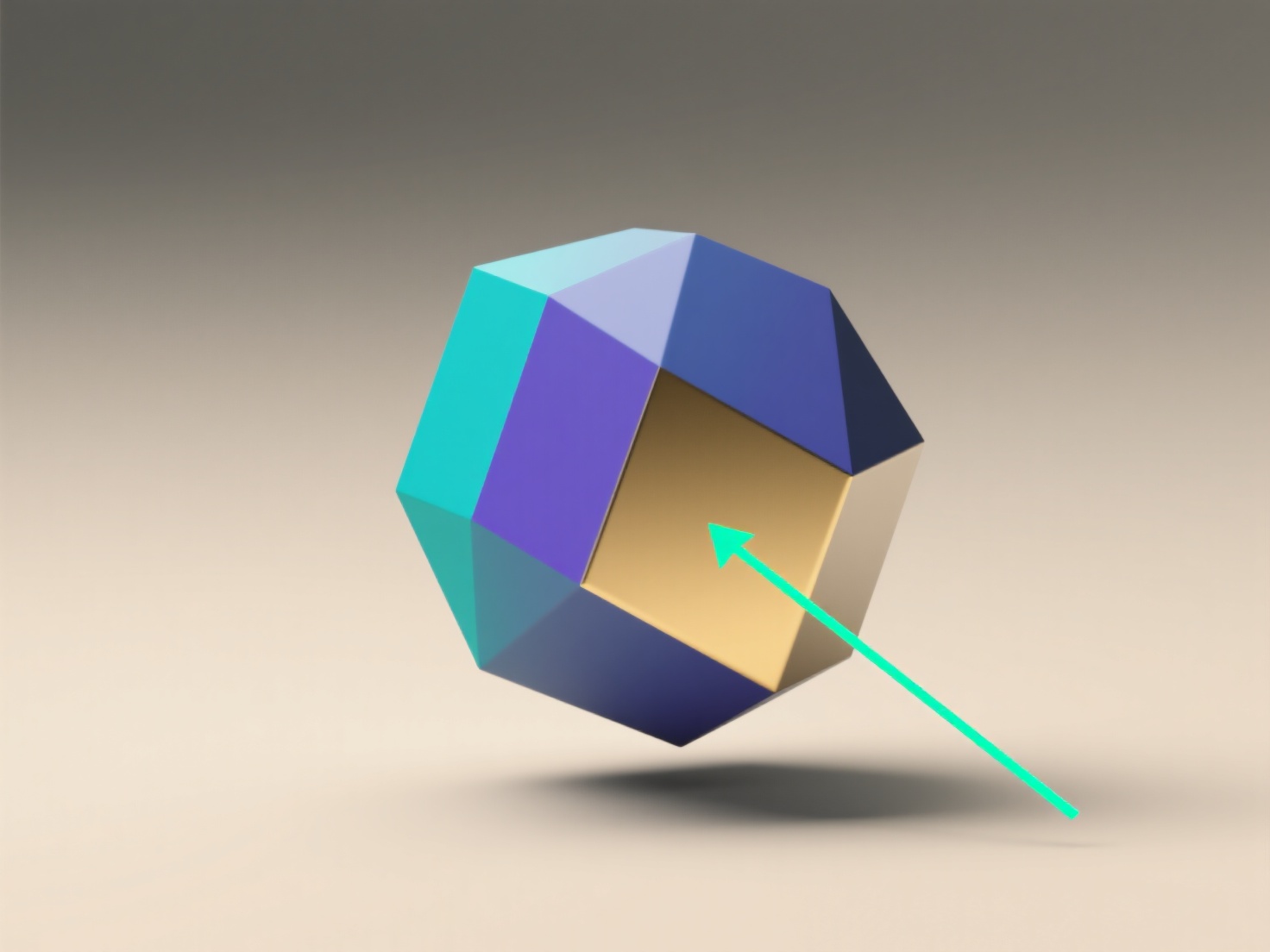
/Hitem3D FAQ/How to setup a primitives 3D model?

How to setup a primitives 3D model?

To set up a primitive 3D model, open a 3D modeling tool (e.

How to setup a primitives 3D model?

To set up a primitive 3D model, open a 3D modeling tool (e.g., Blender, SketchUp, Maya), select a basic shape (cube, sphere, cylinder) from its geometry menu, adjust key properties (size, segments), and position/rotate it in 3D space.

- **Choose your tool and primitive**: Use free tools like Blender—navigate to "Add > Mesh" to pick a primitive (e.g., cube). - **Adjust core properties**: In the properties panel, tweak size (e.g., Blender’s "Dimensions"), segment count (for detail), or resolution. - **Position and refine**: Move with the "G" key (grab) or rotate with "R" to place the primitive. For rounded shapes (spheres), smooth or subdivide for more surface detail. - **Beginner tip**: Start simple—try a cube first, adjust its dimensions, and practice moving it to get comfortable.

이전다음
제품
웹 스튜디오
API 플랫폼
기능
이미지를 3D로
멀티뷰를 3D로
릴리프
세그멘테이션
모델
일반 모델
인물 모델
리소스
블로그
FAQ
API 문서
회사 소개
가격