


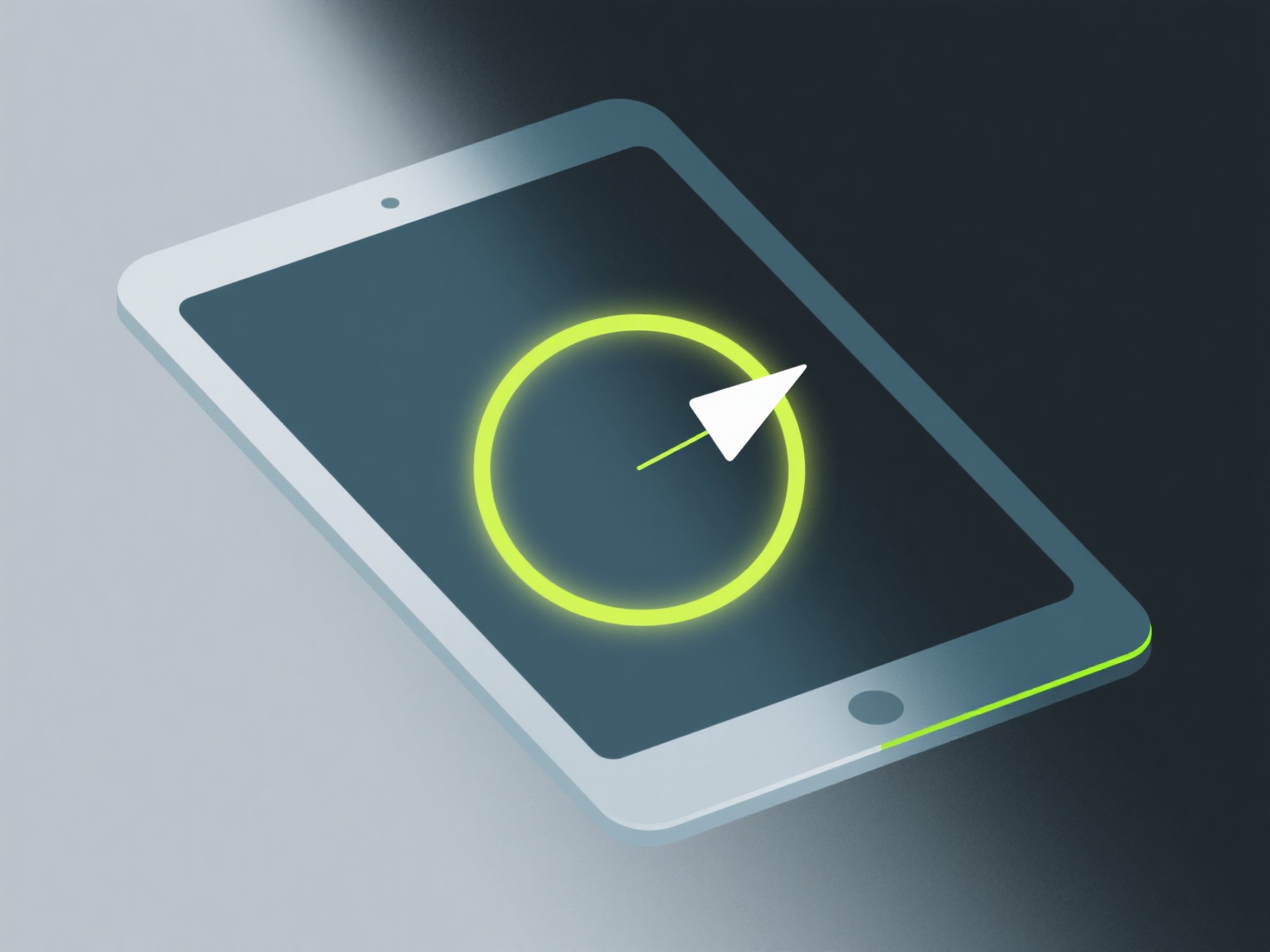
인디 개발자들은 블렌더(3차원 텍스처링용)나 에이스프라이트(픽셀 아트용) 같은 도구를 사용하여 3차원 모형을 색상화할 수 있습니다. 이 도구들을 통해 평평하고 강렬한 색상과 이미지의 각도에 잘 어울리는 미세한 에지纱이 적용됩니다.
스타일의 일관성을 유지하기 위해 제한된 색상 팔레트(4-6가지 색상)를 사용하십시오. 평평한 색상은 인디 게임에서 흔히 작은 크기에도 명확성을 유지하기 때문에 이소메트릭 모델에 가장 적합합니다. 이소메트릭 가장자리(예: 밝은 상면과 어두운 측면)에 그림자를 추가하여 모습을 복잡하게 만들지 않으면서 깊이를 정의하십시오.
만약 여러분이 입문자라면, 개체마다 하나의 기본 색상으로 시작한 다음, 1-2개의 그레이드 변형을 추가하세요. 이 간단한 워크플로우는 불필요한 세부사항에 집착하지 않고 깊이를 연습하는 데 도움이 됩니다.