Home/Hitem3D FAQ/How does tool switching affect time cost in 3D workflows?

How does tool switching affect time cost in 3D workflows?

Tool switching in 3D workflows increases time cost due to interface adjustment, file issues, and context delays; use integrated or all-in-one tools to reduce this.

How does tool switching affect time cost in 3D workflows?

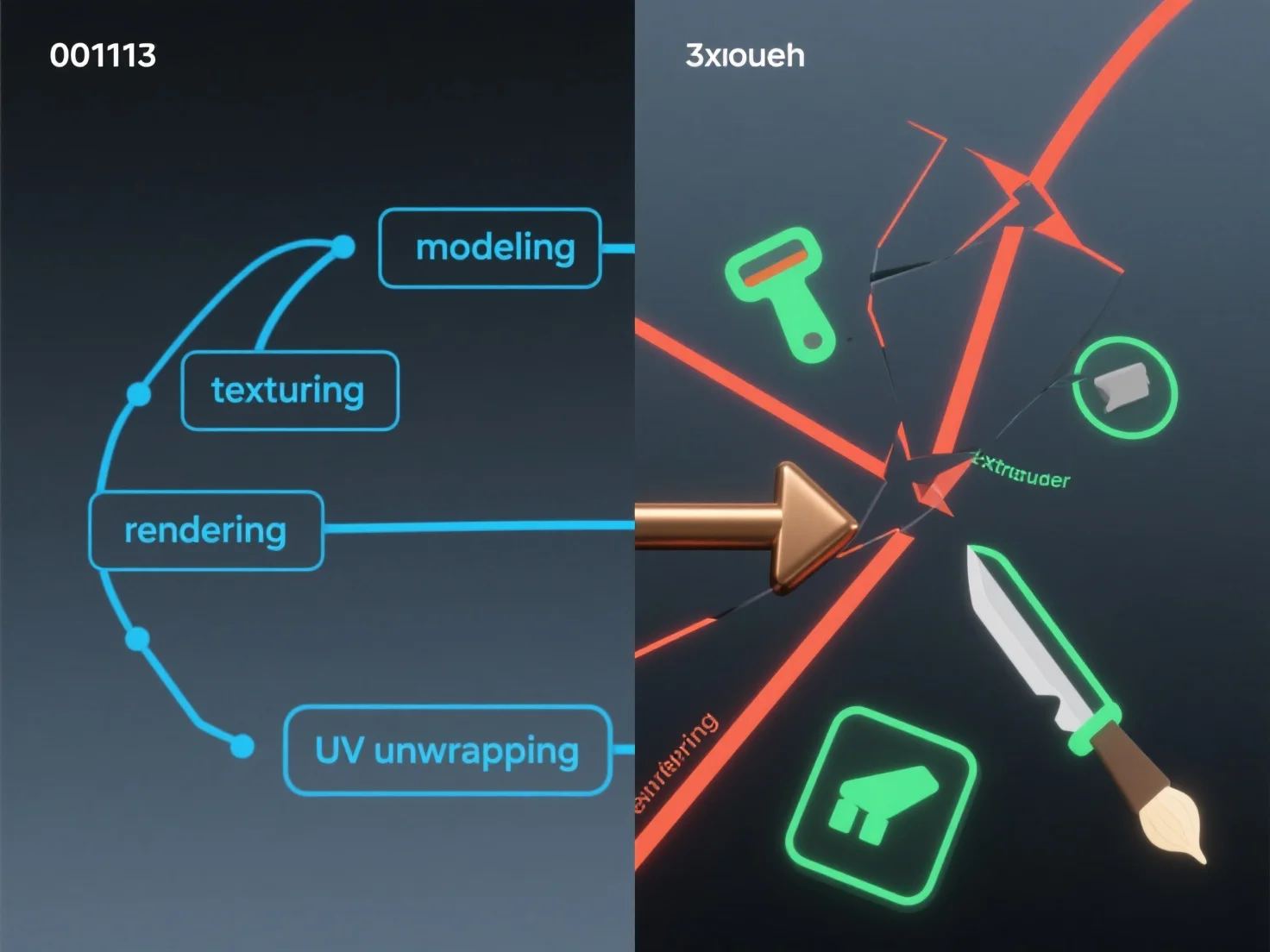
Tool switching in 3D workflows typically increases time cost by causing workflow disruptions and inefficiencies. Key factors include: - Interface and workflow adjustment: Switching tools requires adapting to new layouts and processes, diverting focus from core tasks. - File compatibility issues: Importing/exporting files between tools often leads to format errors or data loss, requiring extra troubleshooting. - Context switching delays: Breaking task continuity disrupts mental focus, extending the time needed to complete each step. To reduce time costs, prioritize tools with seamless file integration or use all-in-one 3D software suites when possible.

PreviousNext
제품
웹 스튜디오
API 플랫폼
기능
이미지를 3D로
멀티뷰를 3D로
릴리프
세그멘테이션
모델
일반 모델
인물 모델
리소스
블로그
FAQ
API 문서
회사 소개
가격