Home/Hitem3D FAQ/How does the roughness map contribute to material appearance in 3D modeling?

How does the roughness map contribute to material appearance in 3D modeling?

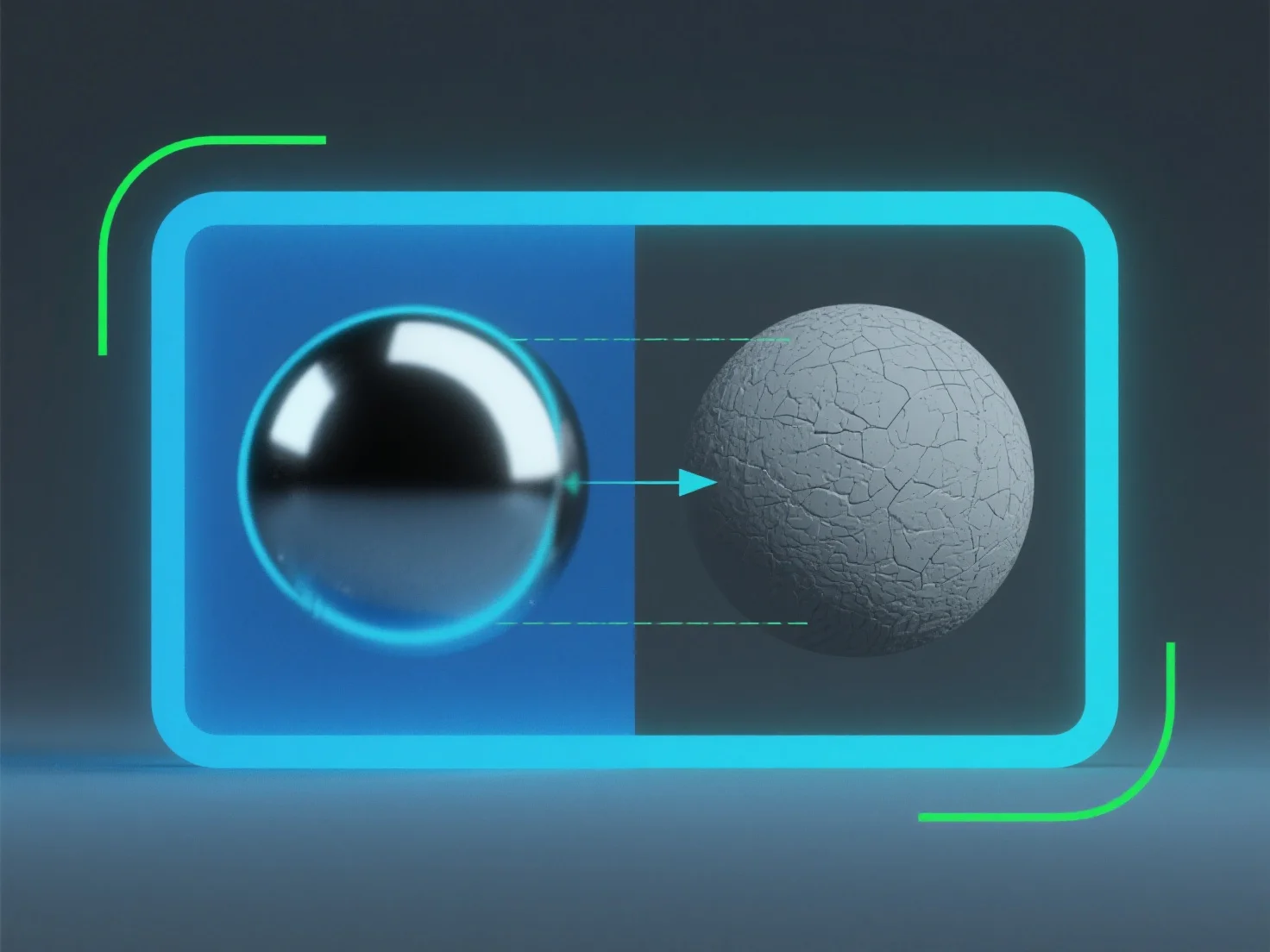
A roughness map in 3D modeling controls light scattering to determine a material's smoothness, texture, and realism without extra geometry.

How does the roughness map contribute to material appearance in 3D modeling?

A roughness map in 3D modeling controls how light scatters on a material’s surface, directly determining its perceived smoothness or texture.

It simulates micro-surface details: Lower roughness values create glossy, reflective appearances (e.g., polished metal), as light bounces uniformly. Higher values result in matte, diffused looks (e.g., rough stone), with light scattering randomly.

This mimics real-world light interaction, enhancing material realism. Adjusting roughness maps helps achieve precise material traits without extra geometry, making it key for lifelike surface rendering.

PreviousNext
제품
웹 스튜디오
API 플랫폼
기능
이미지를 3D로
멀티뷰를 3D로
릴리프
세그멘테이션
모델
일반 모델
인물 모델
리소스
블로그
FAQ
API 문서
회사 소개
가격