Home/Hitem3D FAQ/How does browser-based 3D presentation compare to native 3D applications?

How does browser-based 3D presentation compare to native 3D applications?

Browser-based 3D prioritizes accessibility and convenience, while native apps offer superior performance for intensive tasks.

How does browser-based 3D presentation compare to native 3D applications?

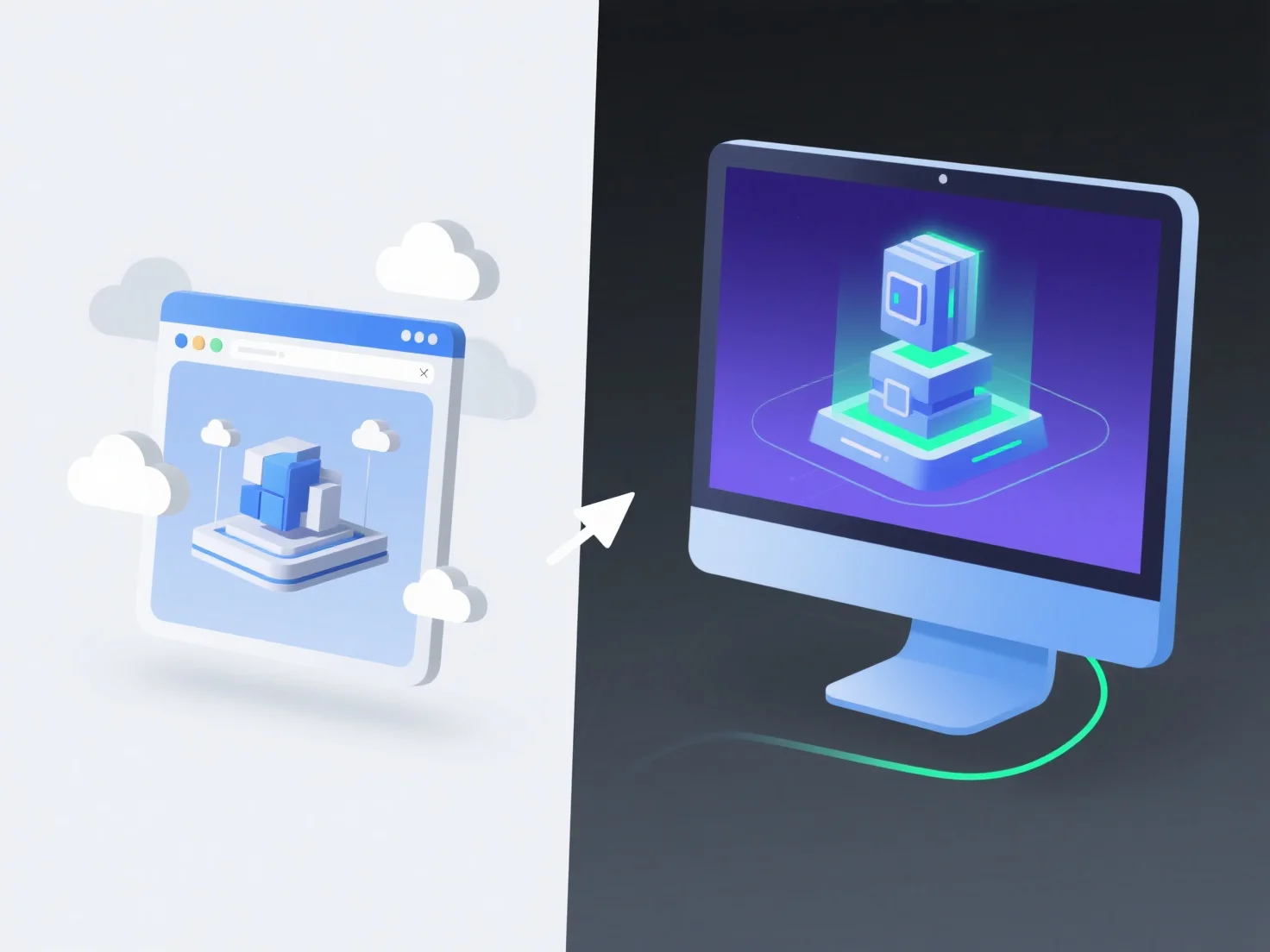
Browser-based 3D presentations and native 3D applications differ primarily in accessibility, performance, and use cases—browser-based options are more accessible but less powerful, while native apps prioritize performance for intensive tasks.

In terms of accessibility, browser-based 3D relies on web technologies like WebGL or Three.js, running directly in browsers without requiring installation, making it easy to share and access instantly. Native applications, however, need to be installed on specific devices and are built to fully leverage hardware resources, such as GPUs, for smoother performance.

For performance, native apps excel at handling complex models and high-end graphics due to direct hardware access, while browser-based 3D may lag with large datasets or advanced visual effects, limited by browser capabilities.

Use cases also diverge: browser-based 3D suits quick sharing, lightweight demos, or web education, while native apps are ideal for professional design, high-end gaming, or industrial simulation requiring heavy graphics processing.

Overall, browser-based 3D offers convenience and accessibility, while native 3D applications deliver superior performance for demanding, resource-intensive tasks.

PreviousNext
제품
웹 스튜디오
API 플랫폼
기능
이미지를 3D로
멀티뷰를 3D로
릴리프
세그멘테이션
모델
일반 모델
인물 모델
리소스
블로그
FAQ
API 문서
회사 소개
가격