Home/Hitem3D FAQ/How does a 3D modeler ensure their models are optimized for different platforms (PC, VR, mobile)?

How does a 3D modeler ensure their models are optimized for different platforms (PC, VR, mobile)?

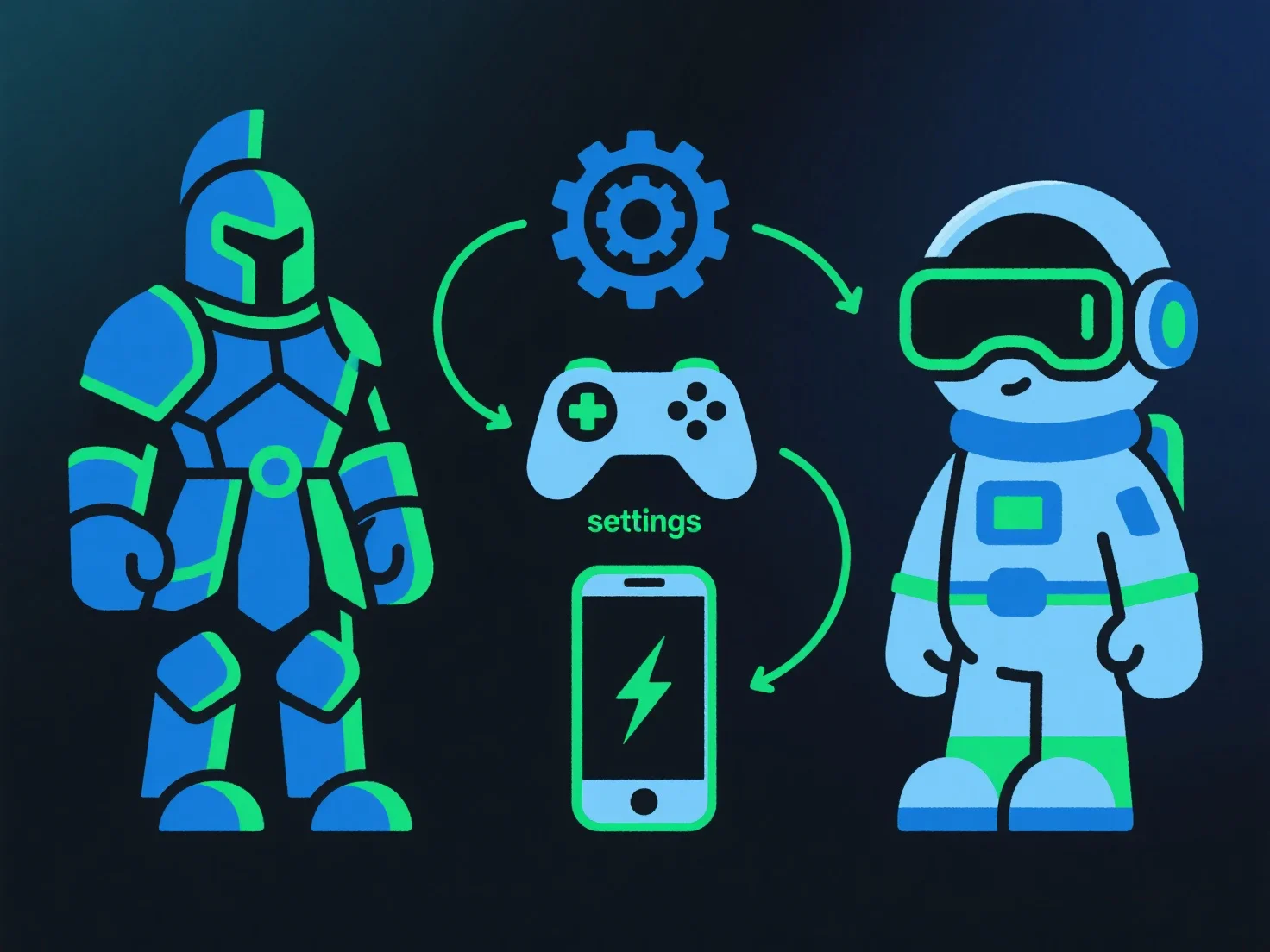
Modelers optimize 3D models for PC, VR, and mobile by adjusting polygons, textures, LODs, and testing per platform limits to balance quality and performance.

How does a 3D modeler ensure their models are optimized for different platforms (PC, VR, mobile)?

To optimize 3D models for PC, VR, and mobile, modelers adjust polygon count, texture resolution, and file formats based on each platform’s hardware limits, balancing visual quality and performance.

- **Polygon optimization**: Reduce non-essential polygons (e.g., simplify minor details) for mobile/VR to lower rendering load; retain key details for PC with stronger hardware. - **Texture management**: Compress textures (e.g., using BCn or ASTC formats) and lower resolution for mobile; adopt lightweight formats like glTF for faster loading. - **LOD techniques**: Implement level-of-detail systems to switch model complexity based on camera distance, easing GPU strain on lower-end devices. - **Platform-specific testing**: Follow guidelines (e.g., VR’s low-latency requirements, mobile’s memory constraints) and test on target devices to refine performance.

This ensures models render smoothly across platforms while preserving core visual integrity.

PreviousNext
제품
웹 스튜디오
API 플랫폼
기능
이미지를 3D로
멀티뷰를 3D로
릴리프
세그멘테이션
모델
일반 모델
인물 모델
리소스
블로그
FAQ
API 문서
회사 소개
가격