Home/Hitem3D FAQ/How do you simulate glass materials in 3D rendering?

How do you simulate glass materials in 3D rendering?

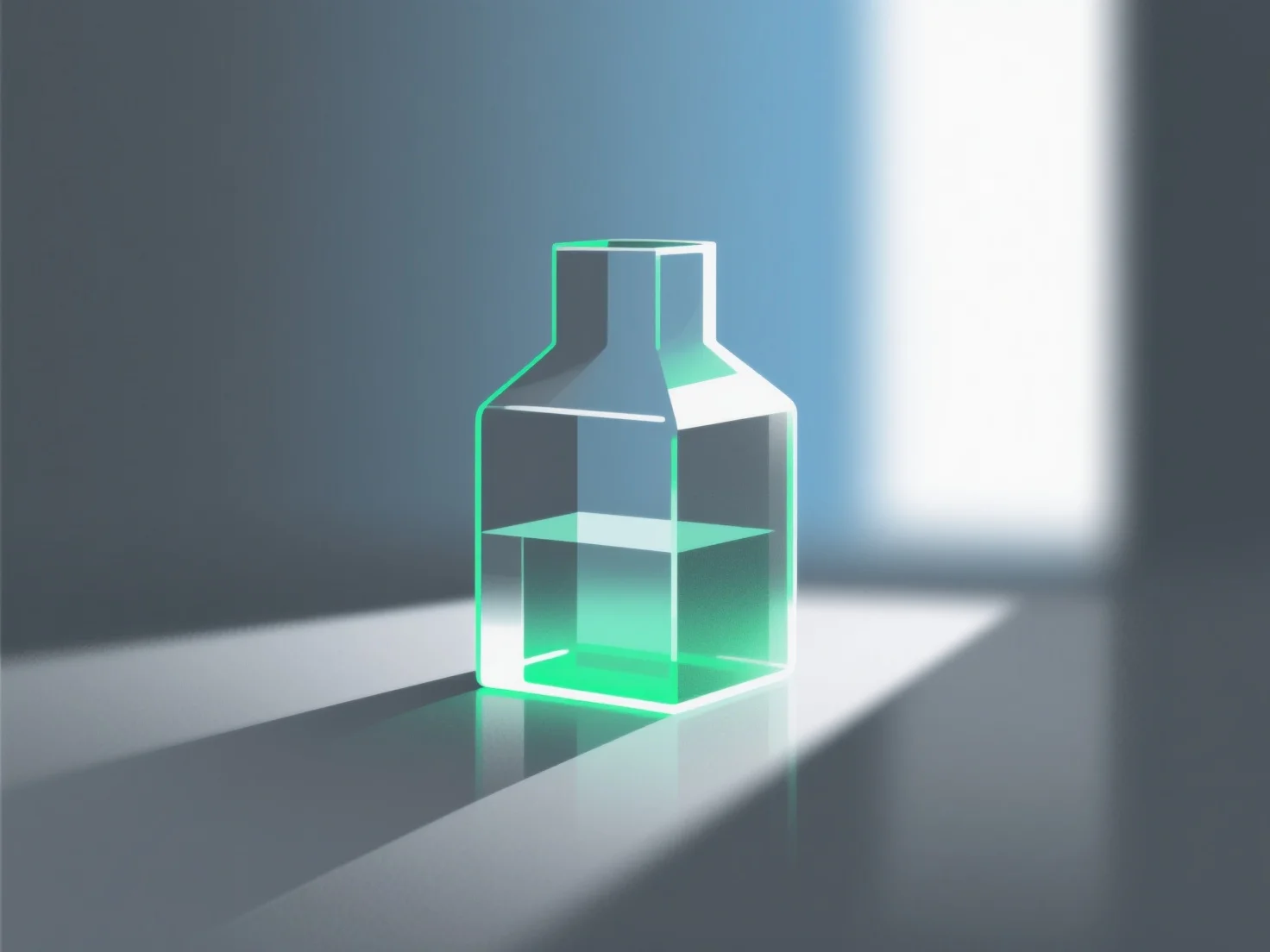
Simulating glass in 3D rendering replicates light transmission, reflection, refraction via parameters like index and roughness, starting with presets.

How do you simulate glass materials in 3D rendering?

Simulating glass materials in 3D rendering primarily involves replicating their core optical properties: light transmission, reflection, and refraction.

Key steps and parameters include: - **Transmission**: Set high values to ensure light passes through, mimicking glass transparency. - **Refractive index**: Use around 1.5 (standard glass) to accurately simulate light bending as it enters/exits the material. - **Surface roughness**: Lower values for clear, smooth glass; higher values for frosted or textured effects.

Beginners can start with software presets (e.g., Blender, Cinema 4D) and adjust these parameters incrementally to achieve realistic glass results.

PreviousNext
제품
웹 스튜디오
API 플랫폼
기능
이미지를 3D로
멀티뷰를 3D로
릴리프
세그멘테이션
모델
일반 모델
인물 모델
리소스
블로그
FAQ
API 문서
회사 소개
가격