Home/Hitem3D FAQ/How do you prepare a 3D model for use in a real-time engine like Unity or Unreal?

How do you prepare a 3D model for use in a real-time engine like Unity or Unreal?

Preparing 3D models for real-time engines involves optimizing geometry, texturing, rigging, exporting, and testing to balance quality and performance.

How do you prepare a 3D model for use in a real-time engine like Unity or Unreal?

Preparing a 3D model for real-time engines like Unity or Unreal involves optimizing geometry, texturing efficiently, rigging (if animated), exporting in compatible formats, and testing in-engine. This balances visual quality with performance for smooth real-time rendering.

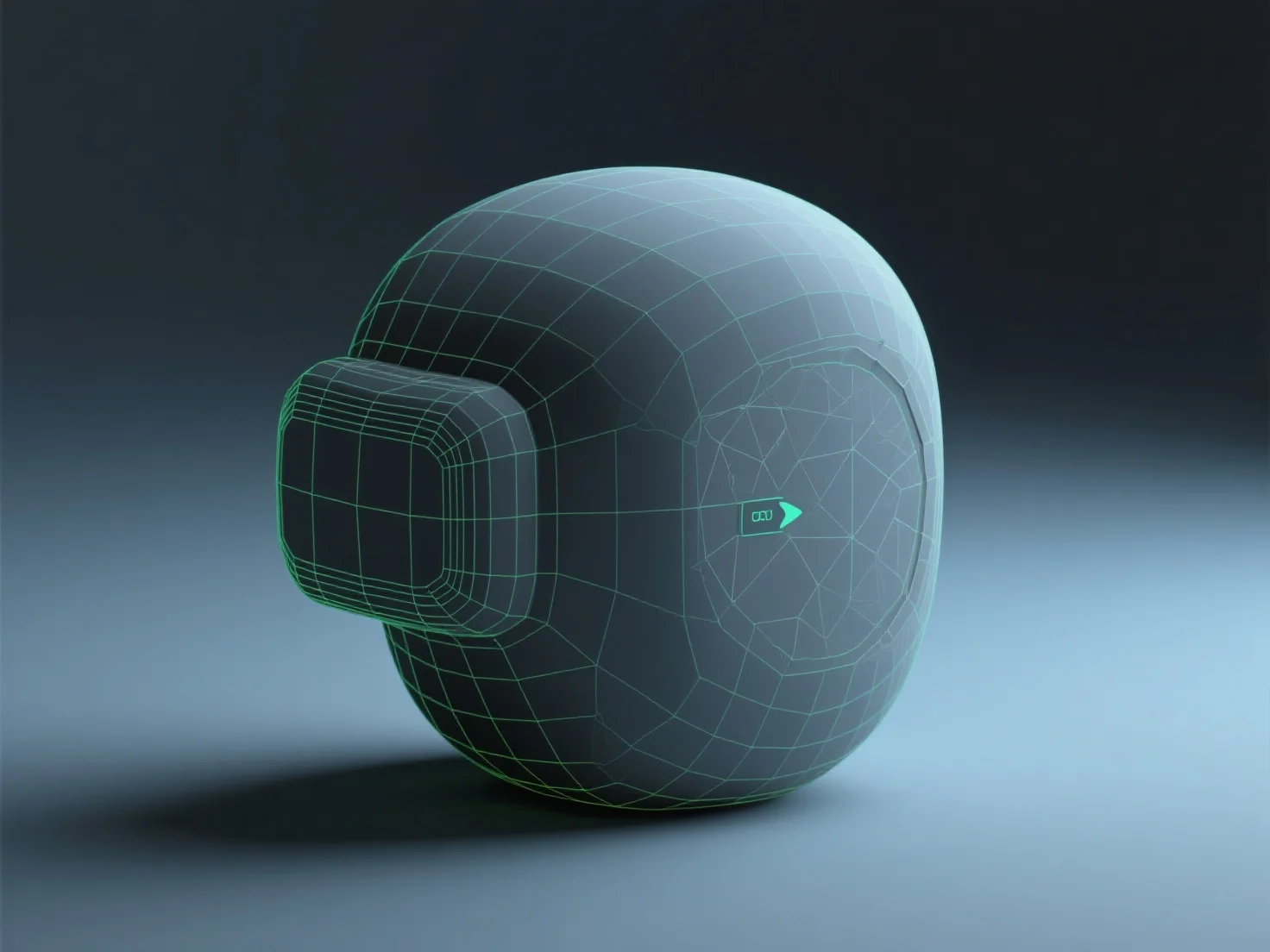
Geometry optimization reduces polygon count to lower GPU load, trimming unnecessary details while preserving key shapes to keep the model lightweight.

Texturing uses PBR (Physically Based Rendering) materials to mimic real-world lighting, with compressed maps (albedo, normal, metallic) for efficient rendering.

Rigging (for animated models) sets up a bone structure aligned with natural movement points, enabling smooth animations without excessive complexity.

Export in engine-compatible formats like FBX or GLB, avoiding proprietary files to ensure seamless import into Unity or Unreal.

Testing in the engine allows adjusting LOD (Level of Detail) or material settings, fine-tuning performance and appearance for optimal real-time results.

PreviousNext
제품
웹 스튜디오
API 플랫폼
기능
이미지를 3D로
멀티뷰를 3D로
릴리프
세그멘테이션
모델
일반 모델
인물 모델
리소스
블로그
FAQ
API 문서
회사 소개
가격