Home/Hitem3D FAQ/How do you optimize the topology of a 3D model for animation?

How do you optimize the topology of a 3D model for animation?

Optimize 3D model topology with clean, movement-aligned edge flow and quad polygons for smooth animation deformation.

How do you optimize the topology of a 3D model for animation?

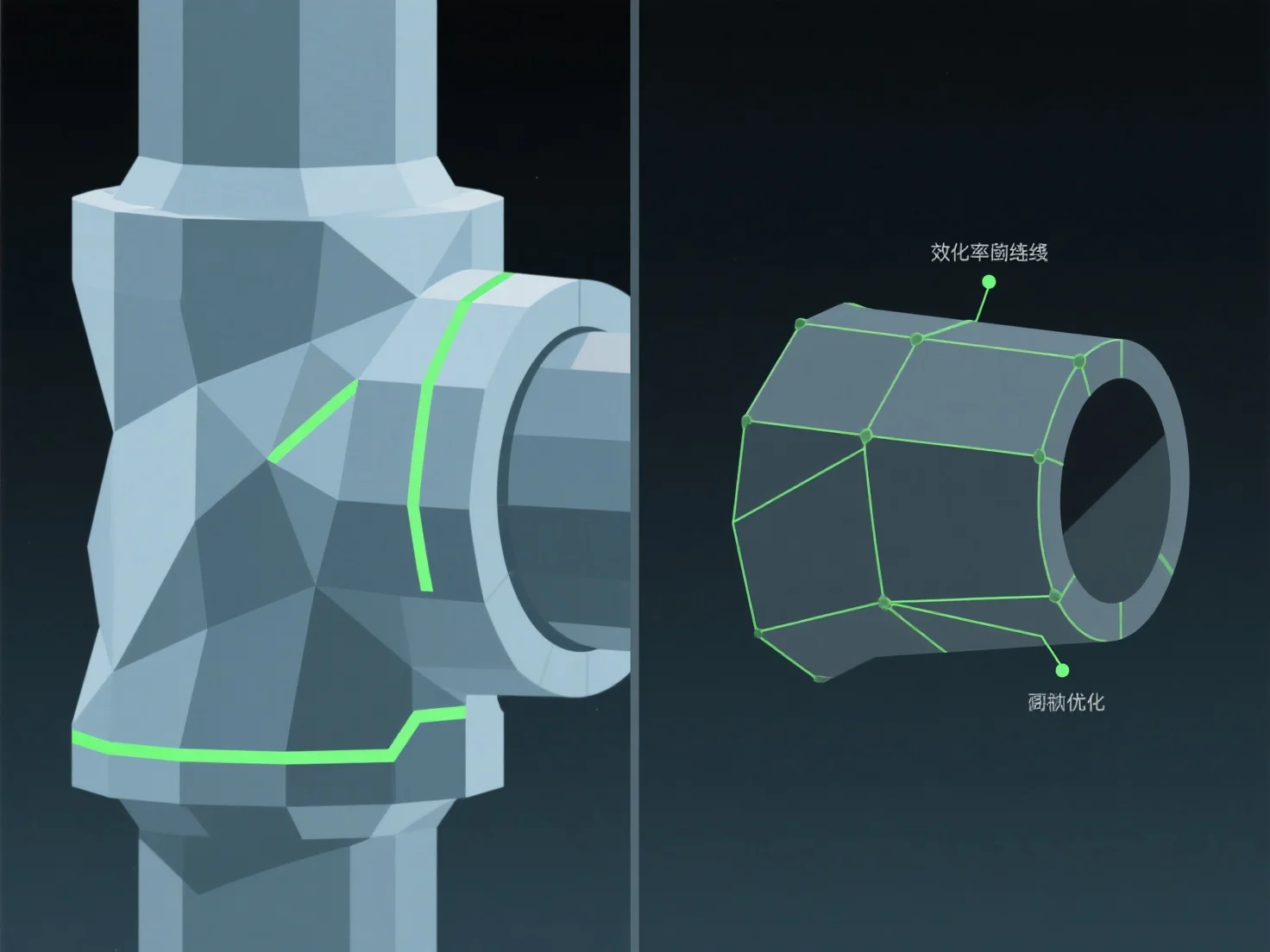
To optimize the topology of a 3D model for animation, focus on clean edge flow aligned with natural movement paths and use quad-dominant polygons. This ensures smooth deformation during rigging and animation, avoiding issues like mesh stretching or pinching at joints.

Key practices include: - Aligning edge loops with articulation points (e.g., elbows, knees) to support natural bending and twisting. - Maintaining even polygon density to distribute movement stress evenly across the mesh.

For complex, high-movement areas, add targeted edge loops to enhance flexibility without overcomplicating the mesh, making rigging and animation more efficient.

PreviousNext
제품
웹 스튜디오
API 플랫폼
기능
이미지를 3D로
멀티뷰를 3D로
릴리프
세그멘테이션
모델
일반 모델
인물 모델
리소스
블로그
FAQ
API 문서
회사 소개
가격