Home/Hitem3D FAQ/How do you manage permissions and access control when collaborating on 3D models?

How do you manage permissions and access control when collaborating on 3D models?

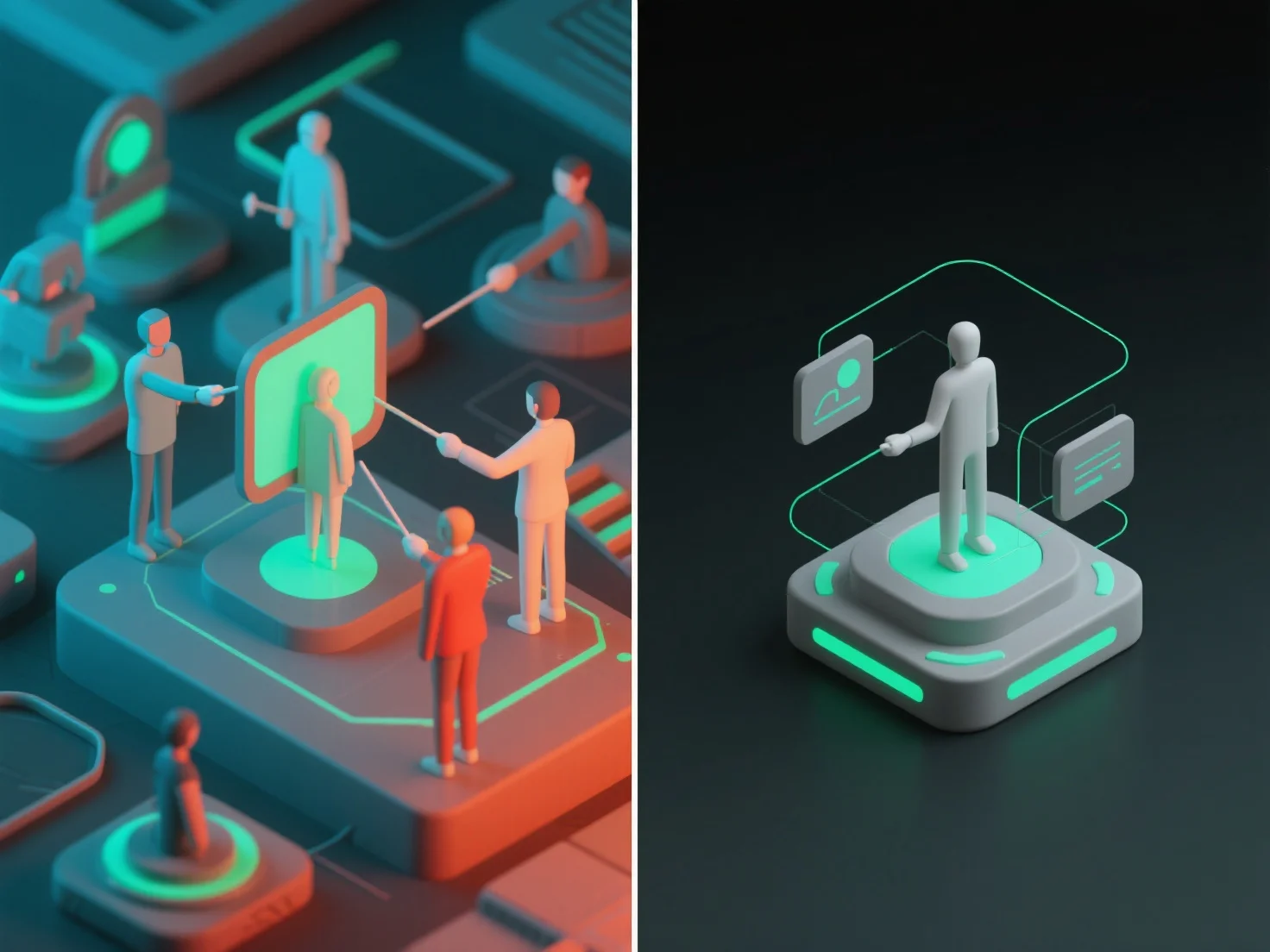
3D model collaboration uses user roles and granular access levels to manage permissions, with cloud tools offering pre-set templates for security and efficiency.

How do you manage permissions and access control when collaborating on 3D models?

When collaborating on 3D models, permissions and access control are managed by defining user roles and setting granular access levels, ensuring team members only interact with model parts relevant to their tasks. Key user roles include: viewers (read-only access to view models), editors (modify specific sections or components), and admins (manage permissions for all users). Access levels further restrict actions, such as limiting downloading, commenting, or full model editing to authorized users. In practice, cloud-based 3D collaboration tools often offer pre-set role templates (e.g., "viewer" or "contributor") to simplify initial setup, balancing security and efficiency for seamless teamwork.

PreviousNext
제품
웹 스튜디오
API 플랫폼
기능
이미지를 3D로
멀티뷰를 3D로
릴리프
세그멘테이션
모델
일반 모델
인물 모델
리소스
블로그
FAQ
API 문서
회사 소개
가격