Home/Hitem3D FAQ/How do you handle texture atlases for optimized texture mapping?

How do you handle texture atlases for optimized texture mapping?

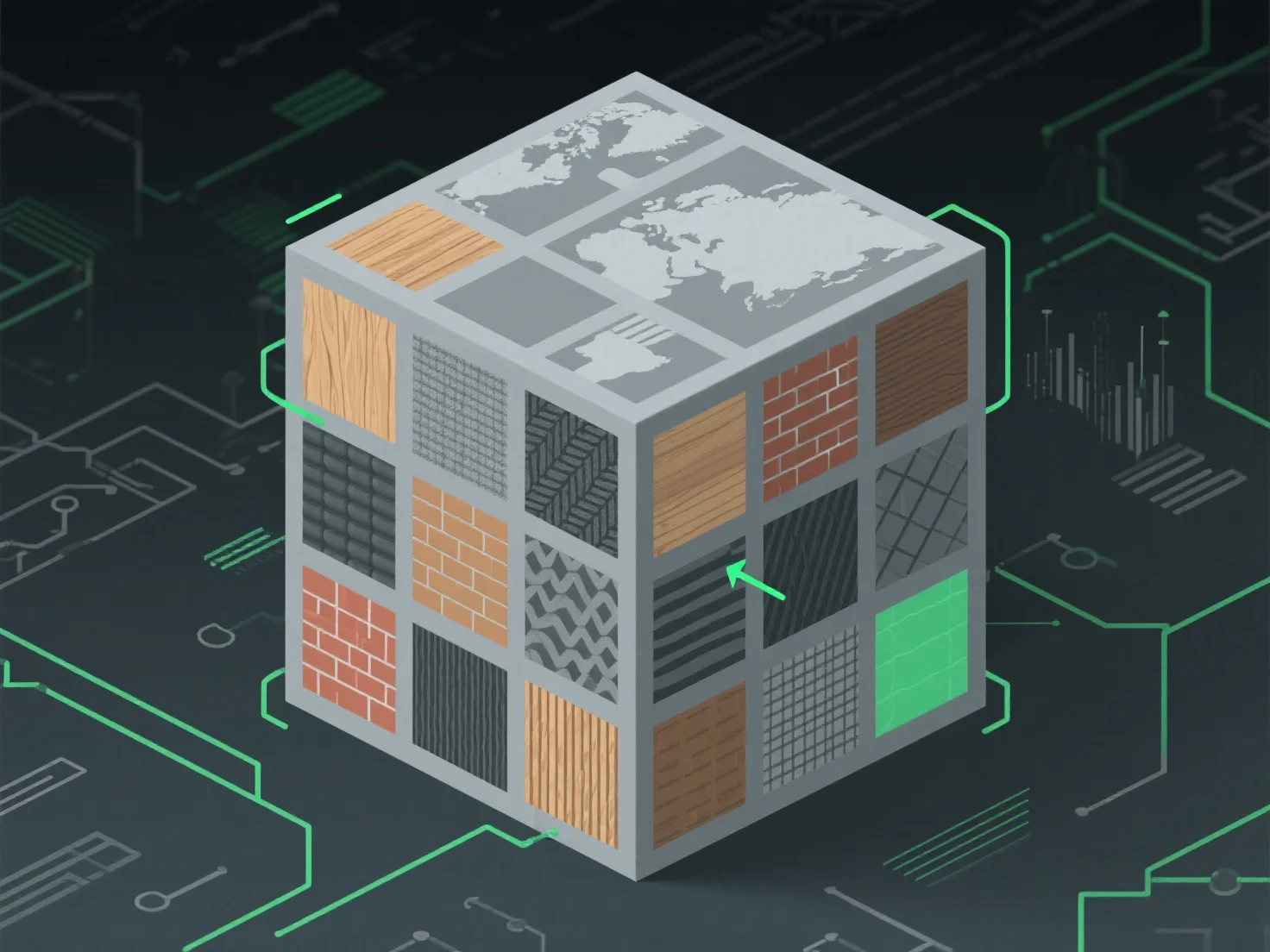
Handle texture atlases by efficient packing, consolidating small textures, aligning UVs, and using tools to reduce draw calls and enhance performance.

How do you handle texture atlases for optimized texture mapping?

To handle texture atlases for optimized texture mapping, focus on efficient packing to minimize unused space and reduce draw calls, achieved by consolidating small textures into a single atlas, aligning UV coordinates for accurate model surface mapping, and ensuring seamless transitions between regions to avoid visual artifacts.

Key applications across industries: - Game Development: Lowers GPU workload by reducing texture swaps during rendering. - Real-Time 3D (AR/VR): Enhances performance by streamlining texture data access.

For varied texture sizes, use automated packing tools with padding to prevent bleeding and maintain visual quality.

PreviousNext
제품
웹 스튜디오
API 플랫폼
기능
이미지를 3D로
멀티뷰를 3D로
릴리프
세그멘테이션
모델
일반 모델
인물 모델
리소스
블로그
FAQ
API 문서
회사 소개
가격