Home/Hitem3D FAQ/How do you combine texture mapping tools with modeling software for enhanced realism?

How do you combine texture mapping tools with modeling software for enhanced realism?

Enhancing realism combines modeling software UV unwrapping, texture tool detailing, and reimporting to apply lifelike surfaces.

How do you combine texture mapping tools with modeling software for enhanced realism?

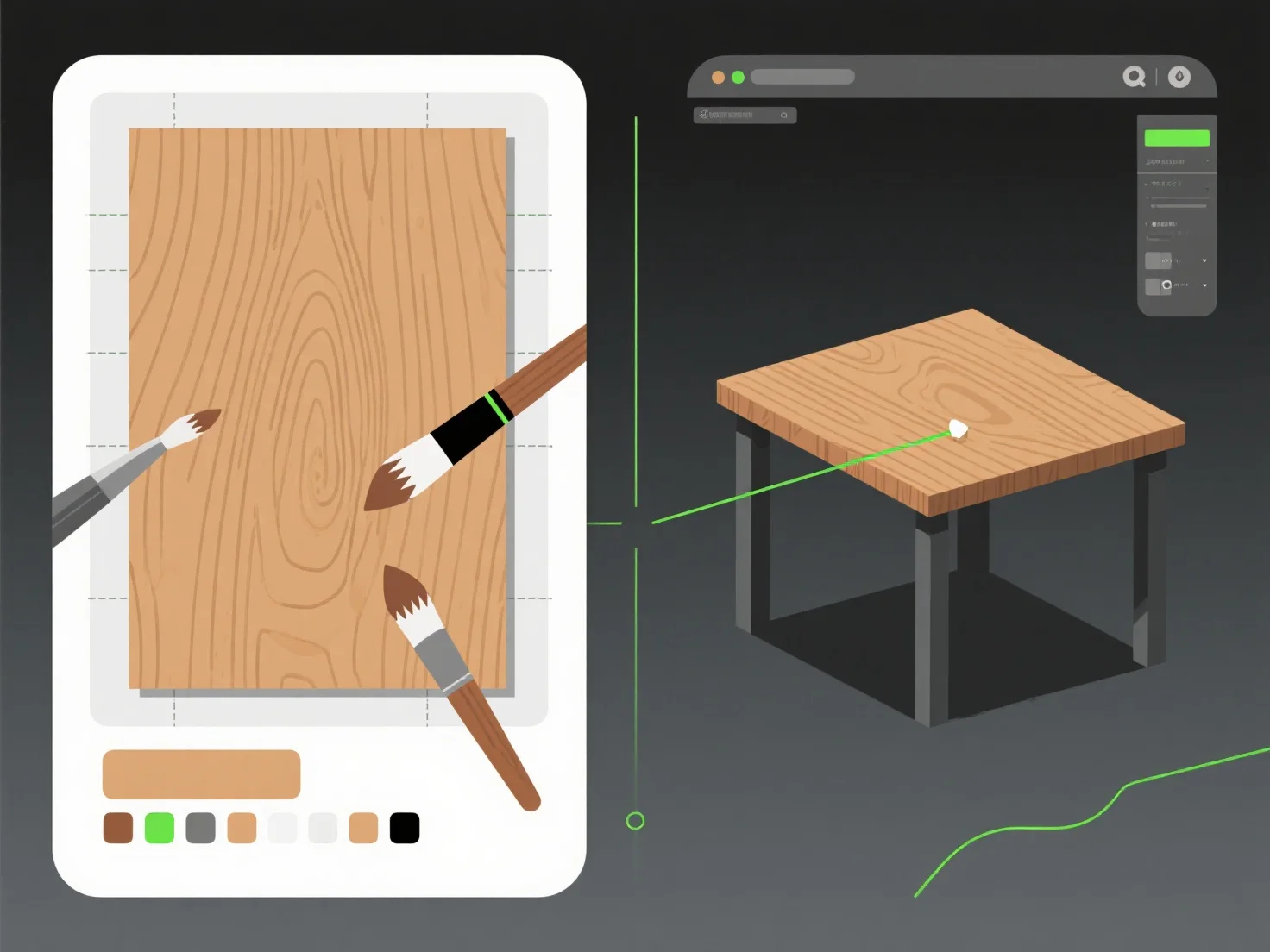
Combining texture mapping tools with modeling software for enhanced realism involves three core steps: exporting UV maps from modeling software, creating/editing textures in specialized tools, and reimporting to apply to the model—this workflow merges 3D geometry with lifelike surface details.

Modeling software (e.g., Blender, Maya) first handles UV unwrapping, which maps 3D surfaces to 2D texture coordinates, ensuring textures align without distortion.

Texture tools (e.g., Substance Painter, Photoshop) then add details like color gradients, roughness, or scratches, simulating real-world materials (e.g., weathered metal, fabric weave).

Finally, reimporting the edited textures into the modeling software applies these details, making the model visually authentic. For beginners, start with a simple object (e.g., a mug): unwrap UVs, export the layout, paint basic textures in GIMP, and reimport to observe realism improvements.

PreviousNext
제품
웹 스튜디오
API 플랫폼
기능
이미지를 3D로
멀티뷰를 3D로
릴리프
세그멘테이션
모델
일반 모델
인물 모델
리소스
블로그
FAQ
API 문서
회사 소개
가격