Home/Hitem3D FAQ/How do 3D modelers create realistic animations for product demonstrations?

How do 3D modelers create realistic animations for product demonstrations?

3D modelers make realistic product demo animations via 3D modeling, rigging, keyframe animation, and material/texture simulation.

How do 3D modelers create realistic animations for product demonstrations?

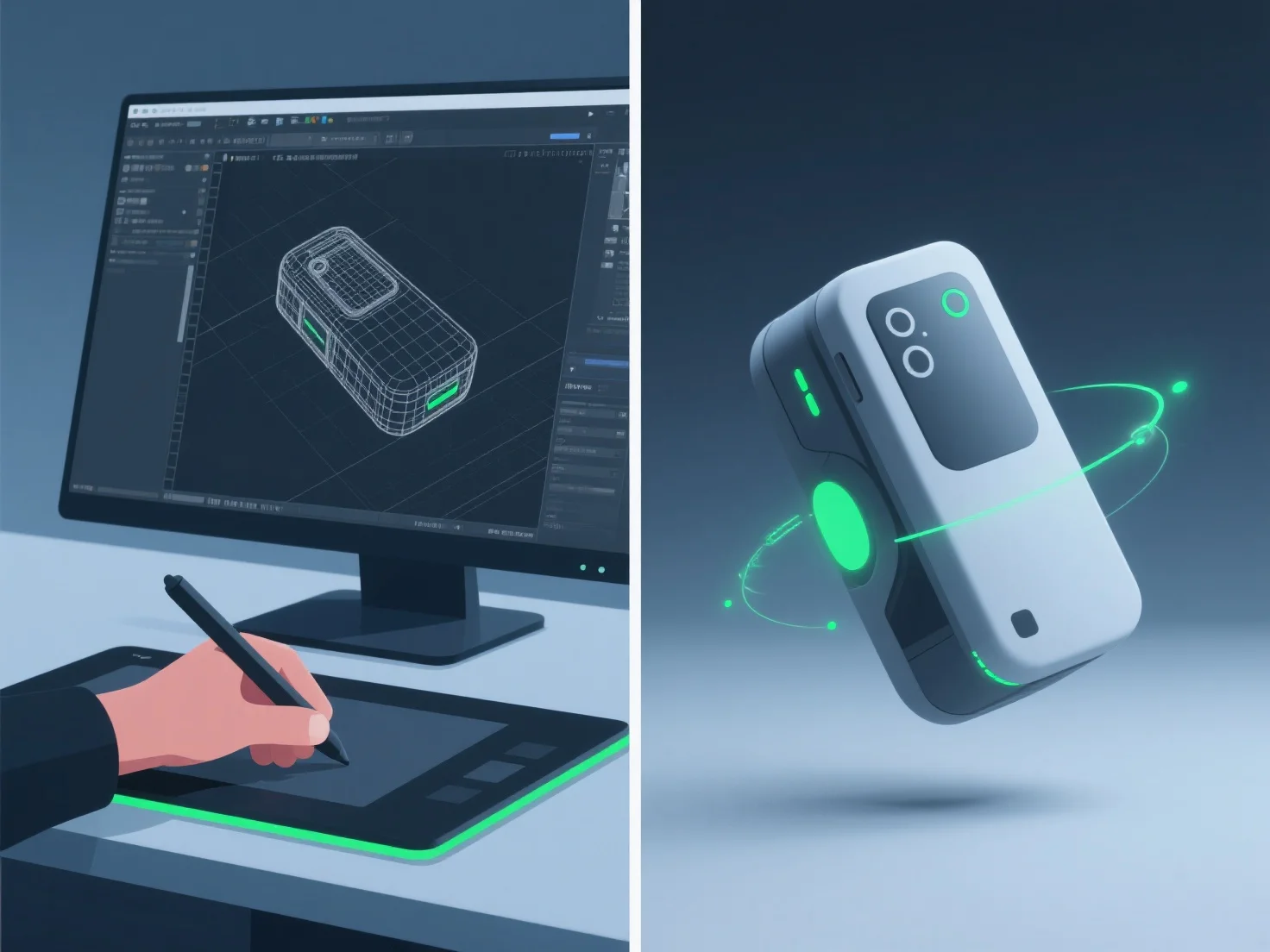
3D modelers create realistic product demonstration animations by integrating detailed 3D modeling, precise rigging, keyframe animation, and material/texture simulation, ensuring accurate product form, movement, and surface details.

- **3D Modeling**: Build detailed digital replicas, capturing exact dimensions and features to mirror the real product. - **Rigging**: Add skeletal structures to enable natural movement, like lid hinges or button presses, mimicking real-world mechanics. - **Keyframe Animation**: Set key poses to define motion sequences, aligning timing with how the product functions in reality (e.g., smooth lid opening). - **Material/Texture Simulation**: Apply realistic surface properties—such as metal reflectivity or plastic matte finish—to enhance visual authenticity.

This combination ensures animations reflect the product’s actual usage, making demonstrations both realistic and engaging.

PreviousNext
제품
웹 스튜디오
API 플랫폼
기능
이미지를 3D로
멀티뷰를 3D로
릴리프
세그멘테이션
모델
일반 모델
인물 모델
리소스
블로그
FAQ
API 문서
회사 소개
가격