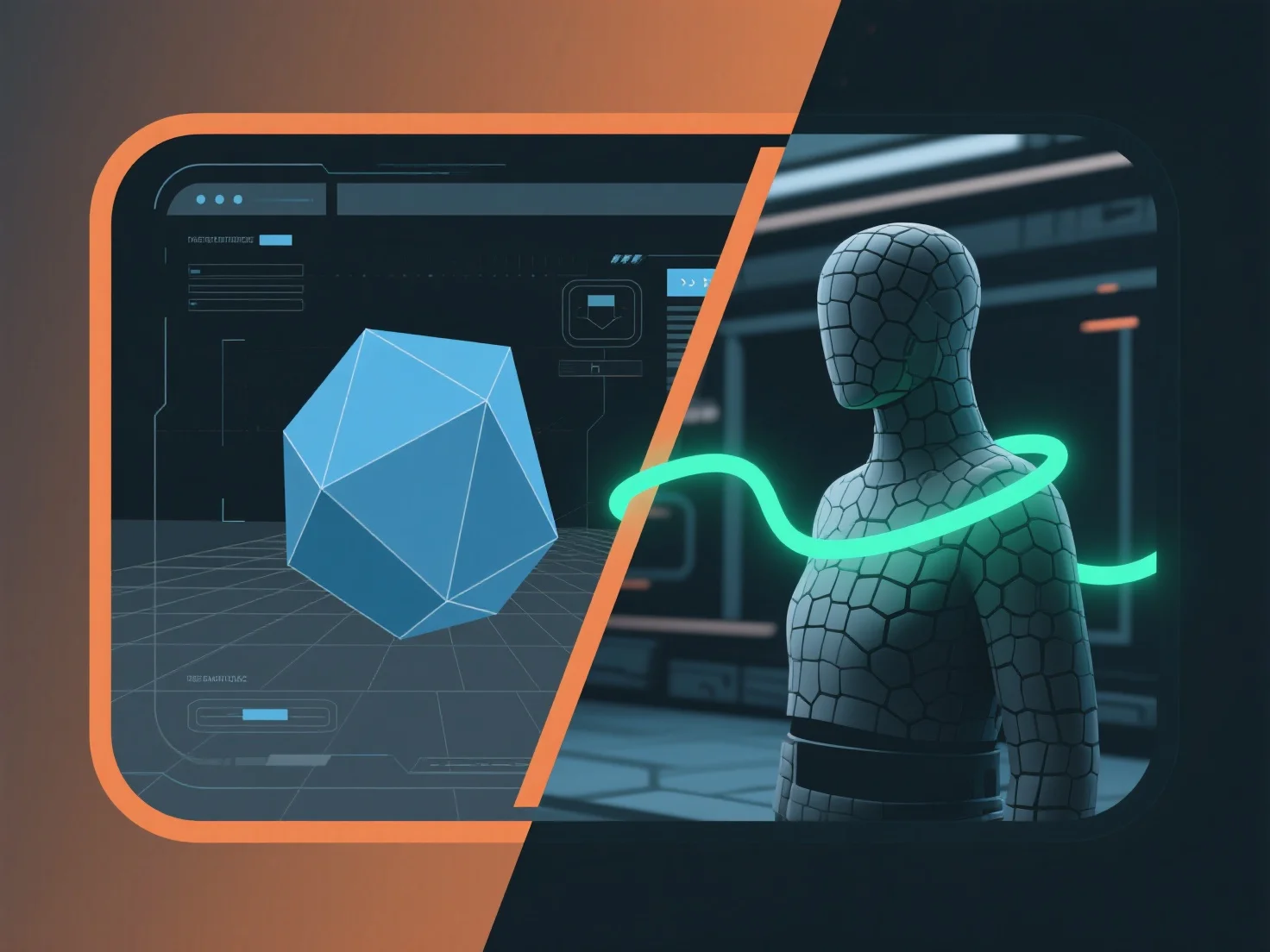
Home/Hitem3D FAQ/How can a 3D modeling tool be integrated with a game engine for real-time applications?

How can a 3D modeling tool be integrated with a game engine for real-time applications?

Integrating 3D modeling tools with game engines requires a compatible asset pipeline for smooth transfer and real-time optimization.

How can a 3D modeling tool be integrated with a game engine for real-time applications?

Integrating a 3D modeling tool with a game engine for real-time applications involves establishing a compatible asset pipeline to transfer models, textures, and animations smoothly, ensuring real-time rendering optimization.

- **Asset Export**: Export 3D assets from the modeling tool using formats supported by the game engine (e.g., FBX, GLB) to retain critical data like UV maps, animations, and material references. - **Import & Compatibility**: Utilize engine-specific plugins (e.g., Blender’s Unity/Unreal plugins) or built-in import functions to load assets, verifying shader and material consistency to avoid rendering errors. - **Real-Time Optimization**: Reduce polygon counts, compress textures, and enable real-time previews during development to ensure assets meet the engine’s performance requirements (e.g., frame rate, memory limits).

This streamlined pipeline ensures assets function efficiently in real-time, balancing visual quality with engine performance for applications like games or interactive simulations.

PreviousNext
제품
웹 스튜디오
API 플랫폼
기능
이미지를 3D로
멀티뷰를 3D로
릴리프
세그멘테이션
모델
일반 모델
인물 모델
리소스
블로그
FAQ
API 문서
회사 소개
가격