Home/Hitem3D FAQ/What is the difference between .obj and .fbx file formats?

What is the difference between .obj and .fbx file formats?

.obj is text-based for static geometry, while .fbx is binary for animations, rigging, and complex data transfer.

What is the difference between .obj and .fbx file formats?

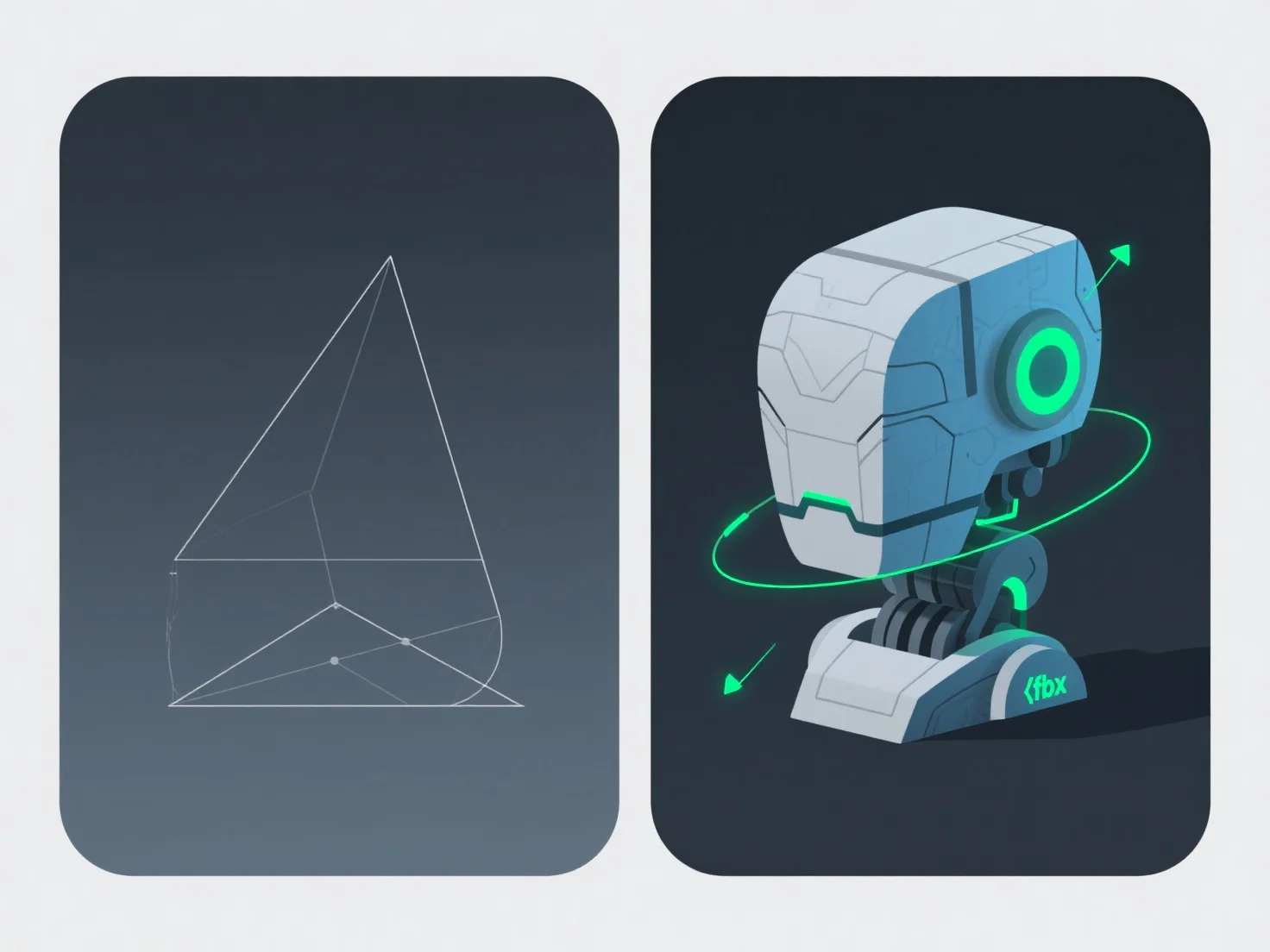
The key difference between .obj and .fbx file formats lies in data support and use cases: .obj is text-based for basic static geometry, while .fbx is binary, enabling animation, rigging, and complex data transfer.

.obj files store static 3D shapes and basic materials (via .mtl files), simple but limited to static data. .fbx files, being binary, handle animations, rigs, and cross-software asset relationships, offering richer functionality.

Typical applications: - Static Models/3D Printing: .obj is ideal for simple sharing or 3D printing due to broad software compatibility. - Animation/Game Dev: .fbx is preferred for projects needing to preserve animations, rigs, or complex data in tools like Unity, Blender, or Unreal Engine.

Choose .obj for static models; use .fbx for animations or complex data transfer.

PreviousNext
製品
Webスタジオ
APIプラットフォーム
機能
画像から3Dへ
マルチビューから3Dへ
リリーフ
セグメンテーション
モデル
汎用モデル
ポートレートモデル
リソース
ブログ
よくある質問
APIドキュメント
私たちについて
料金