Home/Hitem3D FAQ/What is the difference between binary and ASCII formats in 3D files?

What is the difference between binary and ASCII formats in 3D files?

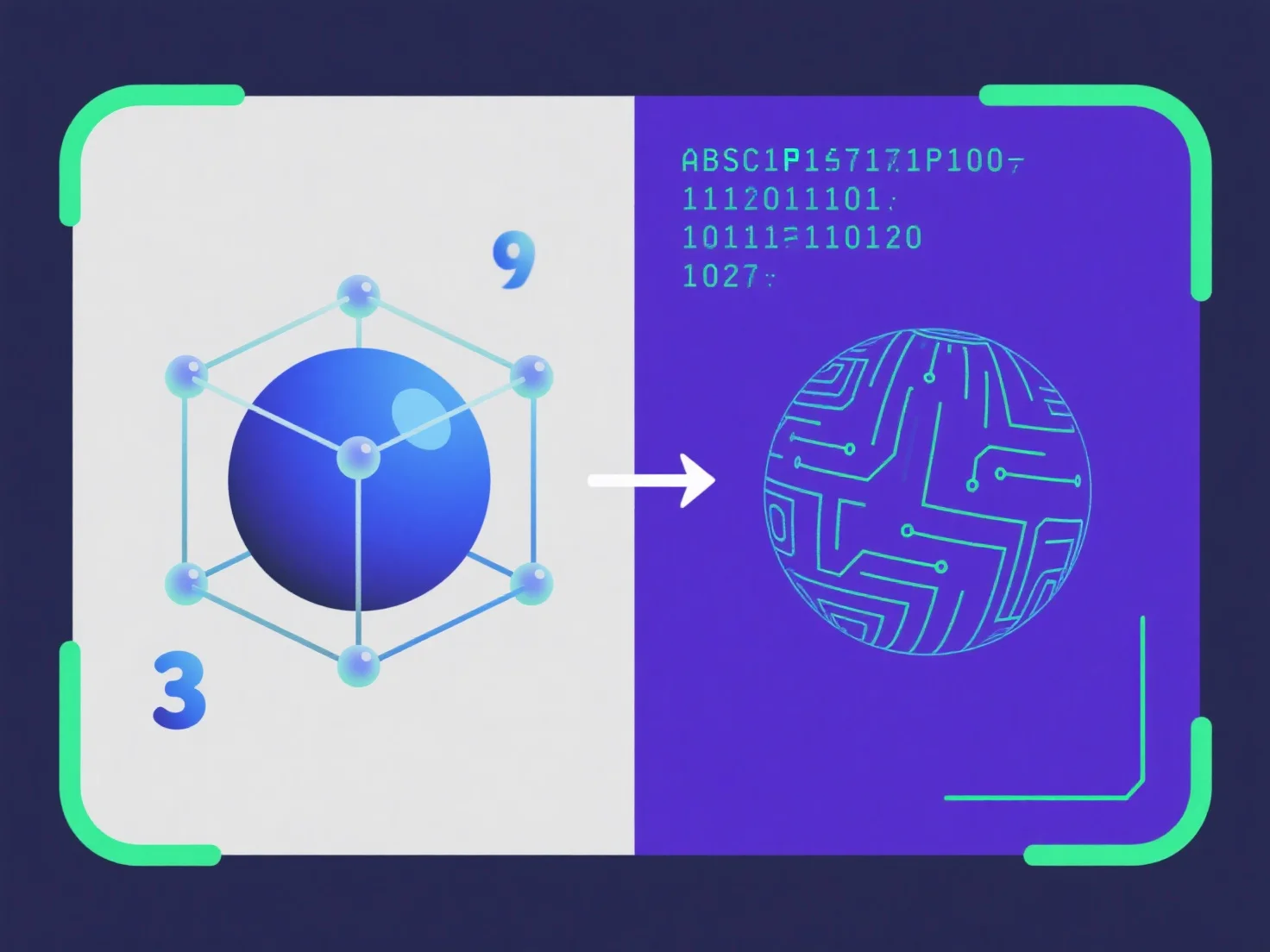
ASCII 3D files use readable text (larger, editable), binary uses compact machine code (smaller, efficient).

What is the difference between binary and ASCII formats in 3D files?

The key difference between binary and ASCII 3D file formats is data encoding: ASCII uses human-readable text, while binary uses compact, machine-optimized binary code.

ASCII 3D files store data as plain text (e.g., coordinates, vertex info), editable with basic text editors but resulting in larger file sizes. Binary formats encode data as binary digits, reducing size, speeding up read/write operations, but making content unreadable to humans without specialized tools.

For manual editing or debugging, ASCII is practical; for efficient storage, quick transmission, or large models, binary is preferred.

PreviousNext
製品
Webスタジオ
APIプラットフォーム
機能
画像から3Dへ
マルチビューから3Dへ
リリーフ
セグメンテーション
モデル
汎用モデル
ポートレートモデル
リソース
ブログ
よくある質問
APIドキュメント
私たちについて
料金