Home/Hitem3D FAQ/How does tool switching affect time cost in 3D workflows?

How does tool switching affect time cost in 3D workflows?

Tool switching in 3D workflows increases time cost due to interface adjustment, file issues, and context delays; use integrated or all-in-one tools to reduce this.

How does tool switching affect time cost in 3D workflows?

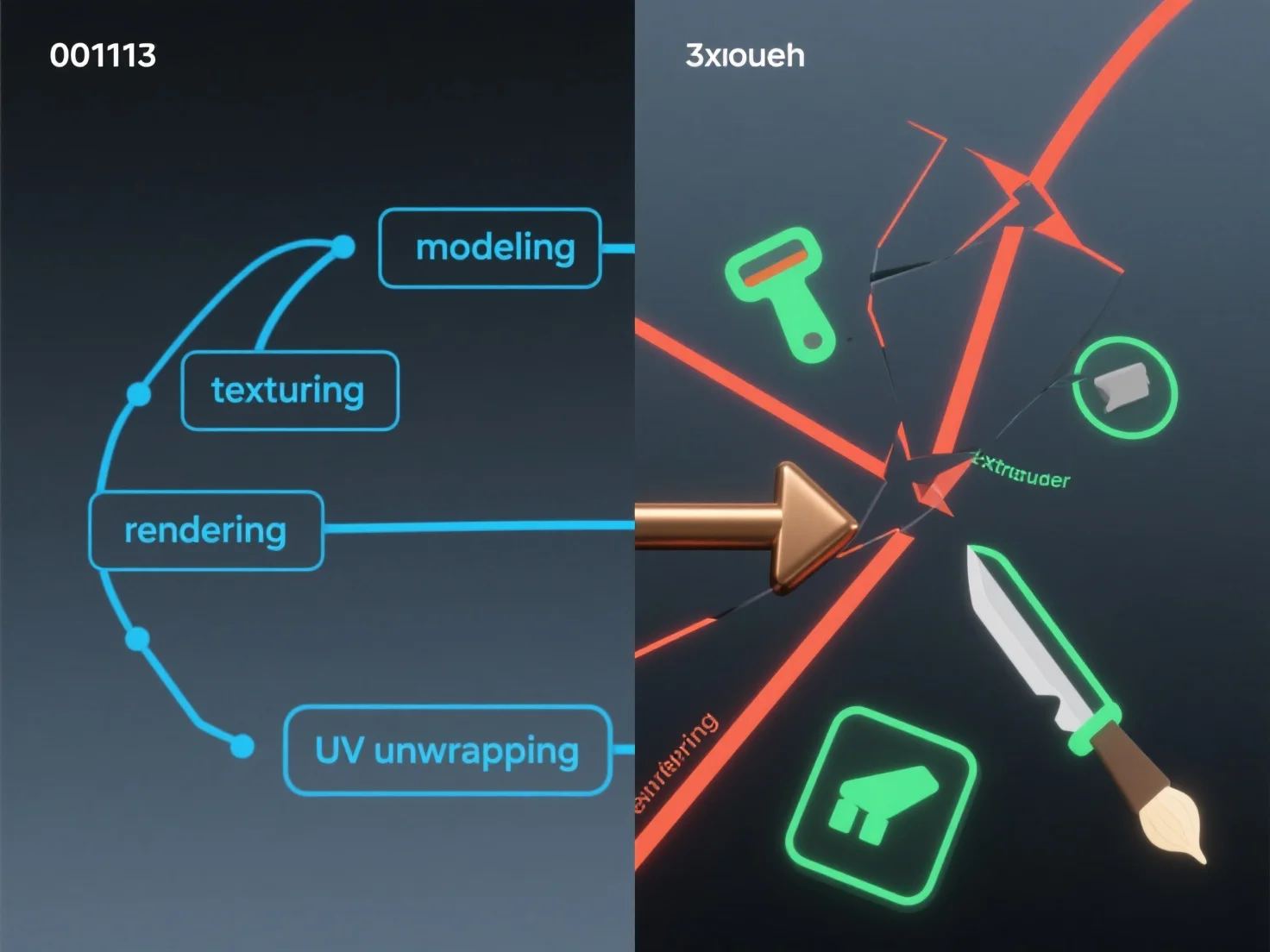
Tool switching in 3D workflows typically increases time cost by causing workflow disruptions and inefficiencies. Key factors include: - Interface and workflow adjustment: Switching tools requires adapting to new layouts and processes, diverting focus from core tasks. - File compatibility issues: Importing/exporting files between tools often leads to format errors or data loss, requiring extra troubleshooting. - Context switching delays: Breaking task continuity disrupts mental focus, extending the time needed to complete each step. To reduce time costs, prioritize tools with seamless file integration or use all-in-one 3D software suites when possible.

PreviousNext
製品
Webスタジオ
APIプラットフォーム
機能
画像から3Dへ
マルチビューから3Dへ
リリーフ
セグメンテーション
モデル
汎用モデル
ポートレートモデル
リソース
ブログ
よくある質問
APIドキュメント
私たちについて
料金