Home/Hitem3D FAQ/How does the choice of file format affect the efficiency of a 3D workflow?

How does the choice of file format affect the efficiency of a 3D workflow?

Choosing 3D file formats impacts workflow efficiency via compatibility, processing speed, and editing flexibility, so align with priorities.

How does the choice of file format affect the efficiency of a 3D workflow?

The choice of 3D file format directly impacts workflow efficiency by influencing data compatibility, processing speed, and editing flexibility across tools.

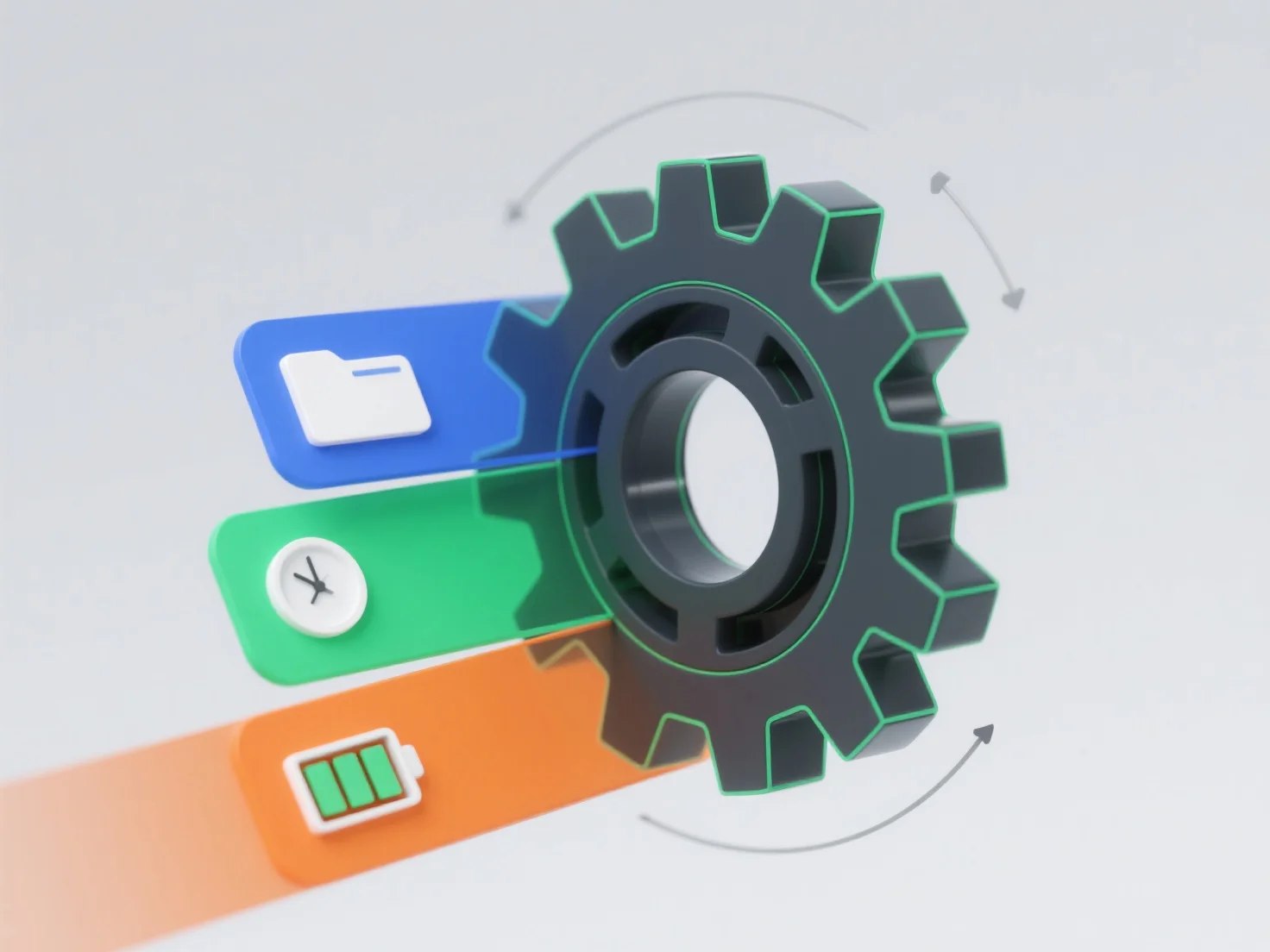
- **Data compatibility**: Incompatible formats often require time-consuming conversions, delaying project progress. - **Processing speed**: Lightweight formats like STL/OBJ accelerate storage/transfer but lack complex data (textures, animations), while richer formats (FBX/USD) preserve details but may slow loading. - **Editing flexibility**: Dense or proprietary formats can restrict real-time adjustments, reducing productivity in modeling, rendering, or 3D printing.

Overall, aligning the format with workflow priorities—speed, data richness, or tool compatibility—minimizes disruptions and boosts efficiency.

PreviousNext
製品
Webスタジオ
APIプラットフォーム
機能
画像から3Dへ
マルチビューから3Dへ
リリーフ
セグメンテーション
モデル
汎用モデル
ポートレートモデル
リソース
ブログ
よくある質問
APIドキュメント
私たちについて
料金