Home/Hitem3D FAQ/How does a 3D modeler ensure their designs are ready for 3D printing?

How does a 3D modeler ensure their designs are ready for 3D printing?

A 3D modeler ensures print readiness by checking watertightness, wall thickness, overhangs, and testing with slicer tools.

How does a 3D modeler ensure their designs are ready for 3D printing?

A 3D modeler ensures 3D printing readiness by verifying geometric integrity, structural stability, and printability, with key checks to prevent common failures.

First, confirm the model is watertight: Fix gaps, holes, or non-manifold edges (edges connecting to <2 or >2 faces), as these cause slicing errors.

Second, maintain proper wall thickness: Ensure walls are thick enough (1-3mm, material-dependent) to avoid breakage; eliminate overly thin sections prone to collapse.

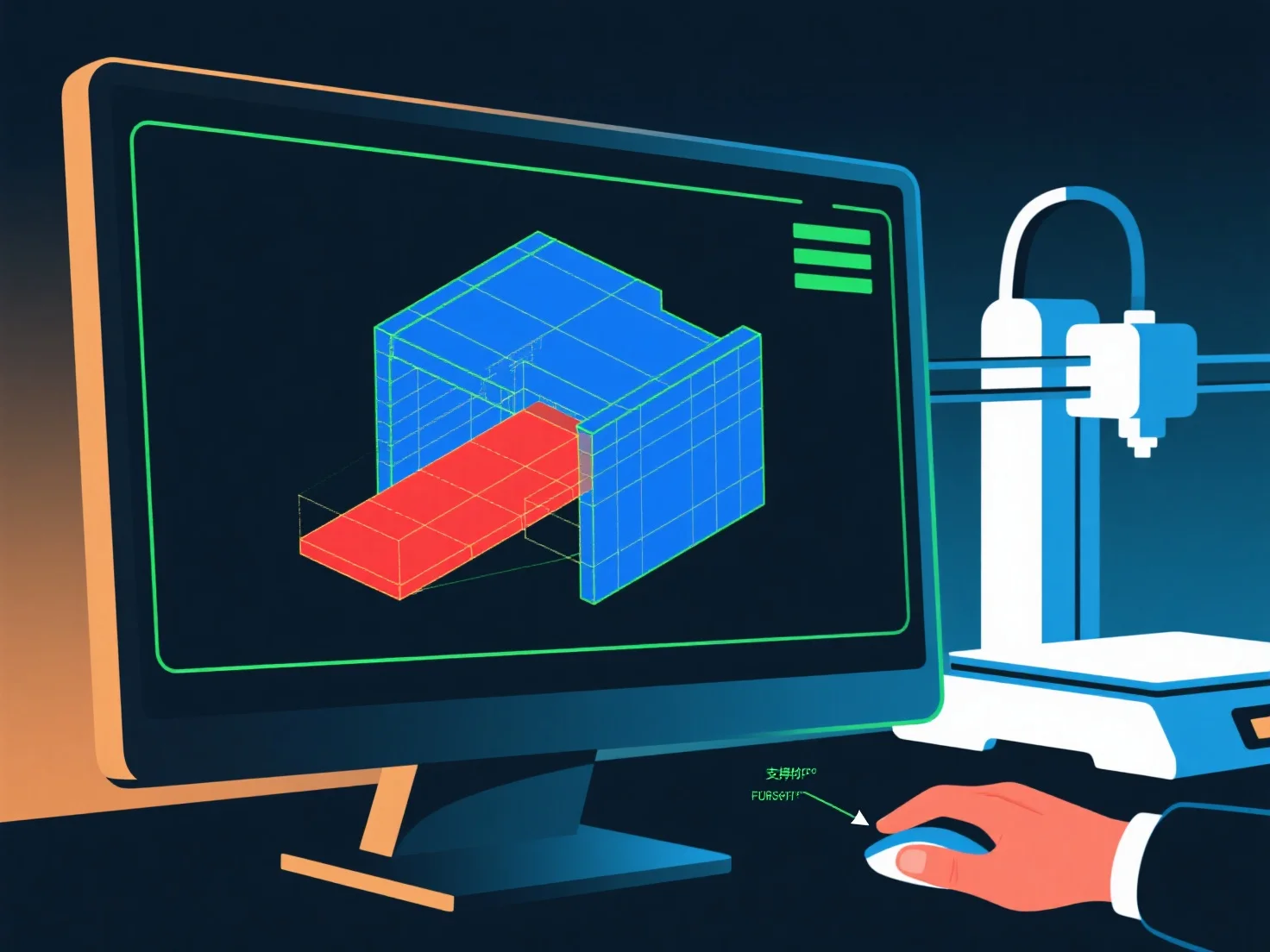
Third, manage overhangs: Keep angles ≤45° where possible; for steeper overhangs, add supports via modeling software or redesign to reduce unsupported areas.

Finally, test with slicer tools: Preview layers, check for errors, and adjust settings (e.g., support placement) to confirm the model translates accurately to physical print.

PreviousNext
製品
Webスタジオ
APIプラットフォーム
機能
画像から3Dへ
マルチビューから3Dへ
リリーフ
セグメンテーション
モデル
汎用モデル
ポートレートモデル
リソース
ブログ
よくある質問
APIドキュメント
私たちについて
料金