Home/Hitem3D FAQ/How does 3D presentation with user control compare to guided presentations?

How does 3D presentation with user control compare to guided presentations?

User-controlled 3D allows independent exploration; guided presentations follow a structured, presenter-led sequence.

How does 3D presentation with user control compare to guided presentations?

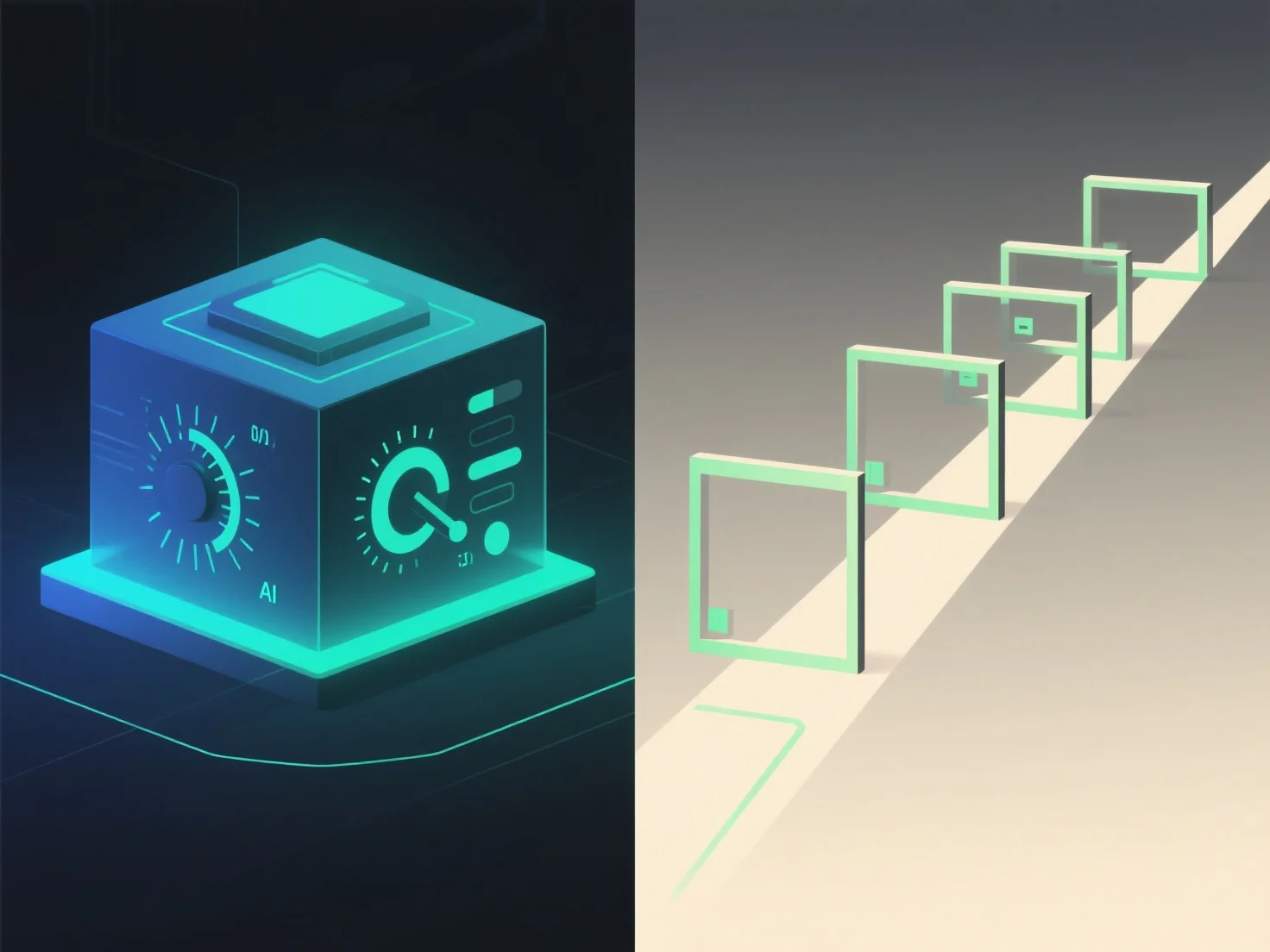
3D presentations with user control and guided presentations differ mainly in interactivity and control over the experience. User-controlled 3D allows viewers to independently navigate, rotate, or zoom into 3D content, while guided presentations follow a predefined, presenter-led sequence.

Interactivity level: User control empowers viewers to explore at their own pace, focusing on areas of interest—ideal for detailed inspections or personalized learning. Guided presentations, by contrast, maintain a structured flow, ensuring key messages are delivered in a specific order.

Ideal applications: User-controlled 3D suits scenarios like product demos (e.g., examining a device’s components) or educational tools (e.g., exploring a geological formation). Guided presentations excel in storytelling, sales pitches, or training where a focused narrative needs emphasis.

In short, user-controlled 3D offers exploratory freedom, while guided presentations ensure structured, intentional communication.

PreviousNext
製品
Webスタジオ
APIプラットフォーム
機能
画像から3Dへ
マルチビューから3Dへ
リリーフ
セグメンテーション
モデル
汎用モデル
ポートレートモデル
リソース
ブログ
よくある質問
APIドキュメント
私たちについて
料金