ホーム/Hitem3D FAQ/How do you use lightmapping in 3D rendering to optimize performance?

How do you use lightmapping in 3D rendering to optimize performance?

Lightmapping precomputes static lighting into textures to optimize 3D rendering, used in games, architecture, and VR for better performance.

How do you use lightmapping in 3D rendering to optimize performance?

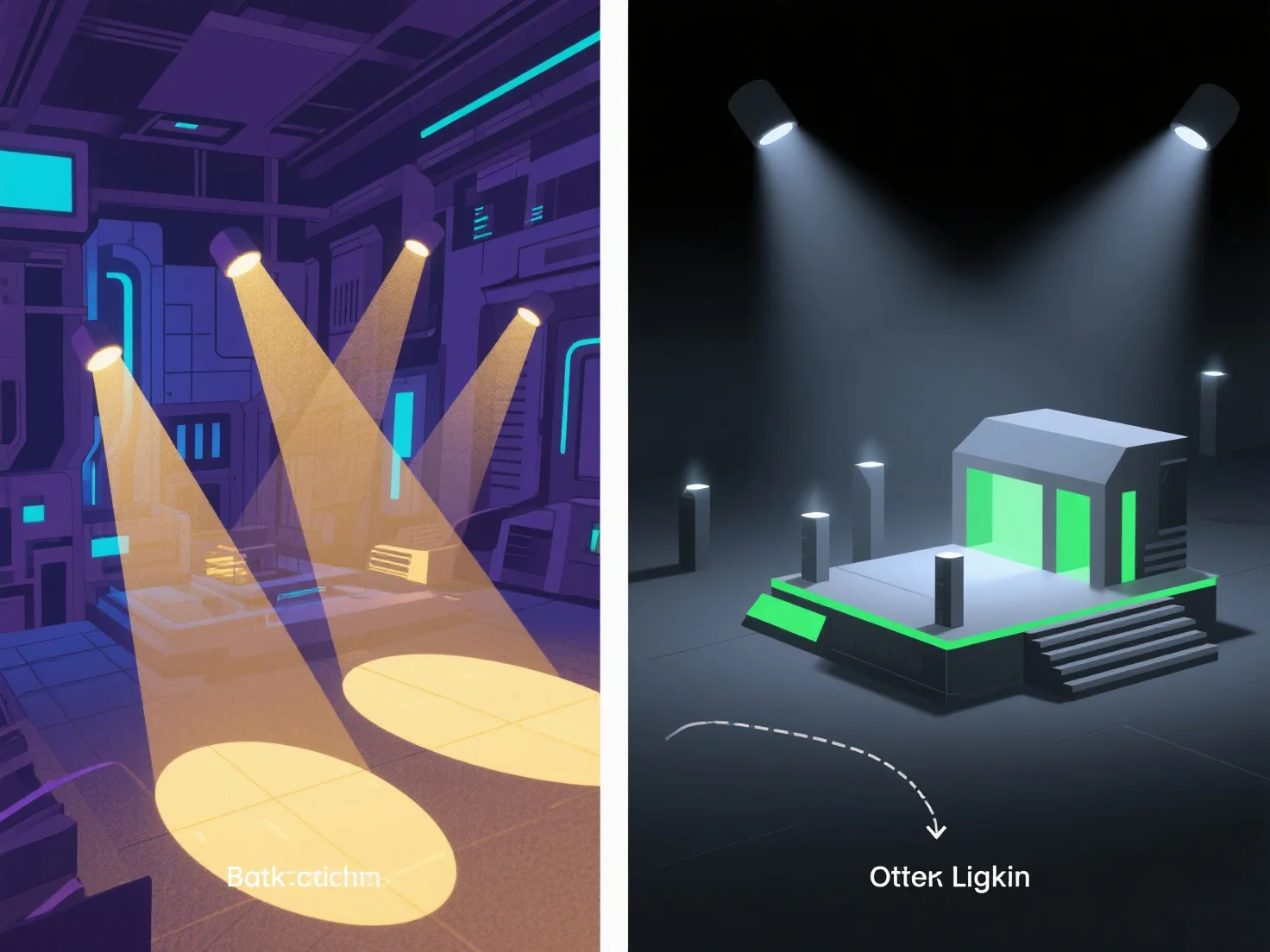
Lightmapping optimizes 3D rendering performance by precomputing static lighting data (e.g., shadows, ambient occlusion) into texture maps, reducing real-time calculation workload.

It works by rendering static lighting effects into textures during preprocessing, which are then applied to 3D models during rendering instead of recalculating light in real time—eliminating redundant per-frame computations.

Common applications include: - Game development: Stabilizes frame rates on lower-end hardware by offloading lighting tasks. - Architectural visualization: Enables smooth, lag-free real-time walkthroughs of static scenes. - Virtual reality: Ensures consistent performance to prevent motion sickness caused by frame drops.

For static 3D scenes, use lightmapping tools in software like Unity or Unreal Engine to precompute lighting and validate performance improvements.

前へ次へ
製品
Webスタジオ
APIプラットフォーム
機能
画像から3Dへ
マルチビューから3Dへ
リリーフ
セグメンテーション
モデル
汎用モデル
ポートレートモデル
リソース
ブログ
よくある質問
APIドキュメント
私たちについて
料金