Home/Hitem3D FAQ/How do you use collaborative software to share 3D assets and track changes in real-time?

How do you use collaborative software to share 3D assets and track changes in real-time?

Upload 3D files to a shared cloud workspace, set team access, enable real-time collaboration, and track changes automatically for efficient 3D asset teamwork.

How do you use collaborative software to share 3D assets and track changes in real-time?

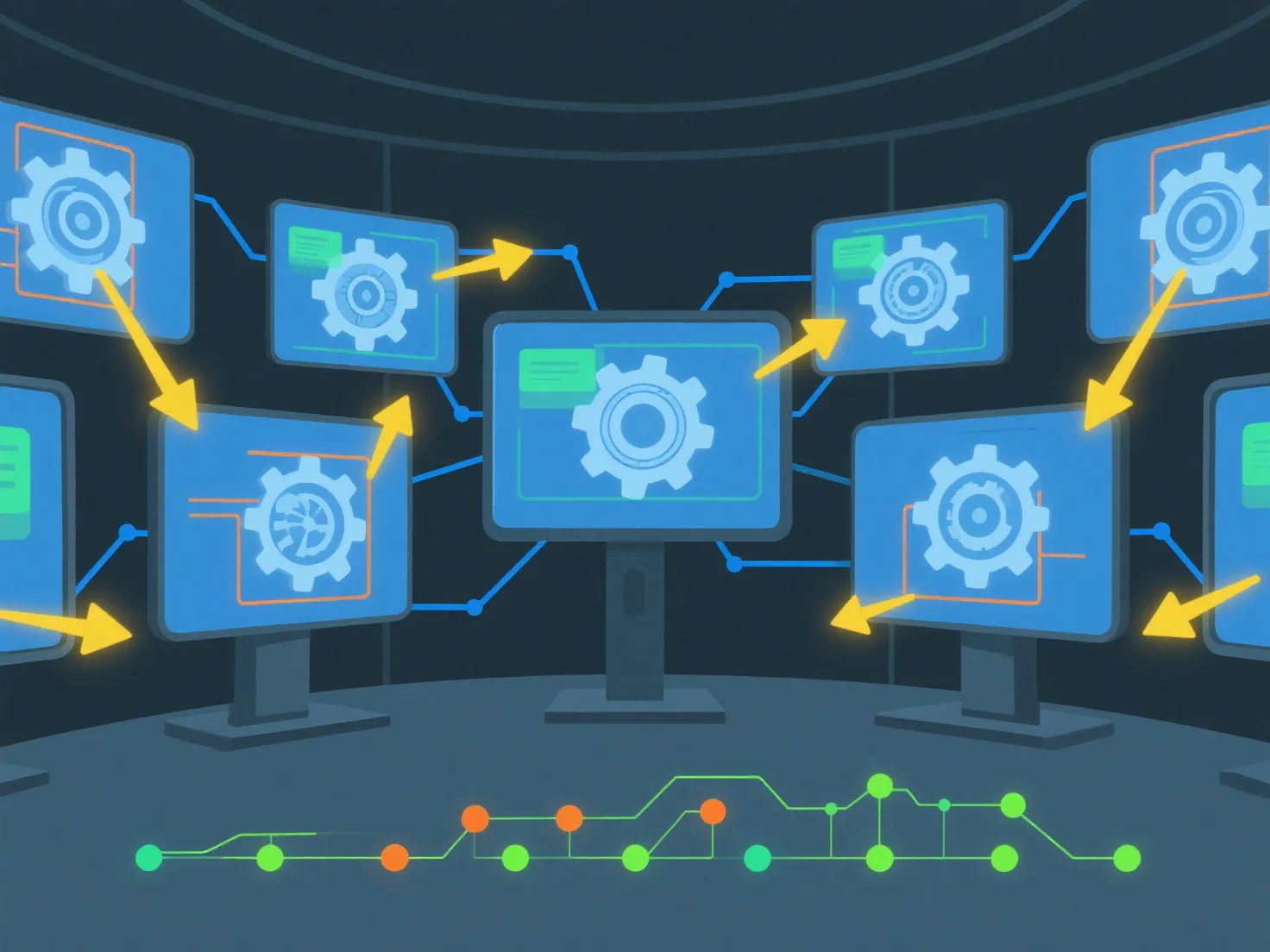
To share 3D assets and track changes in real-time using collaborative software, start by uploading 3D files to a shared cloud workspace and configuring team access permissions. This setup enables simultaneous viewing/editing and automatically logs change history for transparency.

First, upload and set access: Add 3D files (e.g., .obj, .fbx) to the software’s cloud library. Assign roles (viewer/editor) to team members to control editing rights.

Next, enable real-time collaboration: Use tools with live sync to let multiple users work on the same asset simultaneously, avoiding version conflicts.

Finally, track changes automatically: The software records edits with user, timestamp, and modification details, so teams can review history or revert versions easily.

This ensures seamless sharing, real-time updates, and clear change traceability for efficient 3D asset teamwork.

PreviousNext
製品
Webスタジオ
APIプラットフォーム
機能
画像から3Dへ
マルチビューから3Dへ
リリーフ
セグメンテーション
モデル
汎用モデル
ポートレートモデル
リソース
ブログ
よくある質問
APIドキュメント
私たちについて
料金