Home/Hitem3D FAQ/How do you simulate glass materials in 3D rendering?

How do you simulate glass materials in 3D rendering?

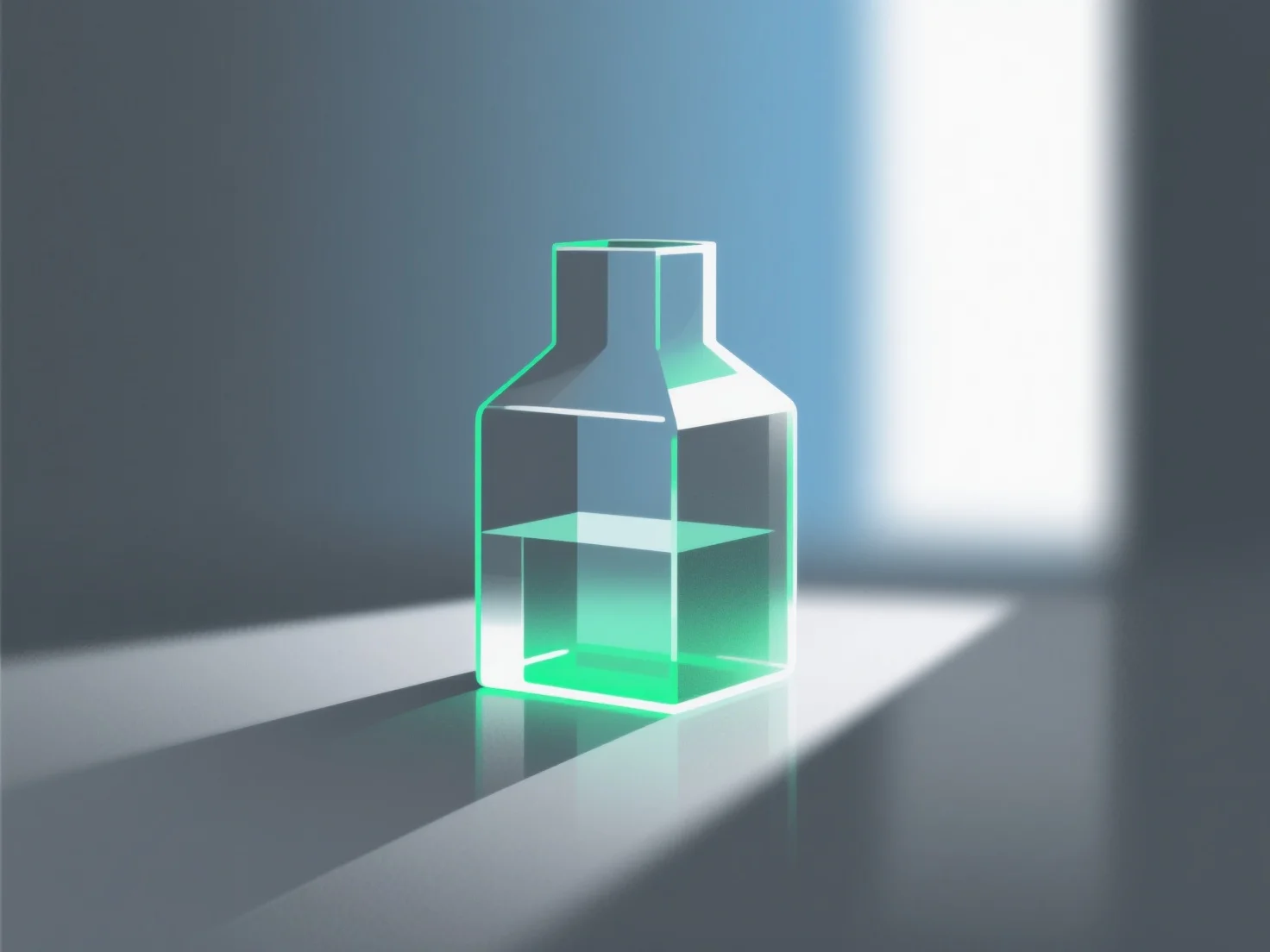
Simulating glass in 3D rendering replicates light transmission, reflection, refraction via parameters like index and roughness, starting with presets.

How do you simulate glass materials in 3D rendering?

Simulating glass materials in 3D rendering primarily involves replicating their core optical properties: light transmission, reflection, and refraction.

Key steps and parameters include: - **Transmission**: Set high values to ensure light passes through, mimicking glass transparency. - **Refractive index**: Use around 1.5 (standard glass) to accurately simulate light bending as it enters/exits the material. - **Surface roughness**: Lower values for clear, smooth glass; higher values for frosted or textured effects.

Beginners can start with software presets (e.g., Blender, Cinema 4D) and adjust these parameters incrementally to achieve realistic glass results.

PreviousNext
製品
Webスタジオ
APIプラットフォーム
機能
画像から3Dへ
マルチビューから3Dへ
リリーフ
セグメンテーション
モデル
汎用モデル
ポートレートモデル
リソース
ブログ
よくある質問
APIドキュメント
私たちについて
料金