Home/Hitem3D FAQ/How do you manage collaborative workflows in 3D modeling for game development?

How do you manage collaborative workflows in 3D modeling for game development?

Game development's collaborative 3D modeling workflows use version control, shared libraries, and guidelines to streamline collaboration and ensure efficiency.

How do you manage collaborative workflows in 3D modeling for game development?

Managing collaborative 3D modeling workflows in game development involves using version control, shared asset libraries, and clear conventions to track changes and align team efforts.

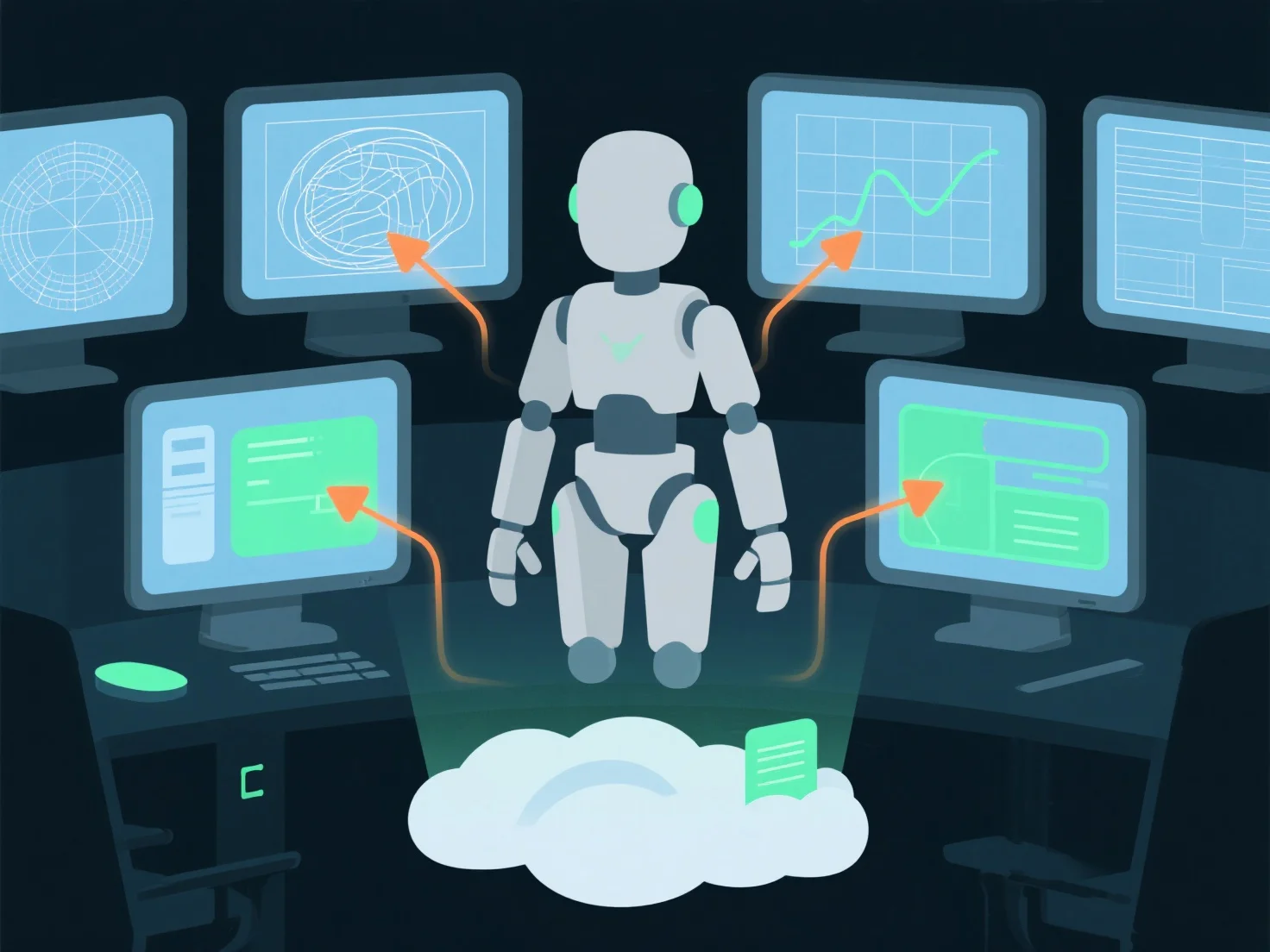
- **Version Control Systems**: Tools like Perforce or Git LFS track file revisions, preventing overwrites and enabling rollbacks, ensuring everyone works with the latest iterations. - **Shared Asset Libraries**: Cloud platforms (e.g., Unity Collaborate, Unreal Engine’s Asset Management) centralize 3D models, textures, and animations for real-time team access. - **Clear Guidelines**: Standardized naming, task assignments, and design docs align models with game goals, reducing rework and ensuring consistency.

This setup streamlines collaboration, maintains asset integrity, and keeps the development process efficient.

PreviousNext
製品
Webスタジオ
APIプラットフォーム
機能
画像から3Dへ
マルチビューから3Dへ
リリーフ
セグメンテーション
モデル
汎用モデル
ポートレートモデル
リソース
ブログ
よくある質問
APIドキュメント
私たちについて
料金