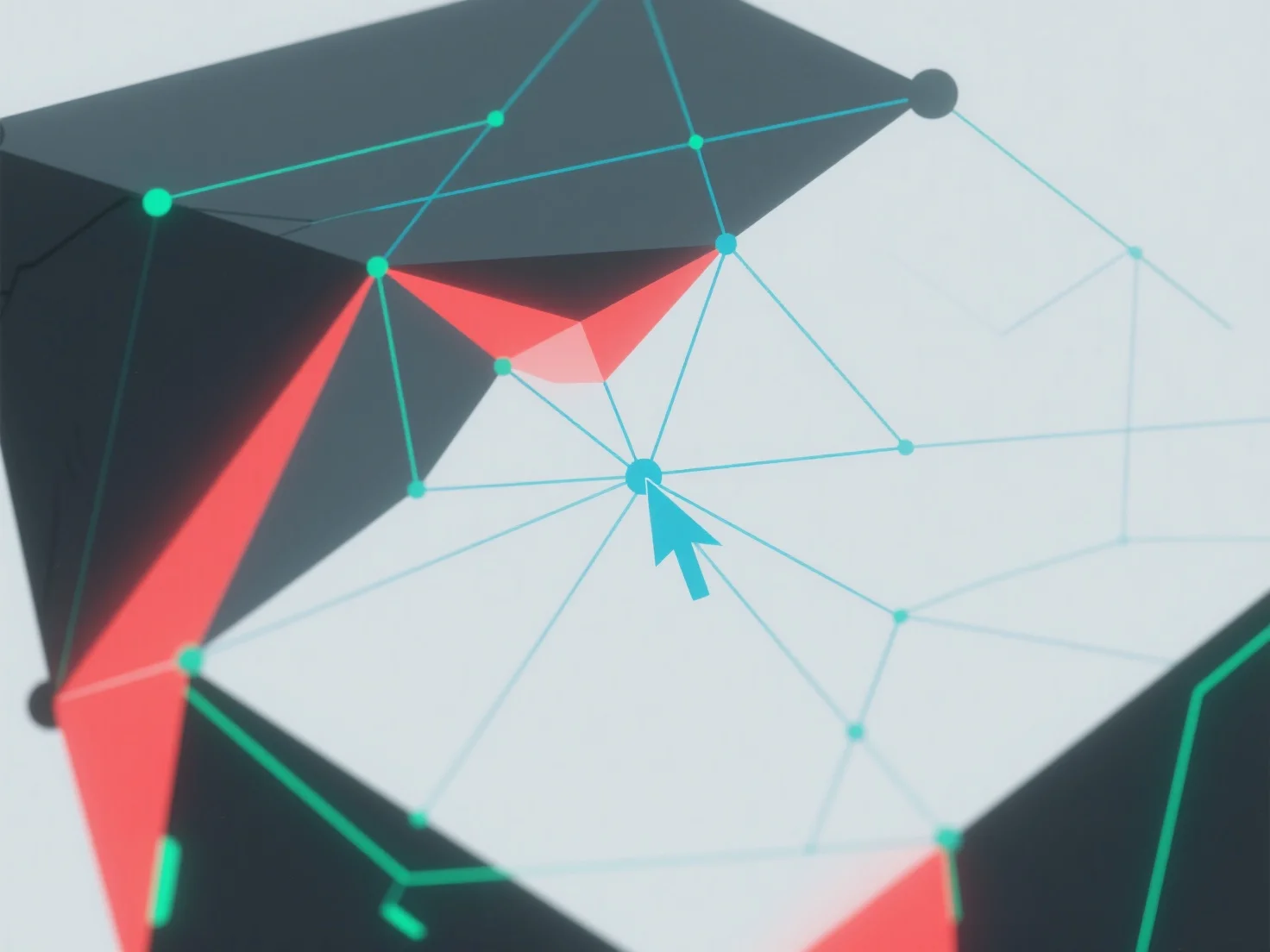
Home/Hitem3D FAQ/How do you handle non-manifold geometry in 3D modeling?

How do you handle non-manifold geometry in 3D modeling?

Non-manifold 3D geometry is fixed by detecting errors with software tools and resolving via merging, deleting, adjusting, simplifying, or using plugins.

How do you handle non-manifold geometry in 3D modeling?

Non-manifold geometry in 3D modeling is handled by identifying and resolving topological errors using 3D software tools.

First, use built-in features like "manifold check" or "repair mesh" to detect issues: common problems include intersecting faces, duplicate edges, or vertices with more than two adjacent faces.

Next, fix errors by merging overlapping vertices, deleting redundant geometry, or adjusting face connections to ensure each edge connects exactly two faces.

If issues persist, simplify the model by reducing complexity or use automated repair plugins to streamline the process.

PreviousNext
製品
Webスタジオ
APIプラットフォーム
機能
画像から3Dへ
マルチビューから3Dへ
リリーフ
セグメンテーション
モデル
汎用モデル
ポートレートモデル
リソース
ブログ
よくある質問
APIドキュメント
私たちについて
料金