Home/Hitem3D FAQ/How do you ensure that your solution path works for both digital and physical product prototyping?

How do you ensure that your solution path works for both digital and physical product prototyping?

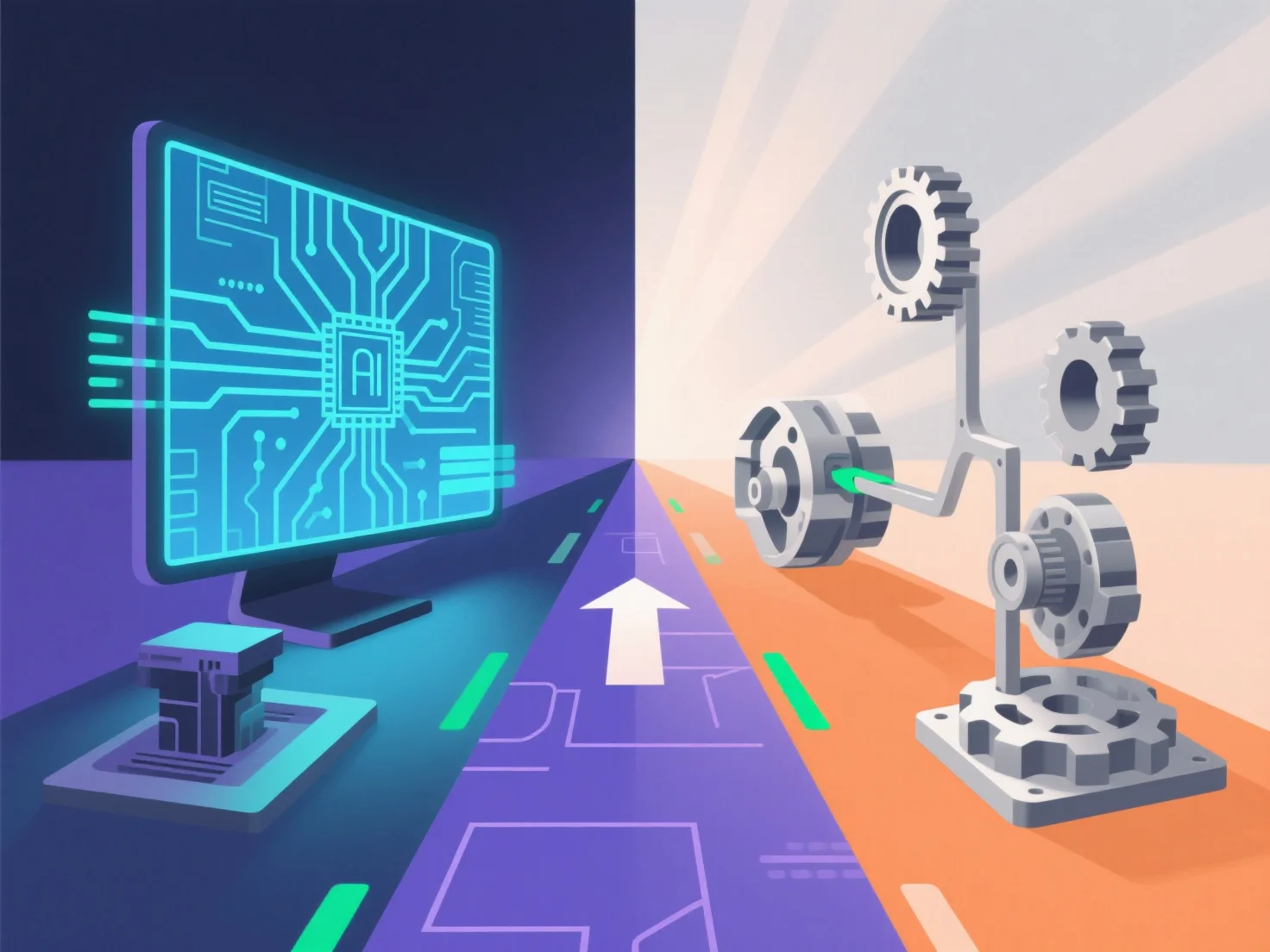
A solution integrates cross-compatible 3D modeling and iterative validation to bridge digital and physical product prototyping.

How do you ensure that your solution path works for both digital and physical product prototyping?

To ensure a solution path works for both digital and physical product prototyping, it integrates cross-compatible 3D modeling tools and iterative validation workflows, bridging digital design and physical production seamlessly.

- **Cross-compatible 3D modeling**: Adopt universal file formats (e.g., STL, STEP) to ensure digital models are compatible with 3D printers, CNC machines, or other physical prototyping tools, avoiding format translation errors. - **Iterative validation**: Start with digital simulations (e.g., stress testing, fit checks) to refine the design, then produce a physical prototype (via 3D printing or machining) to verify alignment between digital specs and real-world performance.

This dual focus on compatibility and validation ensures the solution path reliably supports both digital and physical prototyping needs.

PreviousNext
製品
Webスタジオ
APIプラットフォーム
機能
画像から3Dへ
マルチビューから3Dへ
リリーフ
セグメンテーション
モデル
汎用モデル
ポートレートモデル
リソース
ブログ
よくある質問
APIドキュメント
私たちについて
料金