Home/Hitem3D FAQ/How do you avoid topology errors when modeling for animation?

How do you avoid topology errors when modeling for animation?

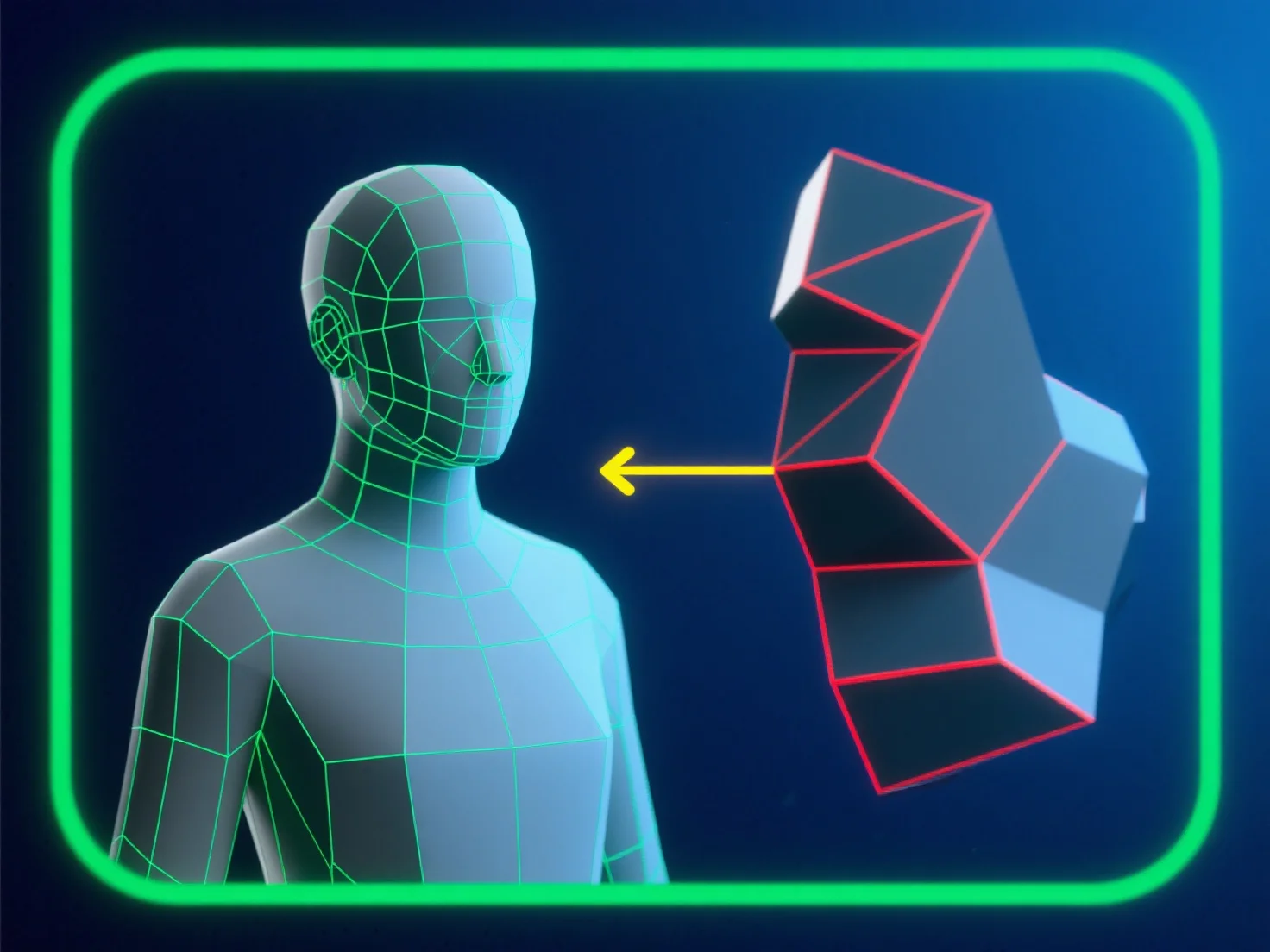
To avoid topology errors in animation modeling, use clean quad meshes, avoid triangles/ngons, optimize edge loops, and test early.

How do you avoid topology errors when modeling for animation?

To avoid topology errors when modeling for animation, focus on clean, quad-dominated mesh flow aligned with the character’s movement paths—this ensures edges deform predictably, reducing pinching or stretching.

- **Avoid problematic polygons**: Steer clear of triangles and ngons in high-deformation areas (e.g., joints, facial features), as they disrupt smooth movement. - **Optimize edge loops**: Place evenly spaced edge loops around bend points (elbows, knees) to support natural, distortion-free deformation. - **Test and validate**: Regularly use mesh integrity tools (e.g., non-manifold detectors) and preview with simple animations to catch errors early.

By combining these steps, you maintain mesh quality and ensure reliable performance during animation.

PreviousNext
製品
Webスタジオ
APIプラットフォーム
機能
画像から3Dへ
マルチビューから3Dへ
リリーフ
セグメンテーション
モデル
汎用モデル
ポートレートモデル
リソース
ブログ
よくある質問
APIドキュメント
私たちについて
料金