


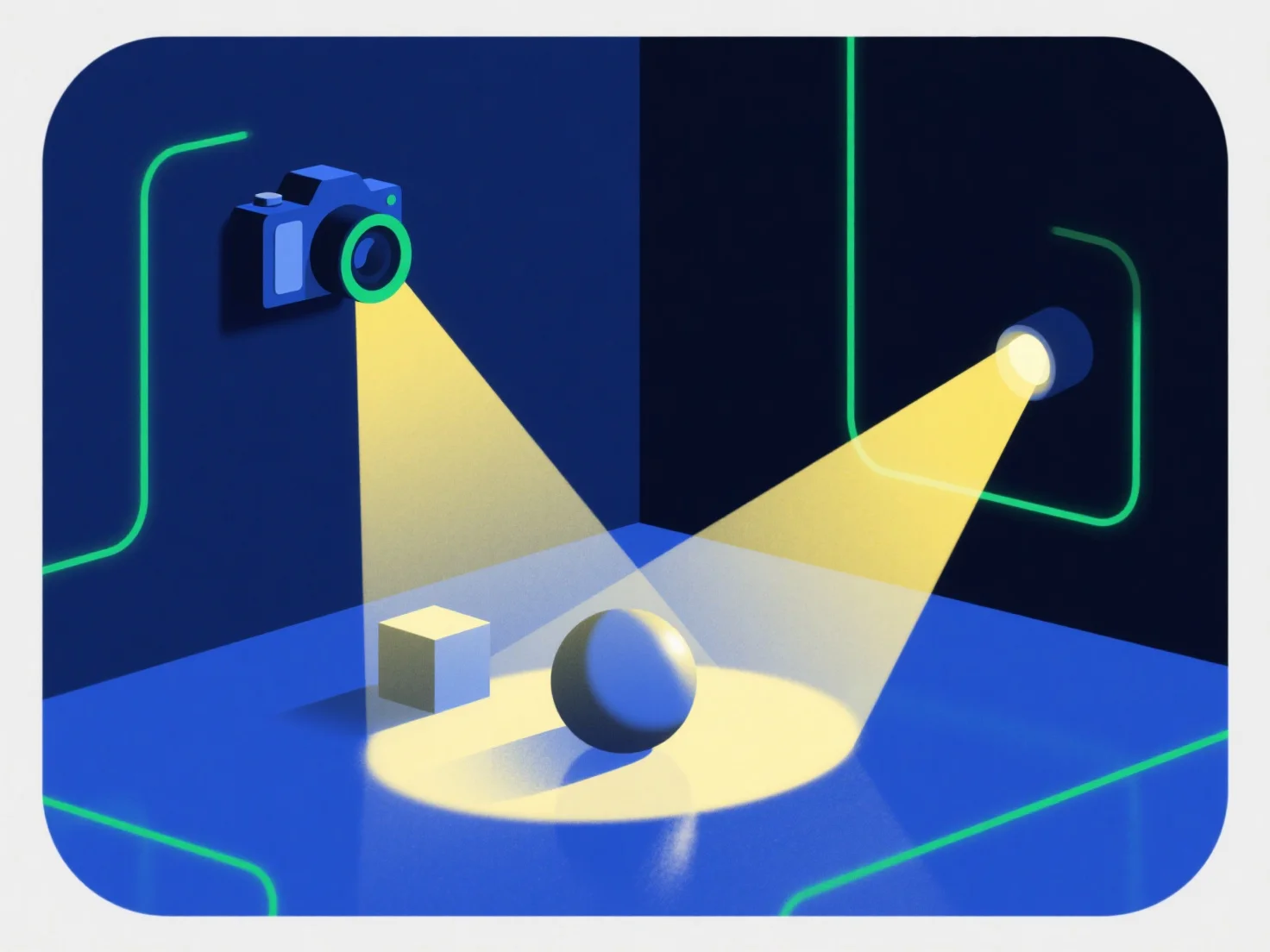
ライトとカメラは、3Dコンポーネントと相互作用し、現実的なビジュアルを生み出すために協力します。ライトはコンポーネントを照らして明るさ、色、テクスチャを定義し、カメラは特定の視点から照らされたシーンをキャプチャして、最終的なレンダリング画像を生み出します。
ライトは、影、ハイライト、テクスチャ強化などの現実世界の効果をシミュレートし、3Dコンポーネントを目に見えるものにします。適切な照明なしでは、コンポーネントは平坦または非現実的に見える可能性があります。
カメラは、位置、角度、視野を調整することで視認性を制御し、3Dコンポーネントのどの部分が表示されるか、そしてどのように表示されるかを決定します。位置が悪いカメラは、重要な詳細を見えなくしてしまう可能性があります。
この相乗効果は現実主義にとって非常に重要です。バランスの取れた照明と戦略的なカメラのフレーミングによって、3Dコンポーネントが生き生きと動きます。初心者の方は、基本的なポイントライトと固定のカメラアングルから始めることで、コンポーネントの外観にどのように変化が影響するかを簡単に観察することができます。