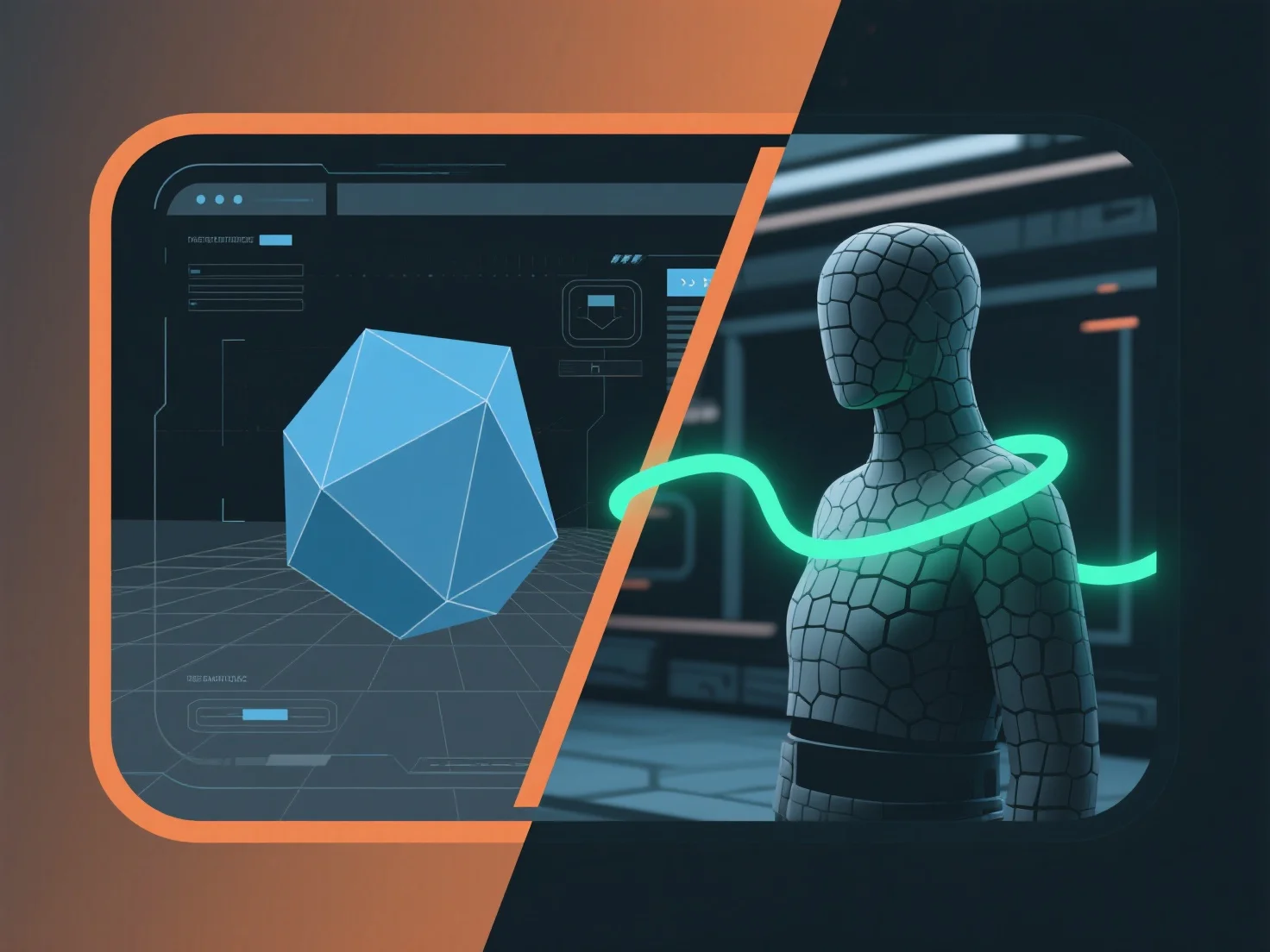
Home/Hitem3D FAQ/How can a 3D modeling tool be integrated with a game engine for real-time applications?

How can a 3D modeling tool be integrated with a game engine for real-time applications?

Integrating 3D modeling tools with game engines requires a compatible asset pipeline for smooth transfer and real-time optimization.

How can a 3D modeling tool be integrated with a game engine for real-time applications?

Integrating a 3D modeling tool with a game engine for real-time applications involves establishing a compatible asset pipeline to transfer models, textures, and animations smoothly, ensuring real-time rendering optimization.

- **Asset Export**: Export 3D assets from the modeling tool using formats supported by the game engine (e.g., FBX, GLB) to retain critical data like UV maps, animations, and material references. - **Import & Compatibility**: Utilize engine-specific plugins (e.g., Blender’s Unity/Unreal plugins) or built-in import functions to load assets, verifying shader and material consistency to avoid rendering errors. - **Real-Time Optimization**: Reduce polygon counts, compress textures, and enable real-time previews during development to ensure assets meet the engine’s performance requirements (e.g., frame rate, memory limits).

This streamlined pipeline ensures assets function efficiently in real-time, balancing visual quality with engine performance for applications like games or interactive simulations.

PreviousNext
製品
Webスタジオ
APIプラットフォーム
機能
画像から3Dへ
マルチビューから3Dへ
リリーフ
セグメンテーション
モデル
汎用モデル
ポートレートモデル
リソース
ブログ
よくある質問
APIドキュメント
私たちについて
料金