ホーム/Hitem3D FAQ/How can 3D models be used to compare design concepts in a pitch presentation?

How can 3D models be used to compare design concepts in a pitch presentation?

3D models aid design concept comparison in pitches via visual clarity, dynamic contrast, and interactivity for efficient stakeholder understanding and selection.

How can 3D models be used to compare design concepts in a pitch presentation?

3D models enable effective comparison of design concepts in pitch presentations by visually and interactively highlighting differences in structure, scale, and functionality, making it easier for stakeholders to grasp key distinctions.

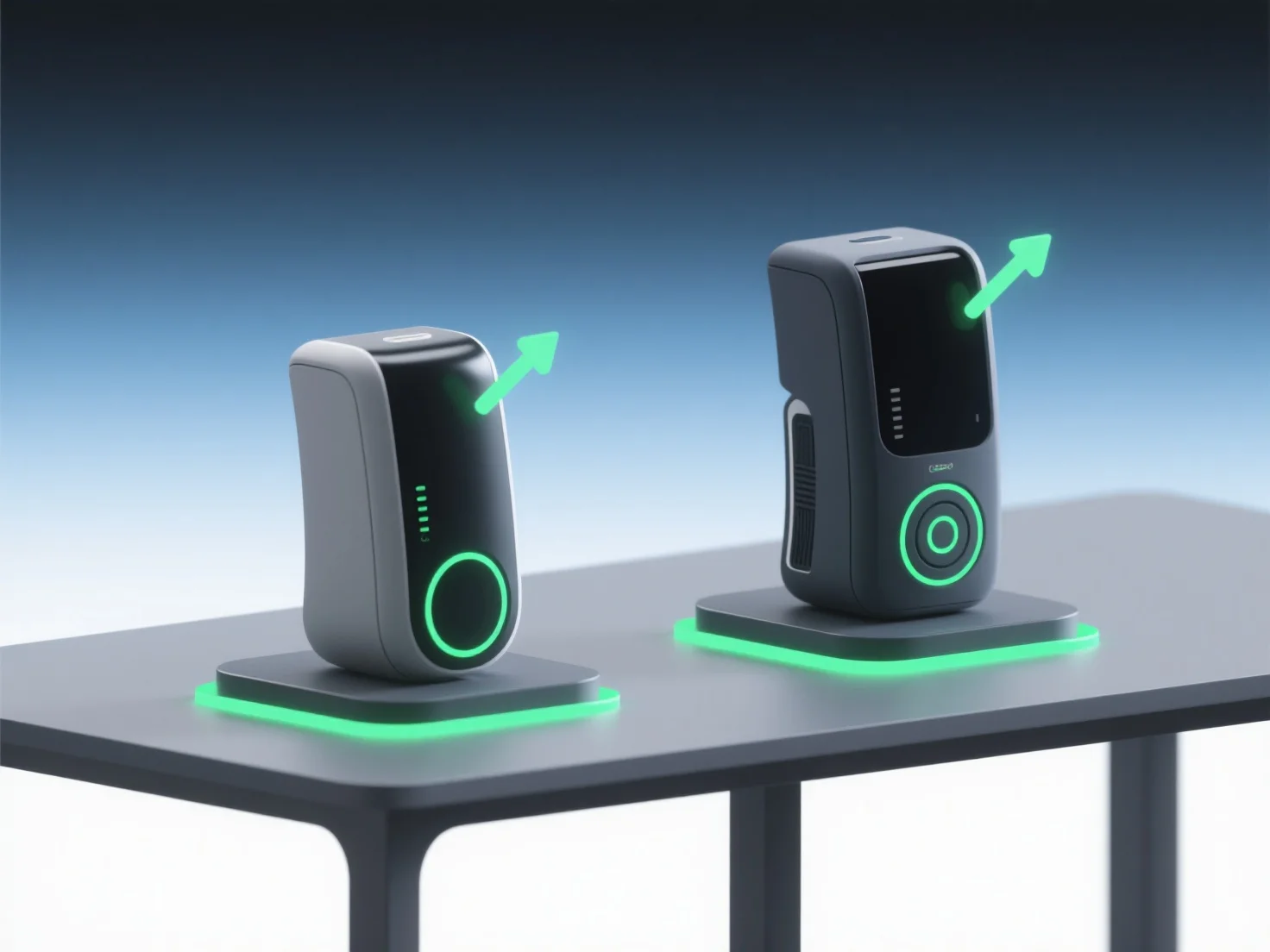
- **Visual clarity**: They replace abstract 2D drawings or verbal descriptions, allowing stakeholders to see spatial relationships, material textures, and aesthetic details in a lifelike, intuitive way. - **Dynamic comparison**: Use side-by-side 3D renders or animations to contrast iterations—e.g., showing facade variations or ergonomic differences—helping the audience quickly spot nuances. - **Interactive engagement**: Interactive 3D models let viewers zoom, rotate, or toggle features, fostering deeper understanding and alignment on preferred concepts.

By merging visual realism, dynamic contrast, and interactivity, 3D models streamline concept evaluation, ensuring the audience connects with and selects the best design efficiently.

前へ次へ
製品
Webスタジオ
APIプラットフォーム
機能
画像から3Dへ
マルチビューから3Dへ
リリーフ
セグメンテーション
モデル
汎用モデル
ポートレートモデル
リソース
ブログ
よくある質問
APIドキュメント
私たちについて
料金