


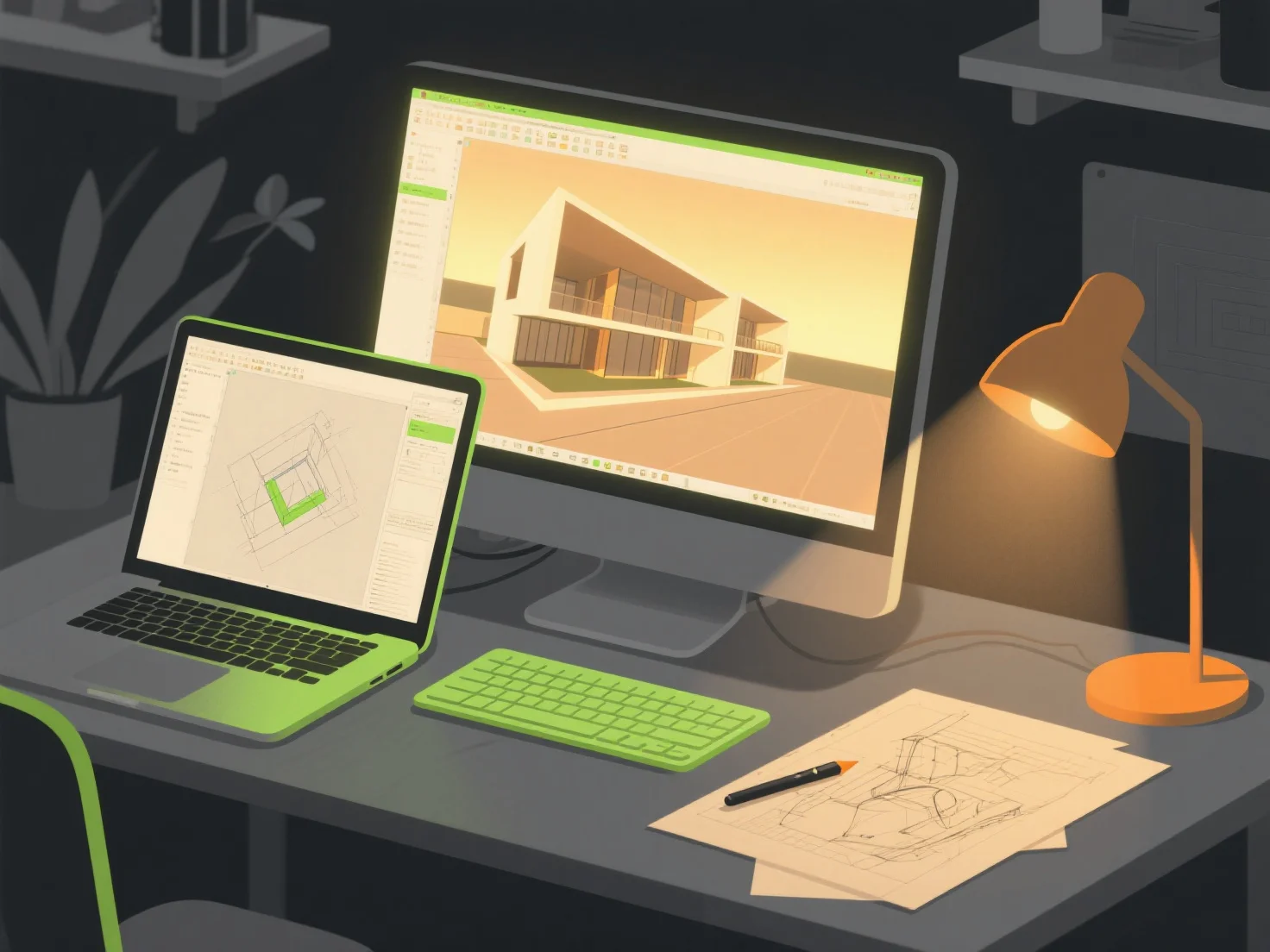
Saat menciptakan lingkungan fotorealistik untuk visualisasi arsitektur, kombinasi alat utama termasuk perangkat lunak pemodelan 3D, mesin rendering, dan perpustakaan tekstur/aset. Ini berkolaborasi untuk membangun struktur terperinci, menerapkan bahan yang realistis, dan mensimulasikan efek pencahayaan yang realistis.
Alat pemodelan 3D seperti SketchUp atau Blender pertama-tama membangun geometri arsitektur dasar, menyediakan bentuk dasar yang tepat untuk lingkungan.
Mesin rendering seperti V-Ray atau Enscape kemudian menangani simulasi material dan pencahayaan, menghasilkan bayangan, refleksi, dan gradien warna yang realistis untuk meningkatkan realisme.
Perpustakaan tekstur/aset seperti Quixel Megascans menambahkan detail permukaan berkualitas tinggi.
Bagi pemula, pasangan terintegrasi seperti SketchUp dengan Enscape menyederhanakan alur kerja, menawarkan pratinjau waktu nyata dan pengeditan intuitif untuk menyederhanakan proses penciptaan.