


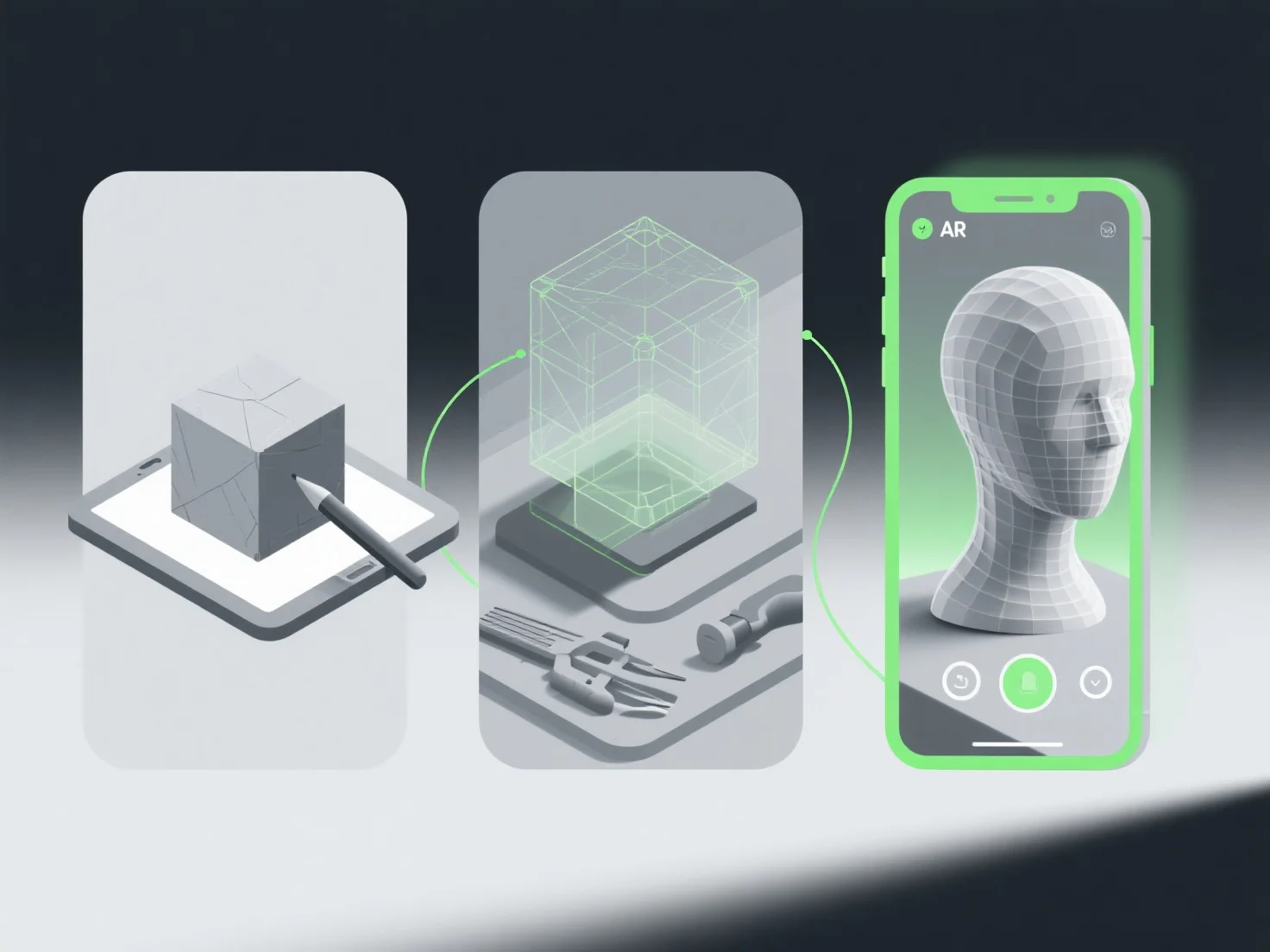
Alur kerja optimal untuk menciptakan model 3D untuk pengalaman augmented reality (AR) melibatkan penentuan persyaratan, pemodelan yang efisien, optimasi waktu nyata, integrasi khusus AR, dan pengujian ketat untuk memastikan kompatibilitas dan kinerja.
Pertama, definisikan kasus penggunaan AR dan kendala teknis: Perjelas platform targetnya.
Selanjutnya, buat model low-poly: Gunakan alat seperti Blender atau Maya untuk membangun geometri yang ringan, menghindari poligon berlebihan yang memperlambat rendering.
Kemudian optimalkan tekstur dan material: Terapkan tekstur yang terkompresi dan efisien.
Integrasikan elemen pelacakan AR: Tambahkan penanda atau titik fitur.
Akhirnya, uji di perangkat target: Validasi pada perangkat keras AR yang sebenarnya untuk memeriksa keterlambatan, gangguan, atau kompatibilitas, lalu lakukan iterasi untuk menyempurnakan model.
Alur kerja ini memastikan model AR ringan, konsisten secara visual, dan berperforma lancar, meningkatkan imersi pengguna dan mengurangi hambatan teknis.