


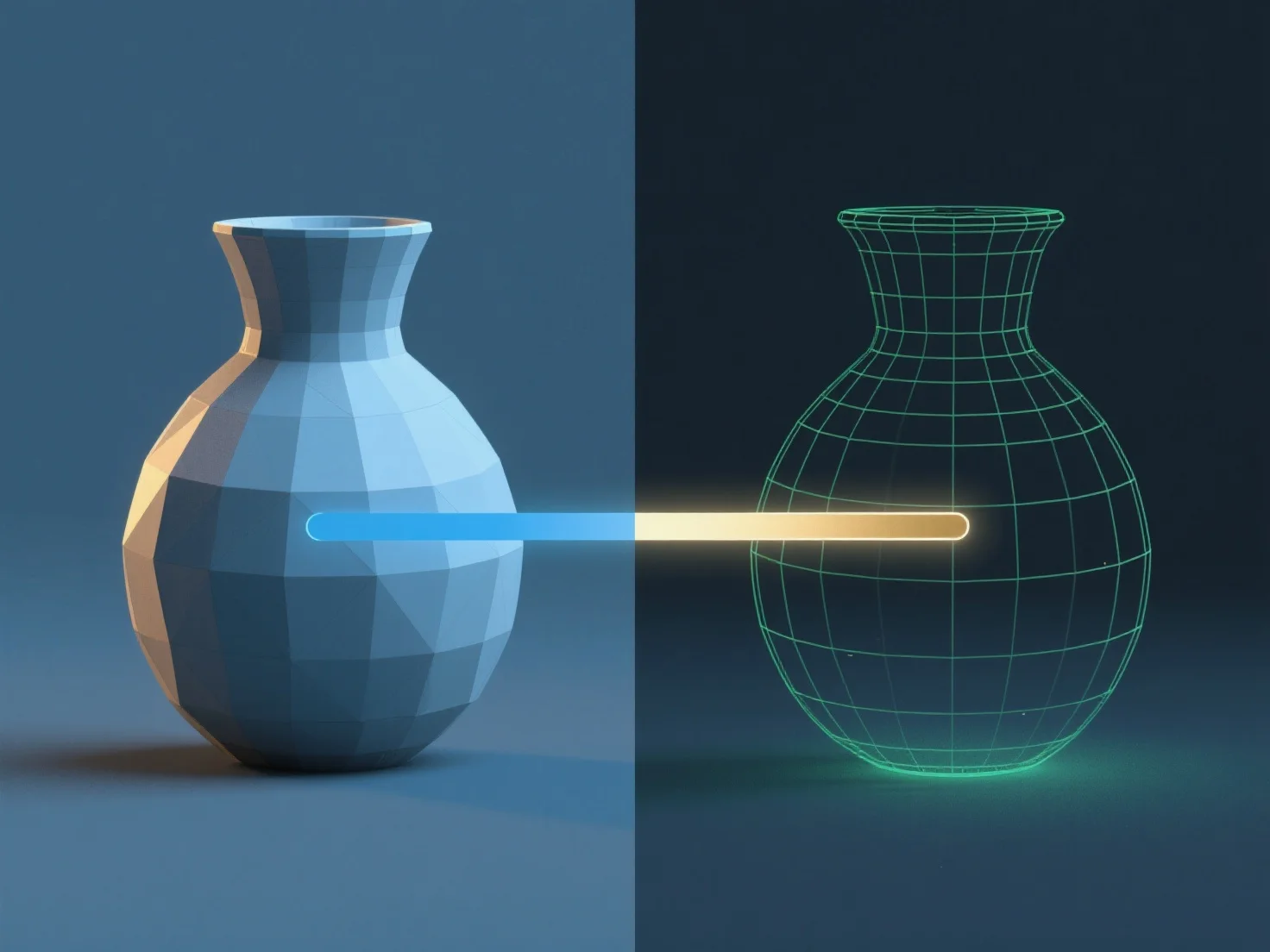
Render dalam pemodelan 3D adalah proses mengubah model 3D menjadi gambar 2D atau animasi dengan mensimulasikan cahaya, bahan, dan tekstur untuk menghasilkan visual yang realistis atau bergaya.
Untuk melakukannya: - Siapkan pencahayaan: Tentukan sumber cahaya (misalnya, ambient, directional) untuk meniru pencahayaan, memengaruhi bayangan dan kecerahan. - Tentukan properti material: Tetapkan atribut seperti warna, reflektifitas, atau transparansi ke permukaan untuk menentukan interaksi cahaya. - Posisikan kamera virtual: Sesuaikan sudut, panjang fokus, dan kedalaman bidang untuk membingkai adegan. - Gunakan mesin rendering: Alat-alat
Perangkat lunak umum seperti Blender atau Maya mengintegrasikan langkah-langkah ini. Pemula dapat memulai dengan preset untuk memahami alur kerja sebelum menyesuaikan pengaturan lanjutan.