


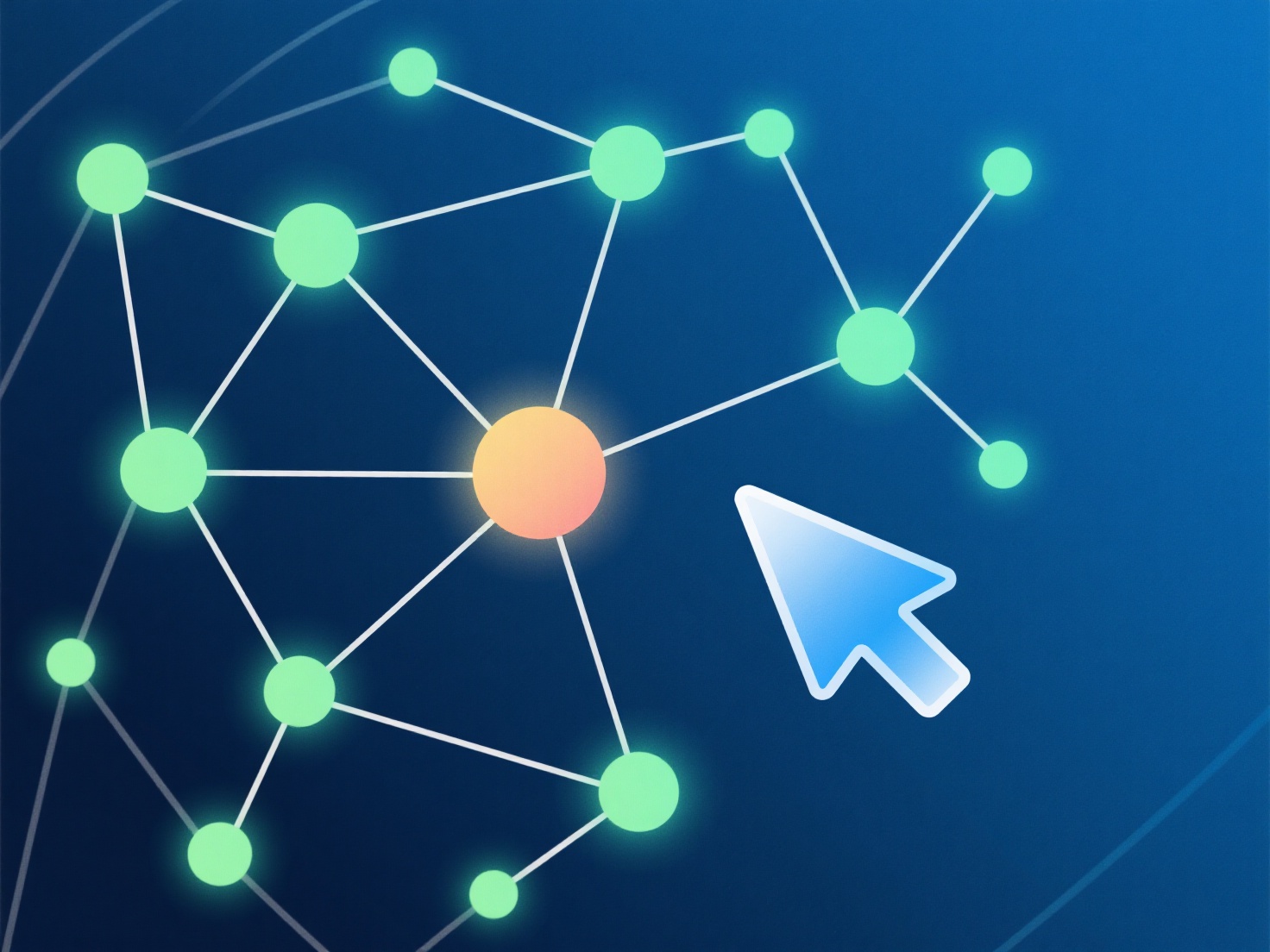
Pemula dapat mengubah foto menjadi model 3D menggunakan alat fotogrametri yang ramah pengguna yang mengotomatiskan pembuatan dari bidikan sudut ganda.
- **Cara kerjanya**: Fotogrametri menganalisis 20+ foto yang tumpang tindih untuk mencocokkan fitur, membangun awan titik 3D (titik-titik yang terhubung), dan menghasilkan mesh (permukaan). - **Alat yang digunakan**: Cobalah Polycam (seluler) atau Meshroom (desktop). Mereka memandu Anda melalui proses mengunggah, menghasilkan model secara otomatis, dan menyesuaikan pengaturan dasar (misalnya, kualitas tekstur) tanpa coding. - **Tips untuk pemula**: Mulailah dengan objek kecil yang bertekstur.
Awalnya, gunakan alat dan objek sederhana untuk mempelajari prosesnya tanpa merasa frustrasi.