


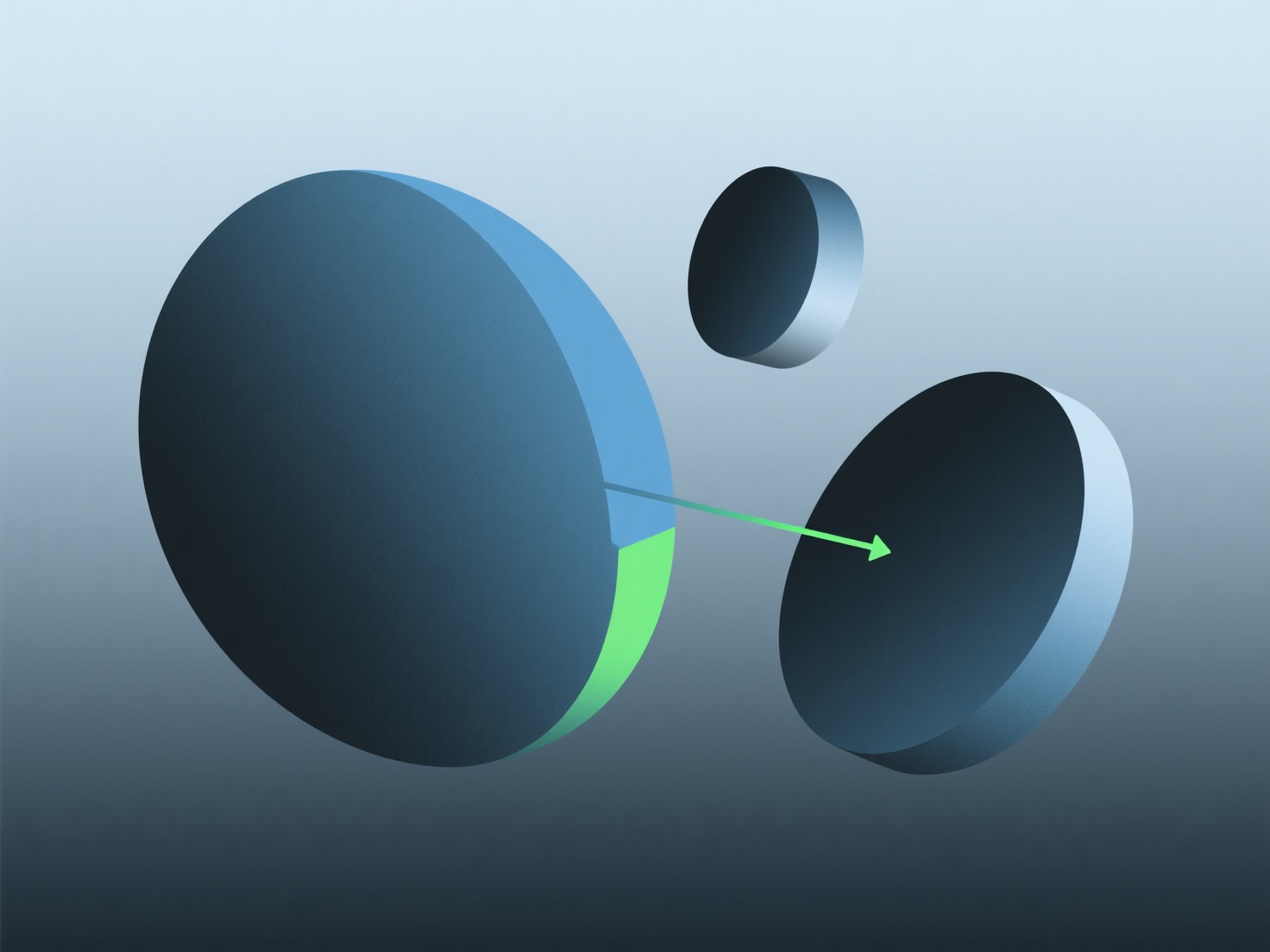
Untuk memperbaiki bagian-bagian yang hilang dalam model peta 3D, isi celah-celah menggunakan ekstrapolasi otomatis atau alat pengeditan manual.
- **Ekstrapolasi**: Menggunakan data kedalaman yang valid di sekitarnya untuk menebak celah-celah kecil. Mulai dengan mengisi otomatis di editor dasar. - **Pengeditan manual**: Menyesuaikan kedalaman secara langsung untuk celah yang lebih besar/kompleks.
Untuk pemula, gunakan auto-fill untuk masalah kecil; sementara itu, gunakan kuas untuk area yang lebih besar agar tetap konsisten.