


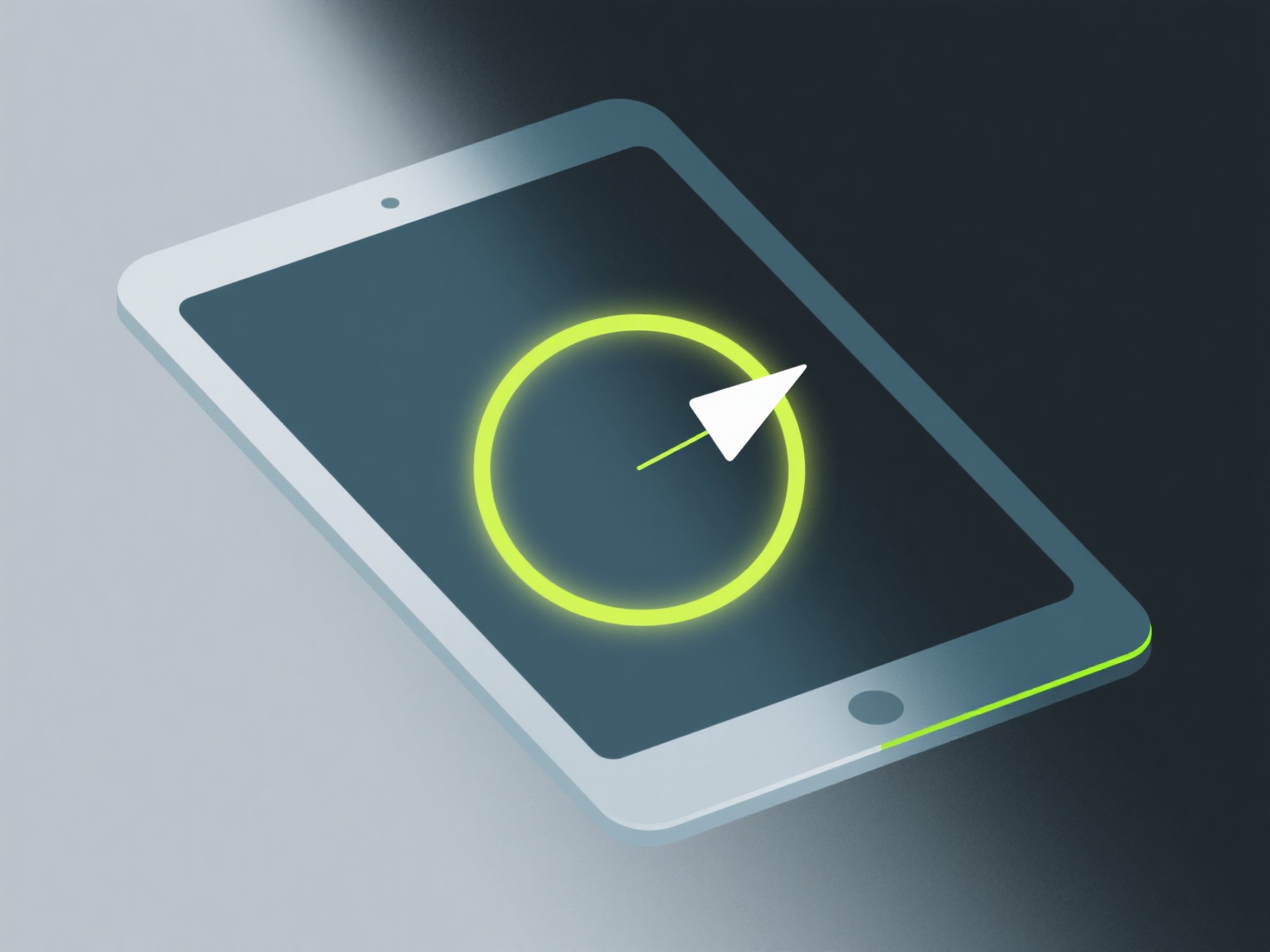
Para pengembang indie dapat mewarnai model 3D isometrik dengan menggunakan alat-alat seperti Blender (untuk tekstur 3D) atau Aseprite (untuk seni piksel) untuk menerapkan warna-warna datar dan berani serta bayangan tepi halus yang melengkapi pandangan miring dari perspektif isometrik.
Tetaplah menggunakan palet warna terbatas (4-6 warna) untuk menjaga gaya tetap kohesif. Warna datar bekerja paling baik untuk model isometrik karena mereka menjaga kejelasan pada ukuran kecil, yang umum dalam game indie. Tambahkan bayangan di sepanjang tepi isometrik (seperti wajah atas yang lebih terang dan wajah sisi yang lebih gelap) untuk mendefinisikan kedalaman tanpa memperumit tampilan.
Jika kamu baru, mulailah dengan satu warna dasar per objek, lalu tambahkan 1-2 variasi nuansa. Alur kerja sederhana ini membantumu melatih kedalaman tanpa terjebak pada detail yang tidak perlu.