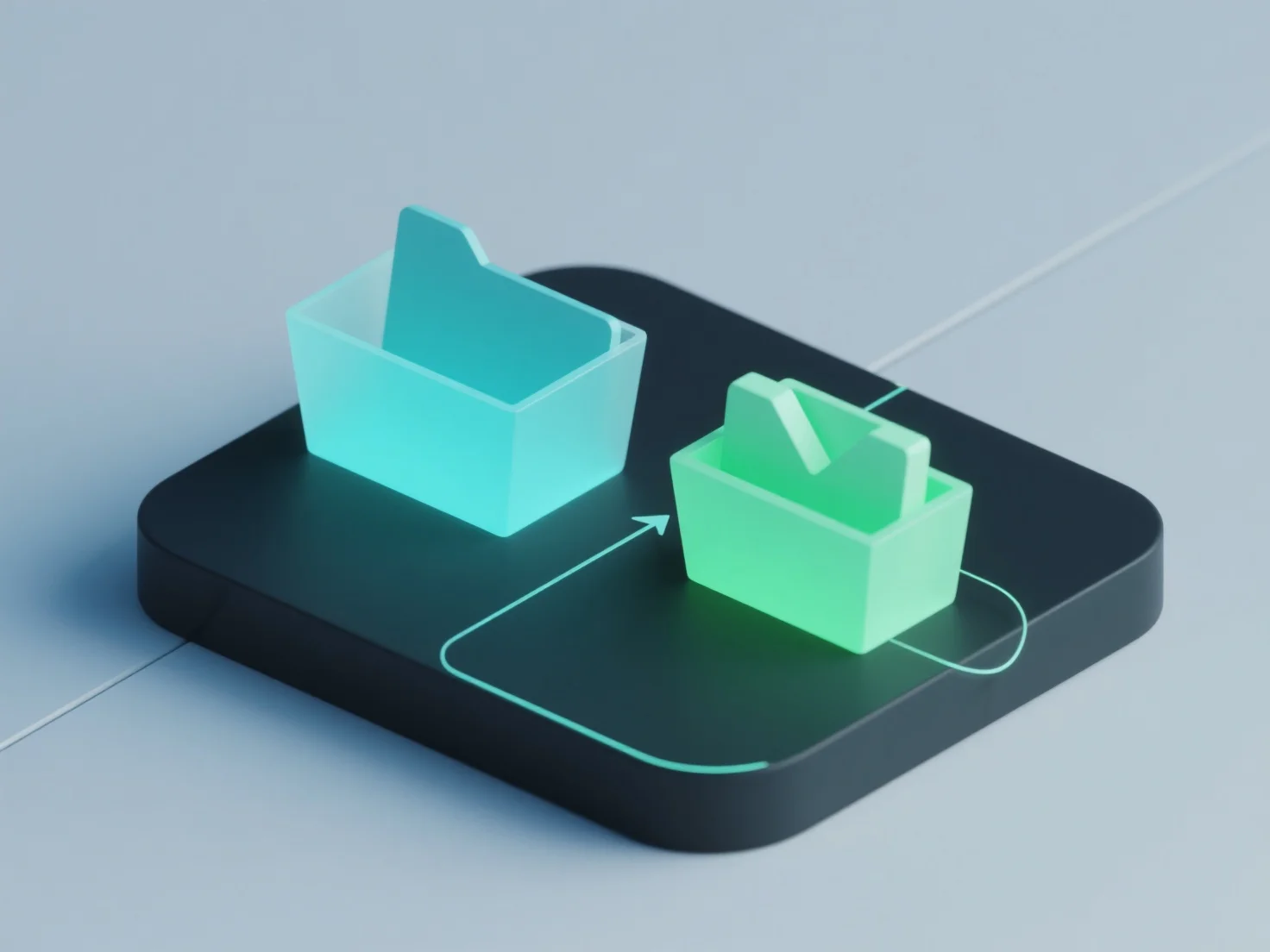
Proses mengimpor/mengekspor model 3D dalam perangkat lunak biasanya melibatkan pemilihan format file yang kompatibel, mengonfigurasi pengaturan impor/ekspor, dan memvalidasi integritas data untuk memastikan transfer aset yang akurat. - **Pilih format yang kompatibel**: Pilih dari tipe yang didukung oleh perangkat lunak (misalnya, OBJ untuk model statis, FBX untuk animasi, STL untuk pencetakan 3D) berdasarkan kasus penggunaan. - **Sesuaikan pengaturan**: Konfigurasikan parameter seperti skala, inklusi tekstur, atau sistem koordinat agar sesuai dengan persyaratan perangkat lunak target. - **Validasi data**: Setelah transfer, periksa geometri, materi, dan animasi untuk kelengkapan dan akurasi guna menghindari kehilangan atau kerusakan. Ini memastikan aset 3D dapat ditukar secara mulus antar alat, mendukung alur kerja dari pemodelan hingga mesin game atau pencetakan 3D.


Bagaimana proses mengimpor dan mengekspor model 3D ditangani dalam perangkat lunak?
Mengimpor/mengekspor model 3D melibatkan pemilihan format yang kompatibel, menyesuaikan pengaturan, dan memvalidasi data untuk transfer yang akurat.