


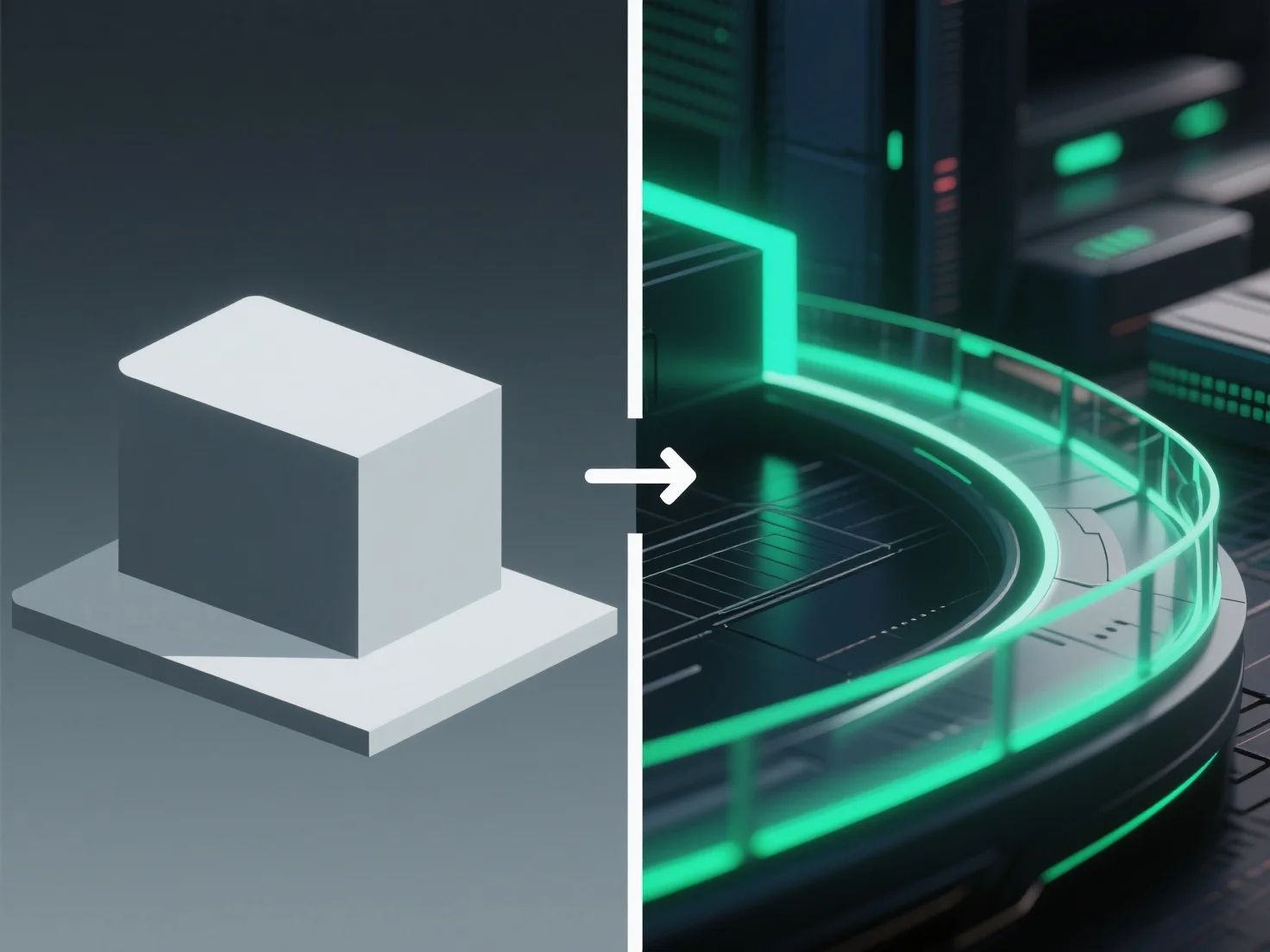
Post-processing meningkatkan rendering 3D dengan menyesuaikan elemen visual seperti warna, pencahayaan, dan tekstur setelah rendering awal, menyempurnakan realisme dan daya tarik keseluruhan.
Penyesuaian utama meliputi: - Memperbaiki pencahayaan yang tidak merata untuk menyeimbangkan kecerahan di seluruh adegan. - Meningkatkan kontras untuk mempertajam detail dan meningkatkan kedalaman. - Menambahkan efek halus seperti bloom (halo cahaya lembut) atau depth of field (pengaburan latar belakang) untuk meniru perilaku kamera di dunia nyata.
Untuk pemula, alat seperti kompositor Blender atau perangkat lunak gratis GIMP mempermudahkan pemrosesan pasca. Mulailah dengan penyesuaian dasar (kecerahan, keseimbangan warna, ketajaman) untuk meningkatkan kualitas rendering tanpa pengaturan yang rumit.