


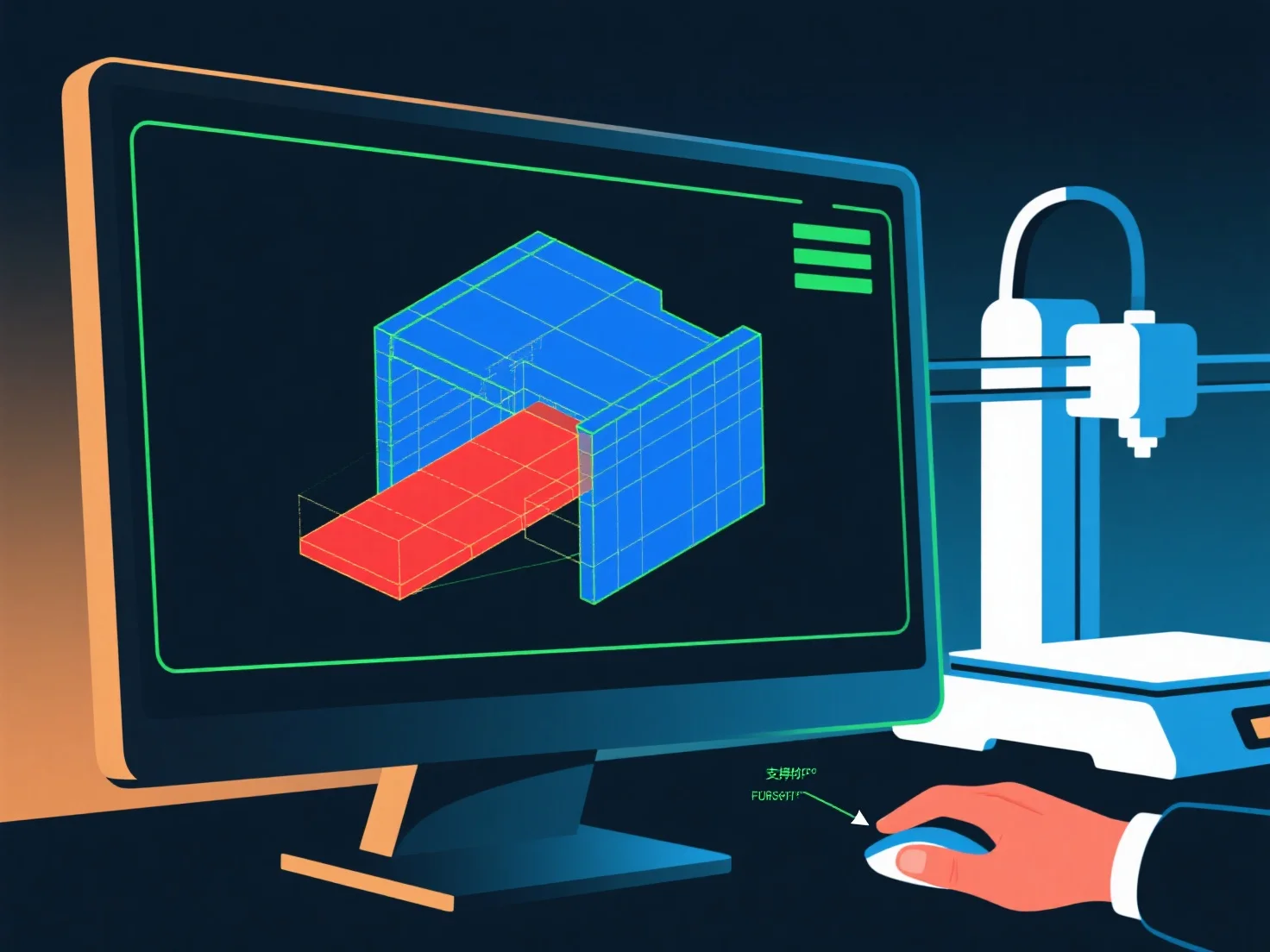
Seorang pemodel 3D memastikan kesiapan untuk pencetakan 3D dengan memverifikasi integritas geometri, stabilitas struktural, dan kemampuan cetak, dengan pemeriksaan kunci untuk mencegah kegagalan umum.
Pertama, konfirmasikan bahwa model tersebut kedap air: Perbaiki celah, lubang, atau tepi non-manifold (tepi yang terhubung ke <2 atau >2 wajah), karena ini menyebabkan kesalahan slicing.
Kedua, pertahankan ketebalan dinding yang tepat: Pastikan dinding cukup tebal (1-3mm, tergantung bahan) untuk menghindari kerusakan; hilangkan bagian yang terlalu tipis yang rentan runtuh.
Ketiga, kelola overhang: Pertahankan sudut ≤45° jika memungkinkan; untuk overhang yang lebih curam, tambahkan penyangga melalui perangkat lunak pemodelan atau desain ulang untuk mengurangi area yang tidak didukung.
Akhirnya, uji dengan alat-alat slicer: Pratinjau layer, periksa kesalahan, dan sesuaikan pengaturan.