


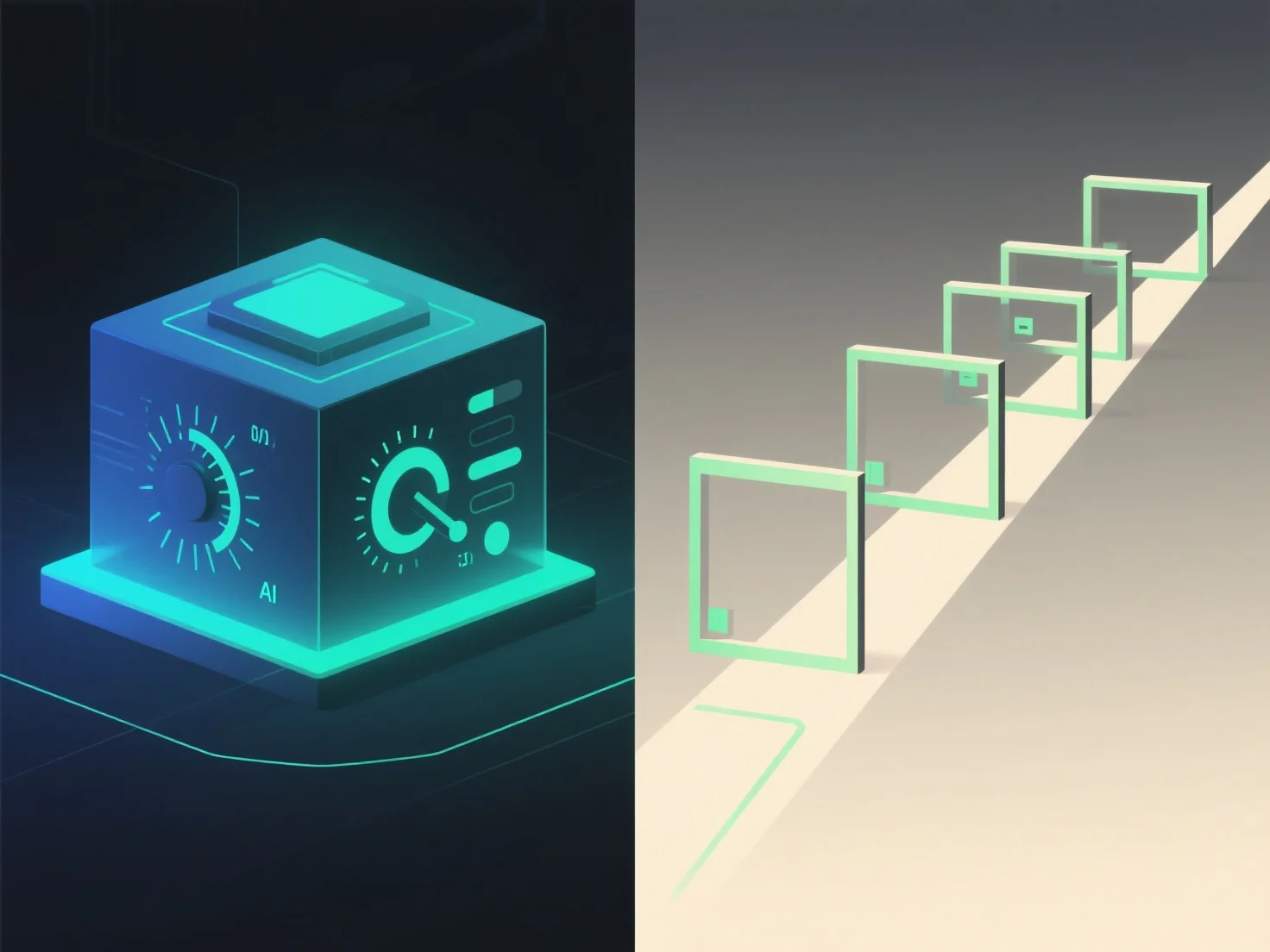
Prediksi 3D dengan kontrol pengguna dan presentasi terpandu terutama berbeda dalam hal interaktivitas dan kontrol atas pengalaman. Prediksi 3D yang dikendalikan pengguna memungkinkan pemirsa untuk menavigasi, memutar, atau memperbesar konten 3D secara independen, sedangkan presentasi terpandu mengikuti urutan yang telah ditentukan sebelumnya dan dipimpin oleh presenter.
Tingkat interaktivitas: Kontrol pengguna memungkinkan pemirsa untuk menjelajahi dengan kecepatan mereka sendiri, dengan fokus pada area yang menarik. Ideal untuk inspeksi terperinci atau pembelajaran yang dipersonalisasi. Presentasi terpandu, sebaliknya, mempertahankan alur terstruktur, memastikan pesan kunci disampaikan dalam urutan tertentu.
Aplikasi ideal: Skenario setelan 3D yang dikendalikan pengguna, seperti demo produk.
Secara singkat, 3D yang dikendalikan pengguna menawarkan kebebasan eksplorasi, sedangkan presentasi terpandu memastikan komunikasi terstruktur dan disengaja.